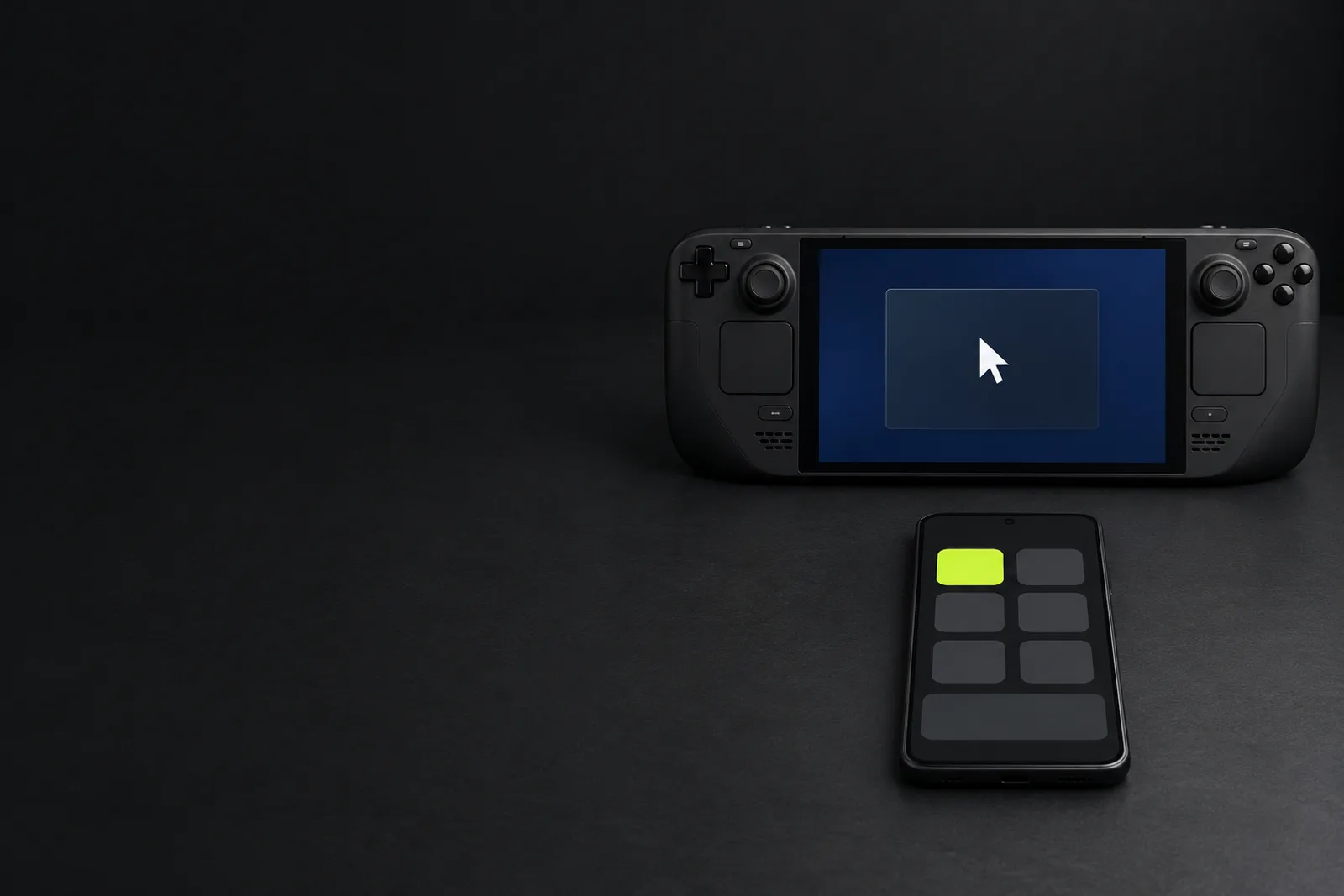
Control your Steam Deck from your phone
Mouse, keyboard and shortcuts for the Deck, on the phone you already carry.
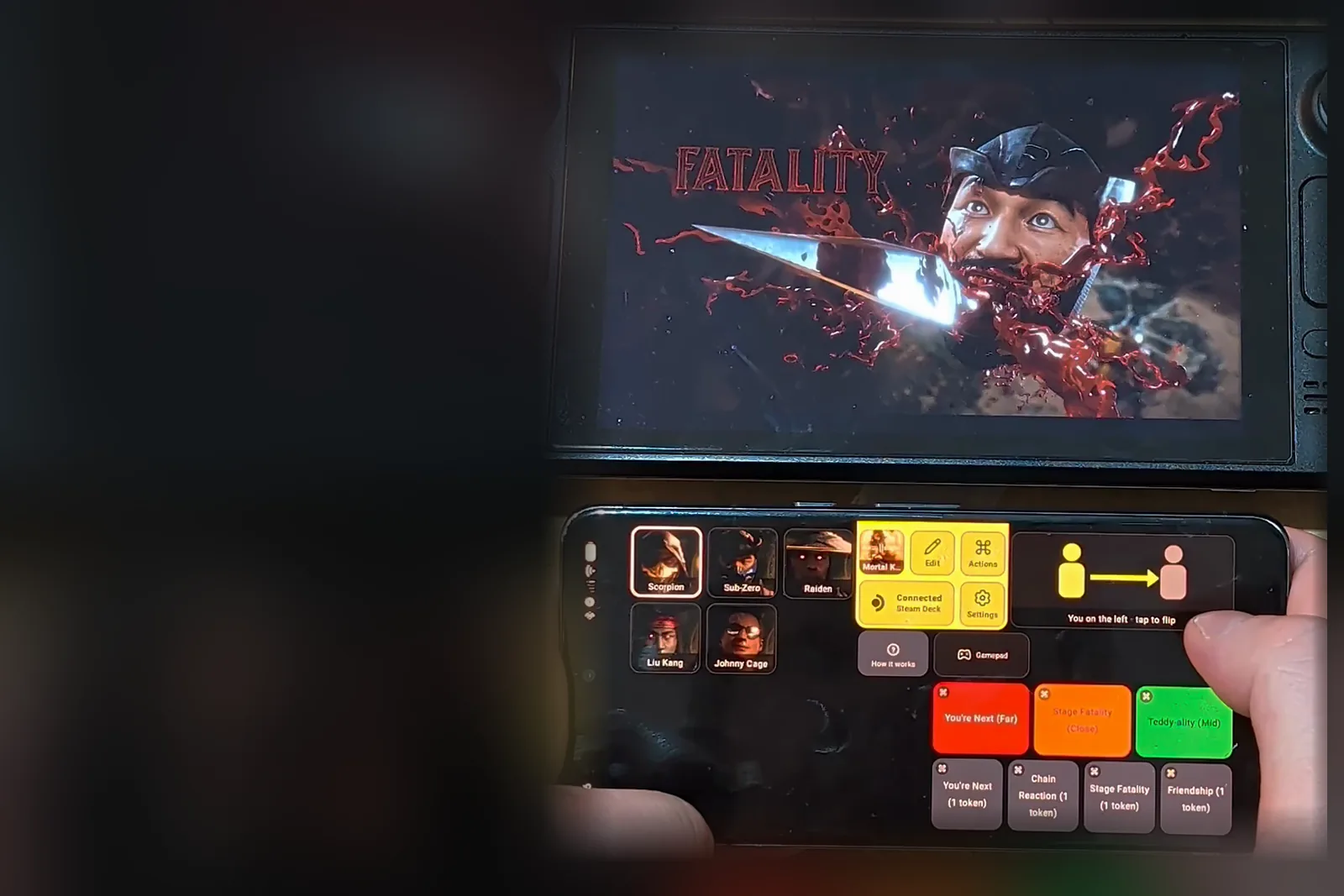 Mortal Kombat 11

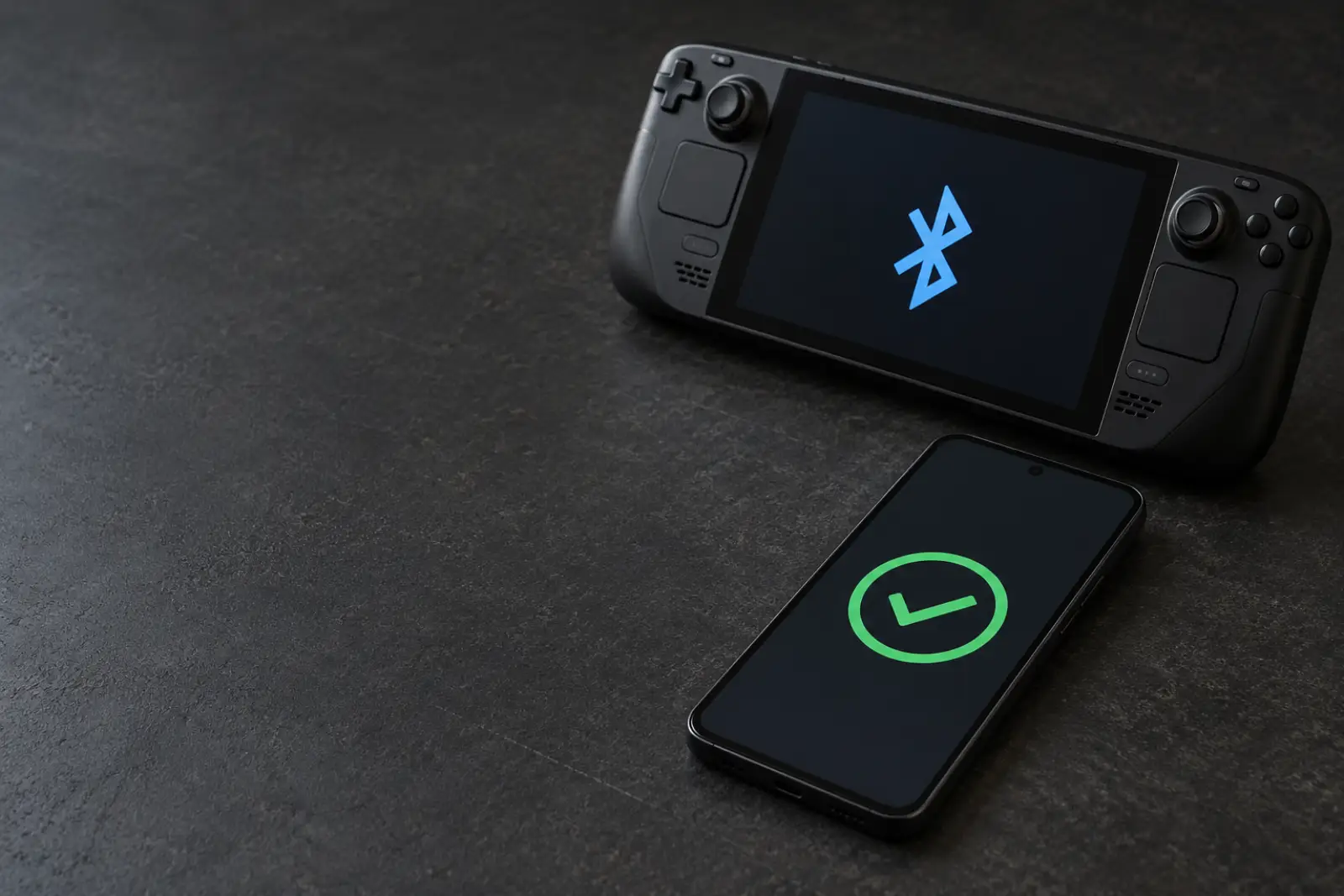 Connect Android phone to Steam Deck
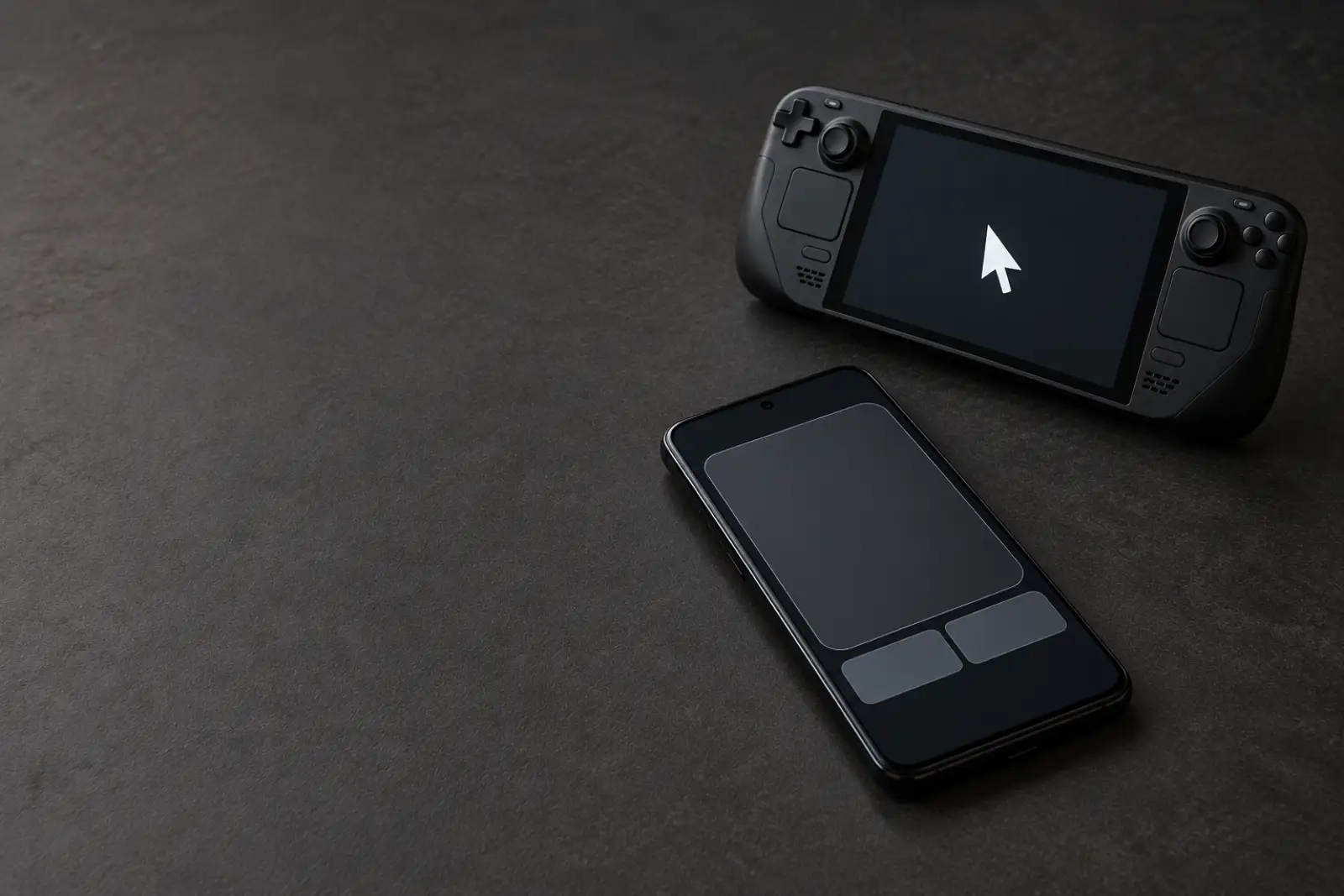 Phone as a Steam Deck mouse and keyboard
 Connect phone to Steam Deck over Wi-Fi
 Full Throttle Remastered on Steam Deck: phone mouse and hotkeys

 Steam Deck keyboard
 Crusader Kings III on Steam Deck with your phone
 Paradox Launcher on Steam Deck
 GOG on Steam Deck with Heroic

 Steam Sale on Steam Deck with a phone mouse
 How to install Decky Loader
 Mass Effect on Steam Deck: EA app

 Red Dead Redemption 2 on Steam Deck: Rockstar launcher

 The Witcher 3 on Steam Deck: REDlauncher
 Assassin's Creed Origins on Steam Deck: Ubisoft login

 GTA V on Steam Deck: Rockstar launcher
 Steam Deck Bluetooth connects then disconnects
 Connect iPhone to Steam Deck
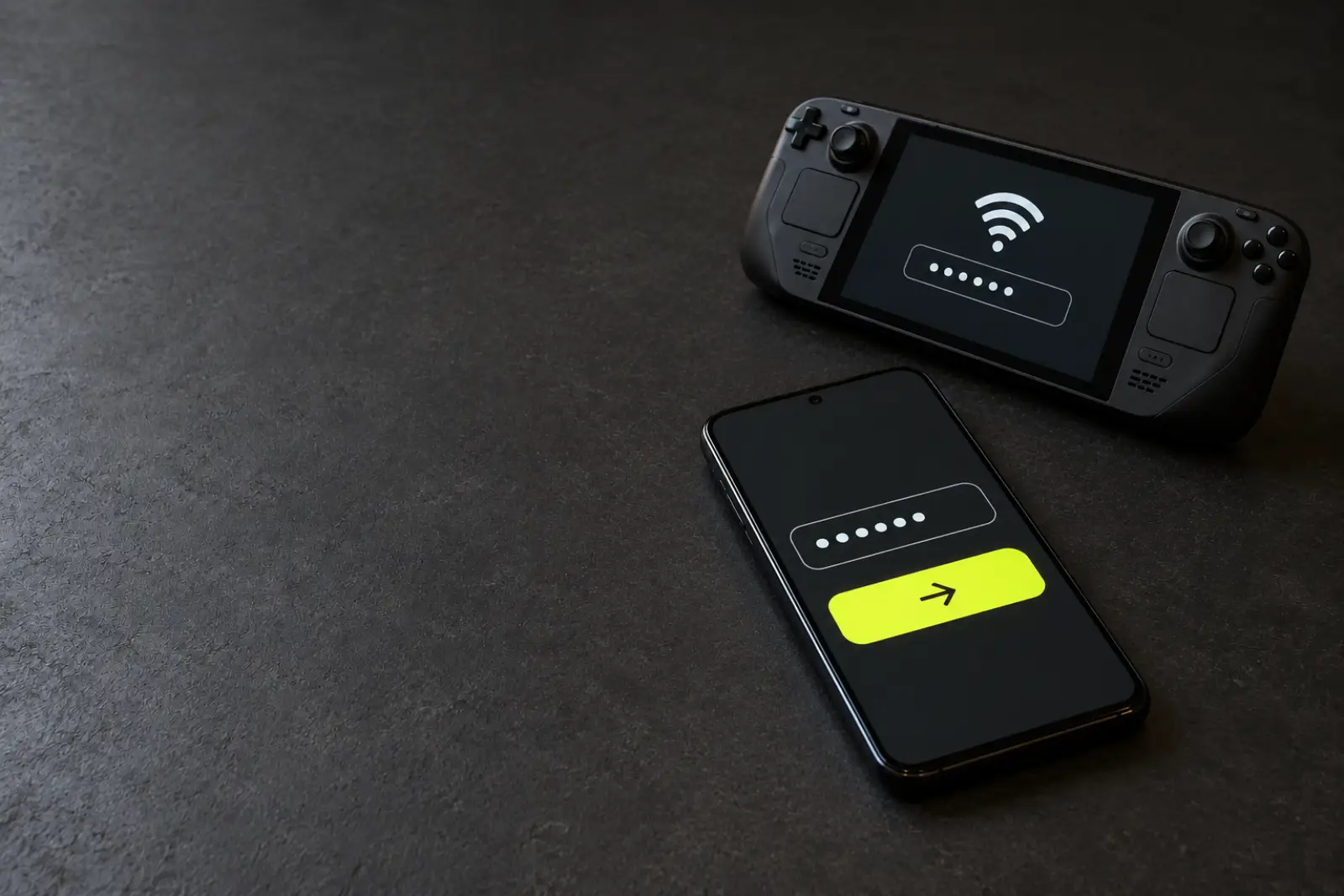 Steam Deck Wi-Fi password from an Android phone
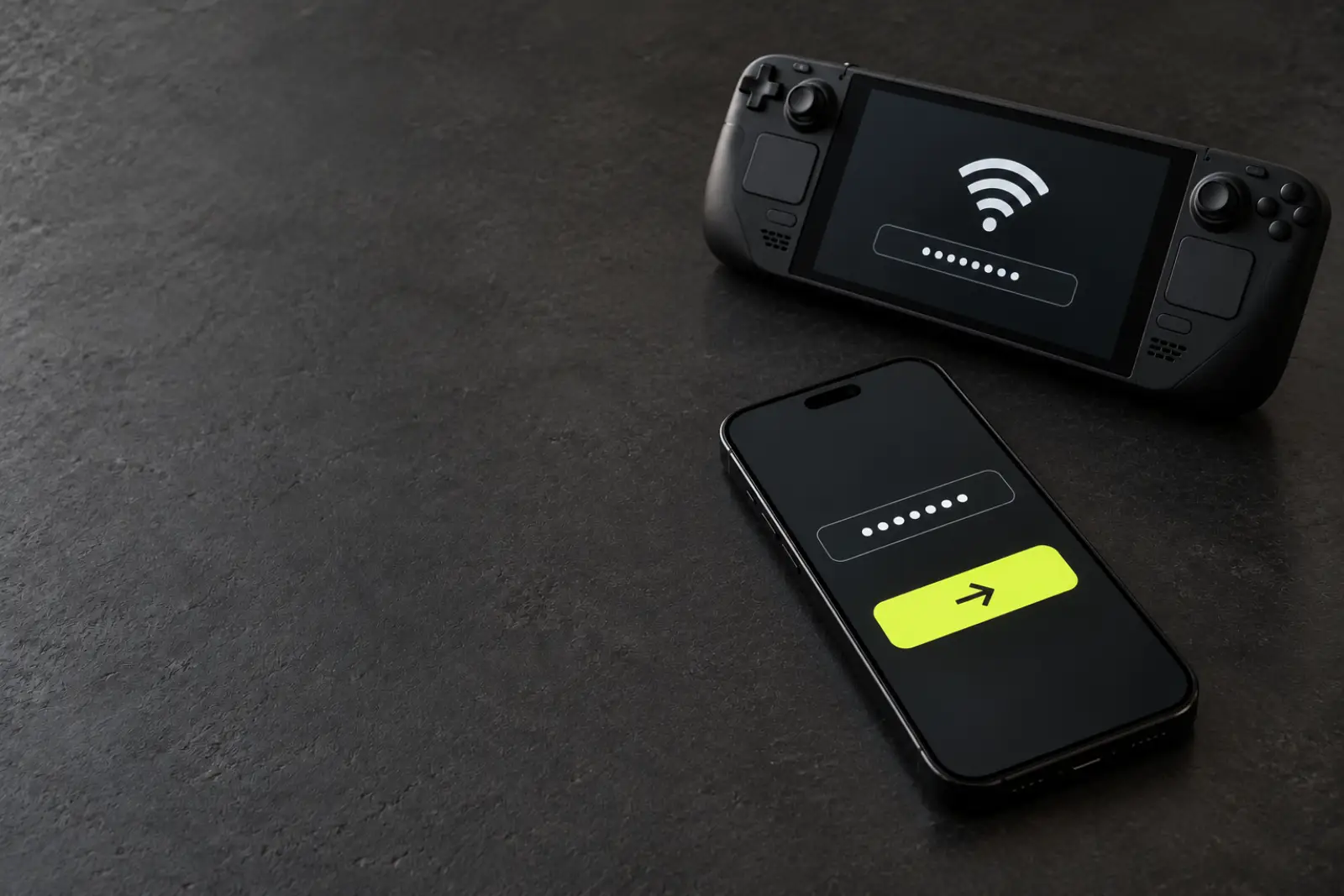 Steam Deck Wi-Fi password from an iPhone
 Assassin's Creed IV on Steam Deck: Ubisoft login
 Epic Games on Steam Deck with Heroic

 Install Battle.net on Steam Deck with NonSteamLaunchers

 Far Cry 3 on Steam Deck: Ubisoft login
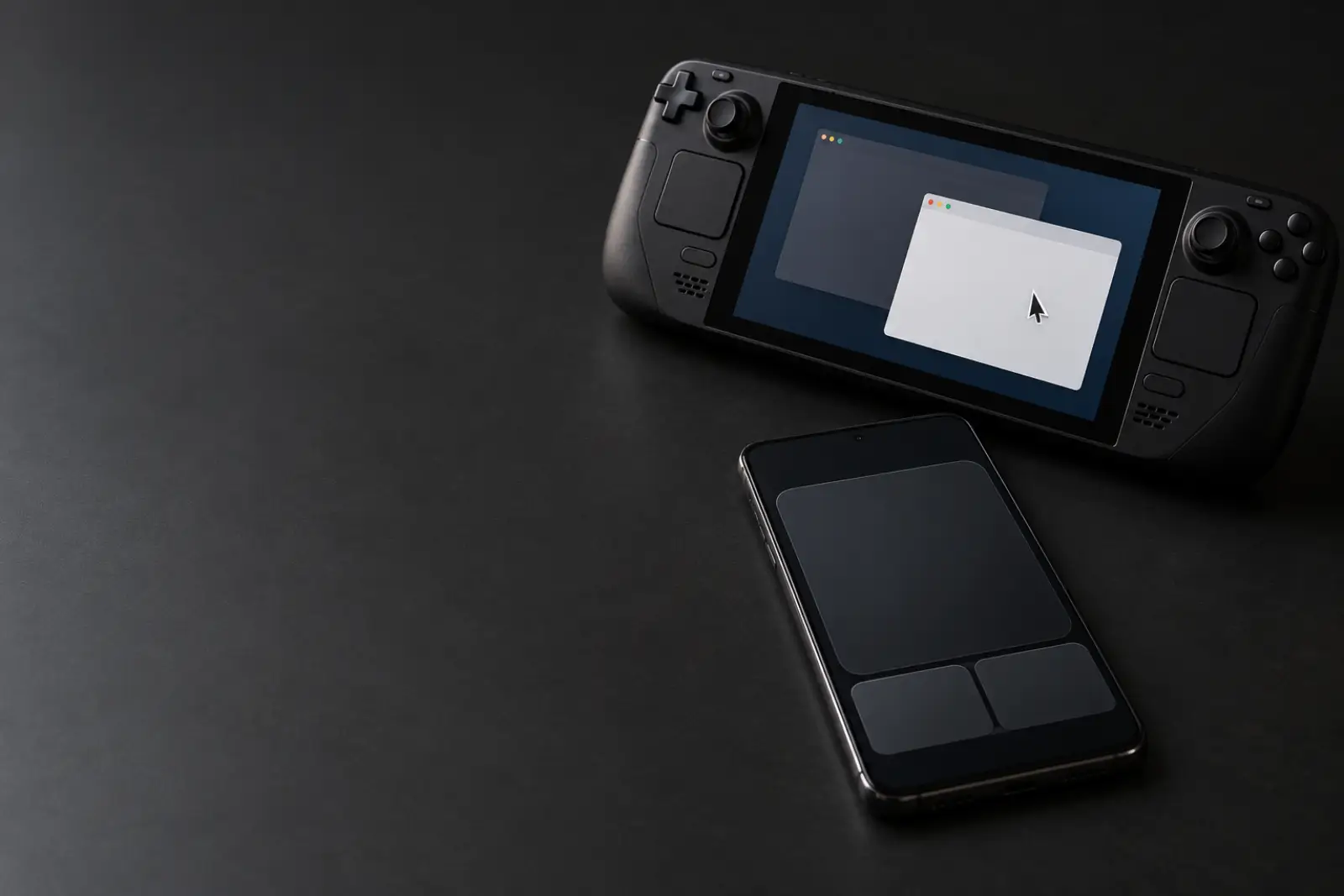 Steam Deck Desktop Mode keyboard and mouse
The Steam Deck is built for a controller, but plenty of PC games, launchers and Desktop Mode still expect a mouse and a keyboard. The trackpads are small and the on-screen keyboard is slow for passwords and long text.
Deck Pointer turns your phone into a Bluetooth mouse, keyboard and gamepad for the Deck. Nothing is installed on the Deck for Bluetooth; when Bluetooth will not hold, the free Steam Deck app connects over Wi-Fi.
These guides walk through one game, launcher or task at a time, with the exact screens and, where it helps, a ready-made layout to add to your phone.