Your Steam Deck.
Remote controlled.
Turn your phone into a wireless mouse and keyboard for your Steam Deck games. Point, click, type, play — nothing to install on the Deck.

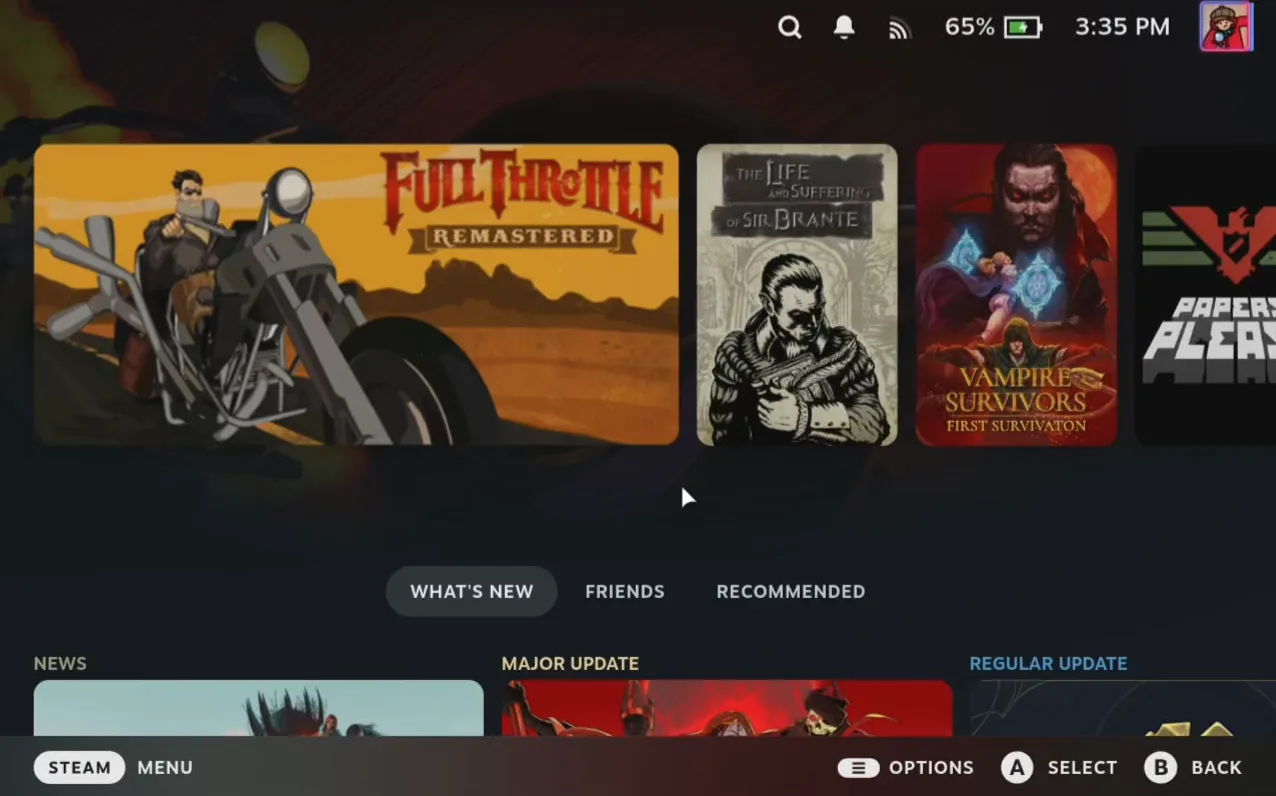
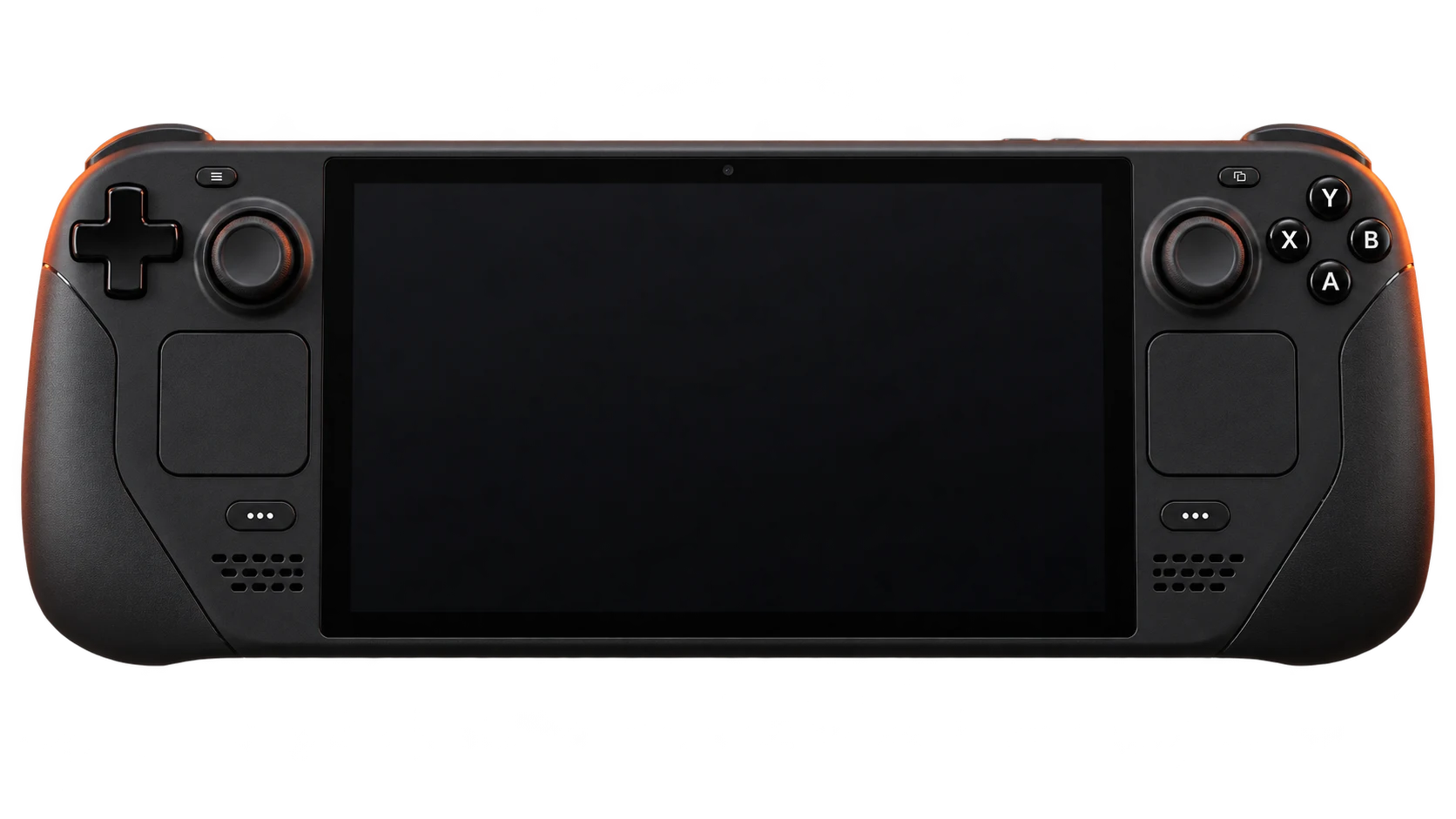
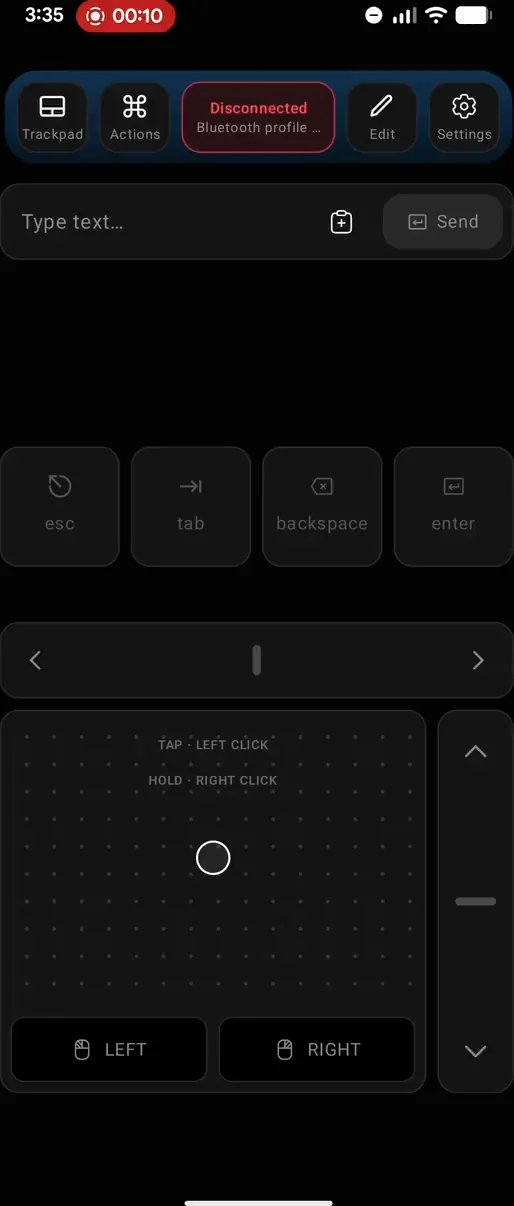
Deck Pointer controls an action on a handheld gaming PC from a phone.
Big screen. Same Deck.
Your TV. Your games. Your phone.
Connect your Steam Deck to the TV with a dock or USB-C to HDMI adapter. Pair your phone over Bluetooth. Play from the couch.
Gamepad · Mouse · Keyboard
Nothing to install on the Deck.

Steam Deck Compatibility
Playable. You know the catch.
Launcher logins. Manual keyboard pop-ups. Menus built for a mouse.


- A launcher needs a login.
- A text field needs a keyboard.
- A menu needs a mouse.
The warnings you already know


Get past it. From your phone.
Type, click and replay saved Actions. Nothing to install on the Deck.
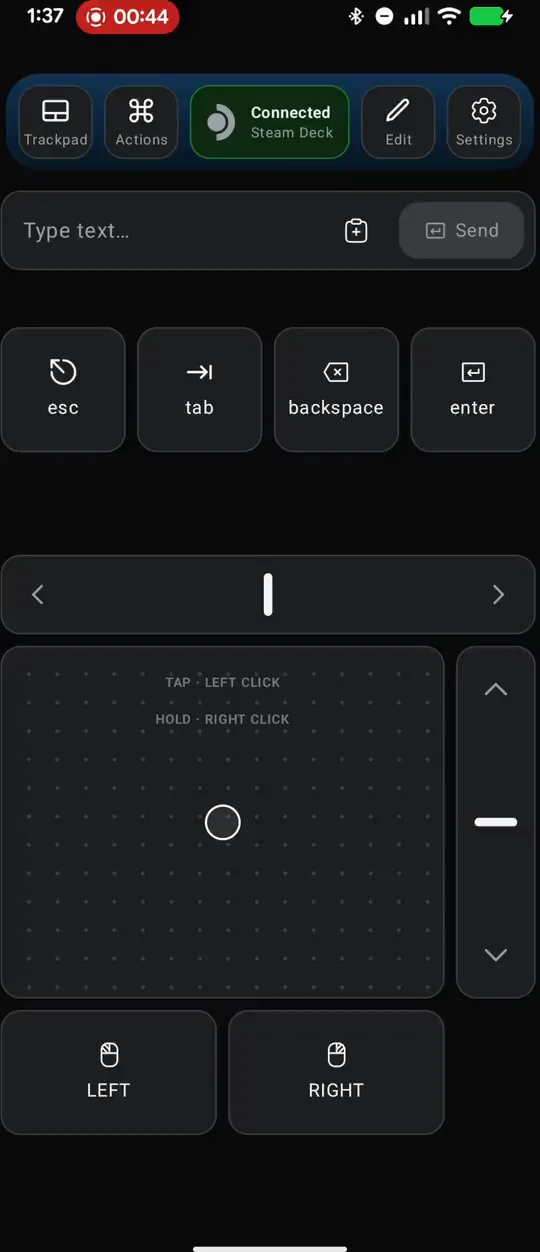
Any controller the game needs.
Text field, key combos, an analog trackpad, two sticks, triggers, scroll — every input Deck Pointer can send to your Steam Deck.
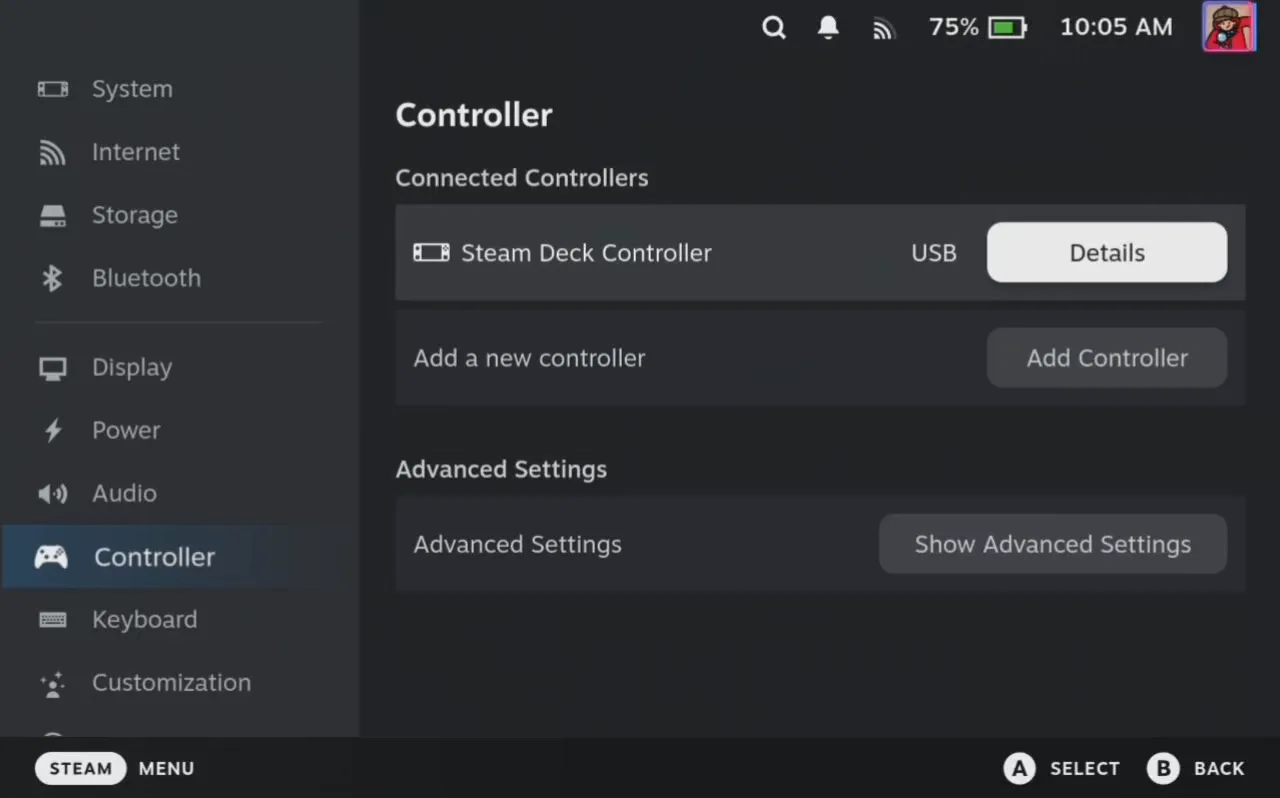
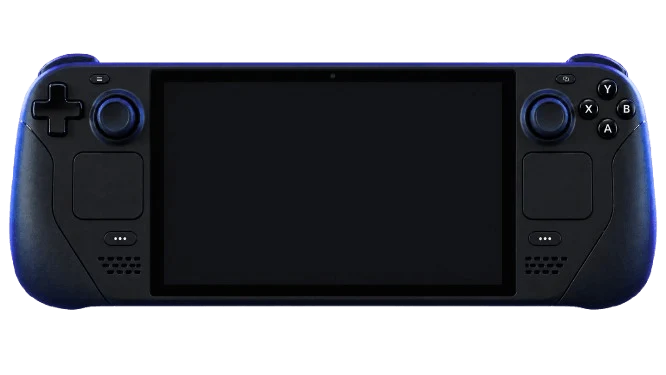
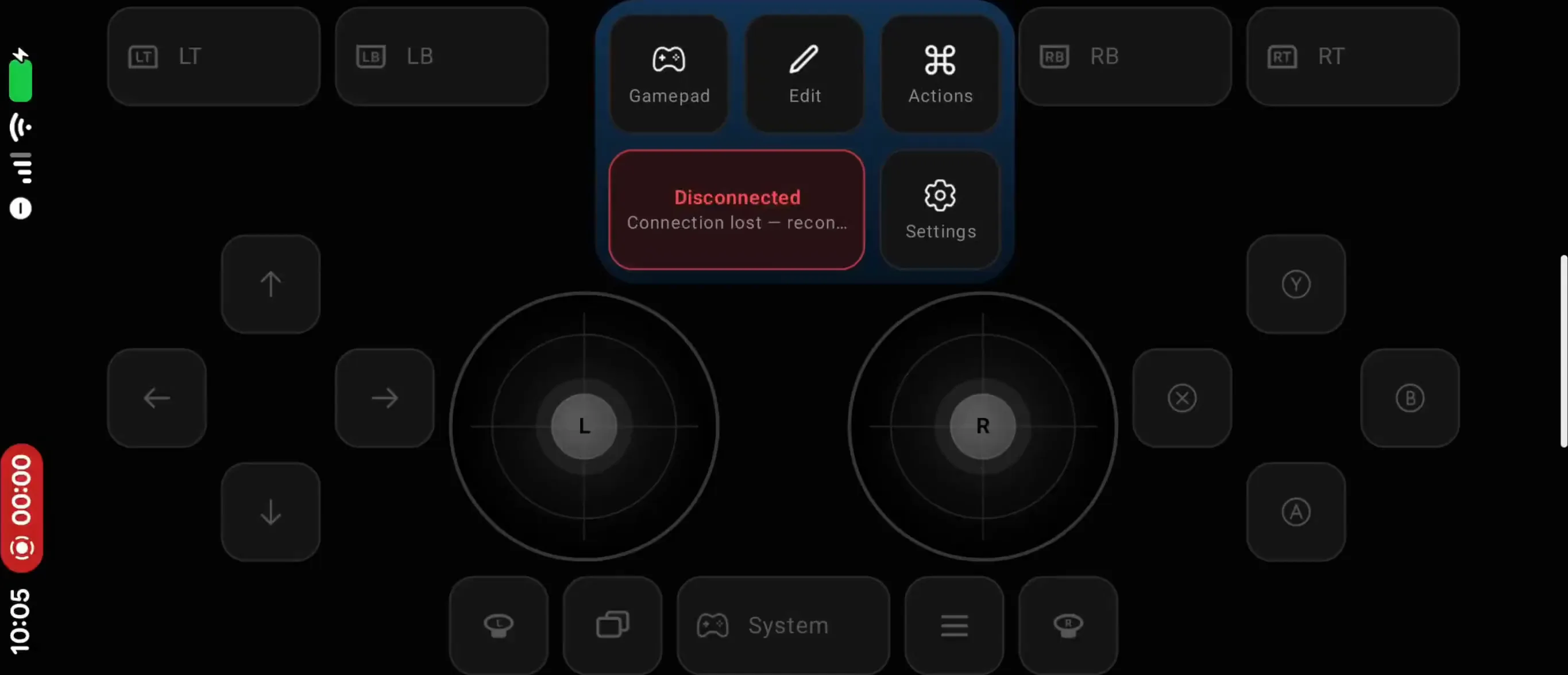
Deck Pointer's phone controller drives a handheld gaming PC.
It just works.
Every stick, trigger, and button fires, with barely any lag — nothing missing, nothing dropped. Officially supported, verified right inside the Deck's own controller test screen.
Build it your way.
Move keys, cursor, size — anything. Save it as a preset for a quest, a strategy, a specific game, your esports setup — however you like it.
Record it once. Tap it after that.
Anything you do more than twice — a store login, a menu you always reopen, a search box in Desktop Mode — record it as an Action. Deck Pointer replays the cursor moves, clicks, waits and keystrokes exactly as you made them. Old launchers asking for a password on the Deck's on-screen keyboard are the worst of them; one tap and you're in.
Actions live only on your phone. No cloud, no account, no sync — the data is yours and it stays on the device.
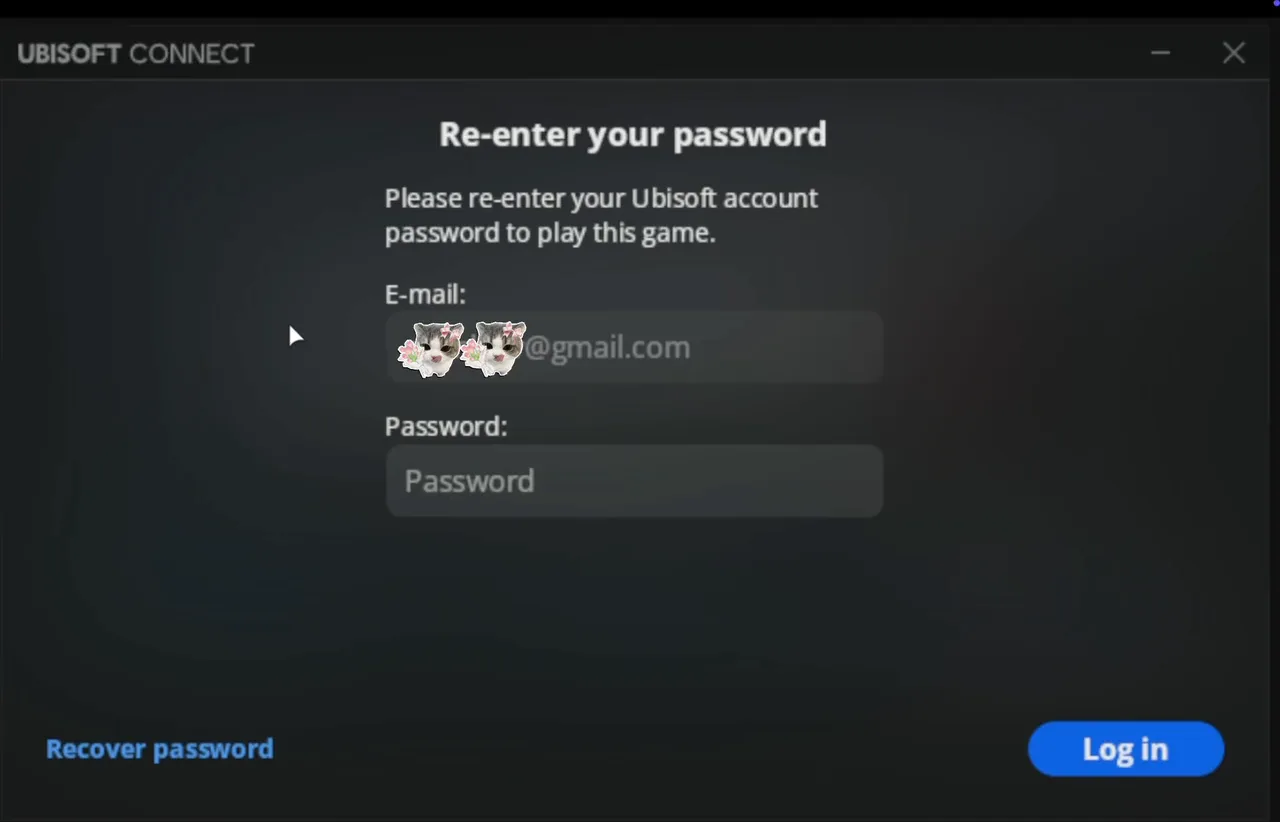
Deck Pointer controls an action on a handheld gaming PC from a phone.
Questions, answered.
The short version of everything people ask before they install.
Does this only work with Steam Deck?
No. Your phone connects as an ordinary Bluetooth mouse, keyboard and gamepad (HID) — Steam Deck is just what we test on, since it's our main use case. It works with anything that accepts a Bluetooth peripheral: PC handhelds (Steam Deck, ASUS ROG Ally / Ally X, Lenovo Legion Go / Go S, MSI Claw, AYANEO, GPD Win, ONEXPLAYER), Windows, macOS, Linux, ChromeOS, Android TV / Google TV, Apple TV, Nvidia Shield, Fire TV, tablets, Meta Quest, Raspberry Pi and mini PCs.
PlayStation, Xbox and Nintendo Switch block third-party Bluetooth controllers at the firmware level — that's a platform limit, not something we can work around.
How much does it cost?
Free. Deck Pointer costs nothing to install and use.
Is there an iOS version?
Yes, as an open beta on TestFlight. Leave an email in the “Get the app” window and confirm it — we send the invite and the steps. The App Store release comes next; we'll write the day it's out.
Do I need to install anything on the Deck, or run a server?
Not for Bluetooth, the usual way: no app, no service, no account. The Deck (or whatever you connect to) sees a regular Bluetooth device and pairs through its normal system menu. If Bluetooth won't hold on your Deck, Deck Pointer for Android can connect over Wi-Fi instead, with a small free app installed on the Deck from deckpointer.com/deck.
What about input lag in games?
Every stick, trigger and button fires, with barely any lag — nothing missing, nothing dropped. Verified right inside Steam Deck's own controller test screen, where it shows up as officially supported.
What happens to my data?
No account or cloud sync. Presets and Actions stay on your phone. Published builds send product-usage events to PostHog and crash reports to Sentry; neither receives what you type or the contents of your controls. See the privacy policy for details.
Where do I send feedback or report a bug?
Write to us any time, or use the public Ducalis board to suggest features and vote on others'. Open the Ducalis feedback board hello@deckpointer.com