Steam Deck fixes
Rockstar Games Launcher on Steam Deck: how to install it and start GTA V with your phone
The first launch of GTA V Enhanced from Steam opens the Rockstar Games Launcher installer, a Windows program built for a mouse: language, terms, install location, then a sign-in that asks for an e-mailed code.
Valve's Steam Deck Compatibility check marks GTA V Enhanced Unsupported because of its anti-cheat configuration. This guide covers installing the Rockstar Games Launcher, signing in, the main menu and Story mode as shown in the video; it doesn't test GTA Online.
GTA V Enhanced installs the Rockstar Games Launcher the first time you press Play. With Deck Pointer on your phone as the mouse and keyboard, you click through the installer, scroll the terms and paste your sign-in code, all in Game Mode.
Video tutorial
Step by step
Connect Deck Pointer to the Deck in Game Mode
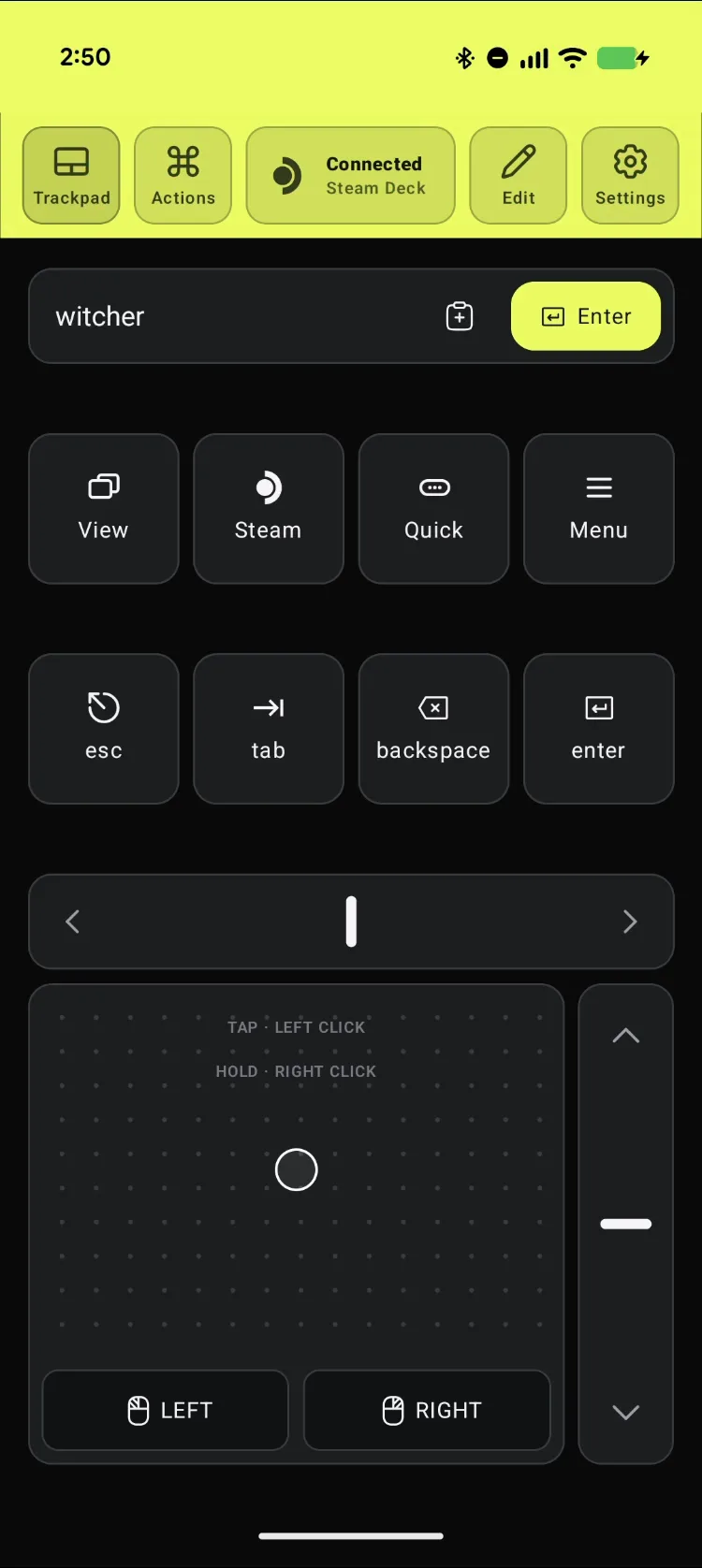
Open Deck Pointer on your phone and check that the chip at the top reads Connected. Haven't paired yet? Follow the pairing guide first, it takes about a minute. Nothing needs installing on the Deck.
Launch GTA V Enhanced from Steam
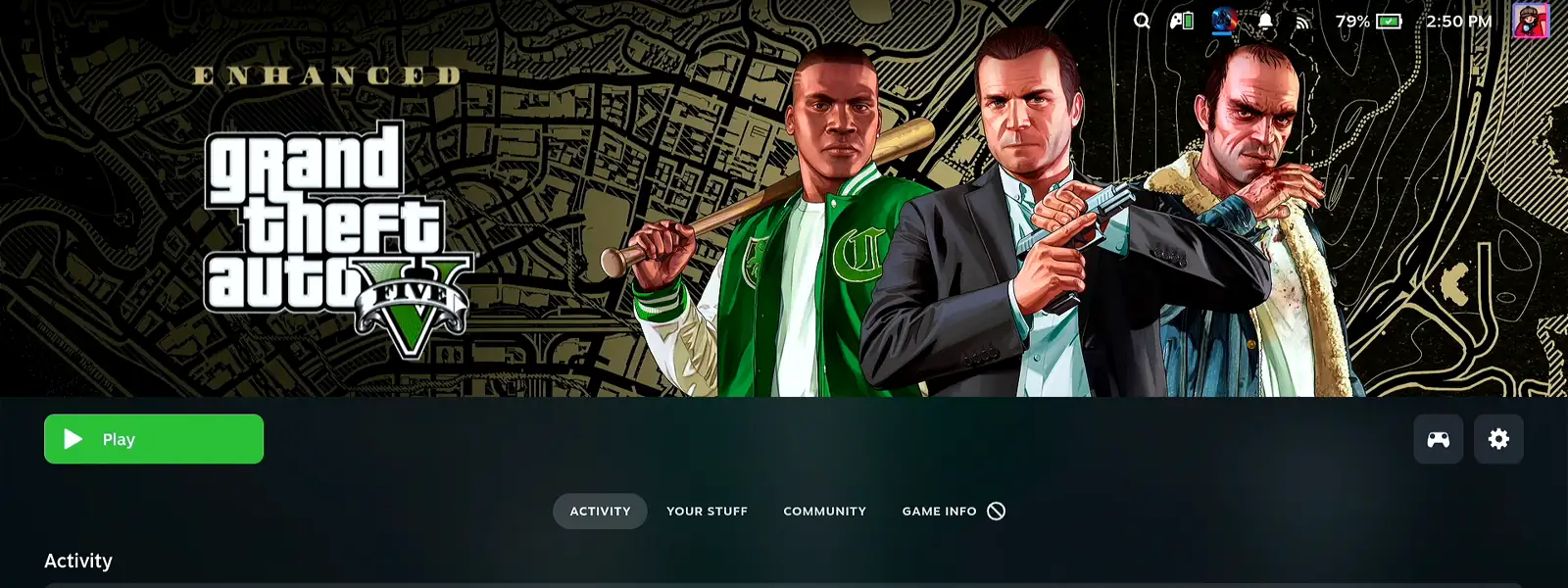
In your Steam library, pick Grand Theft Auto V Enhanced with the phone's trackpad and press Play. The first launch starts the Rockstar Games Launcher installer.
Click through the language and Welcome screens
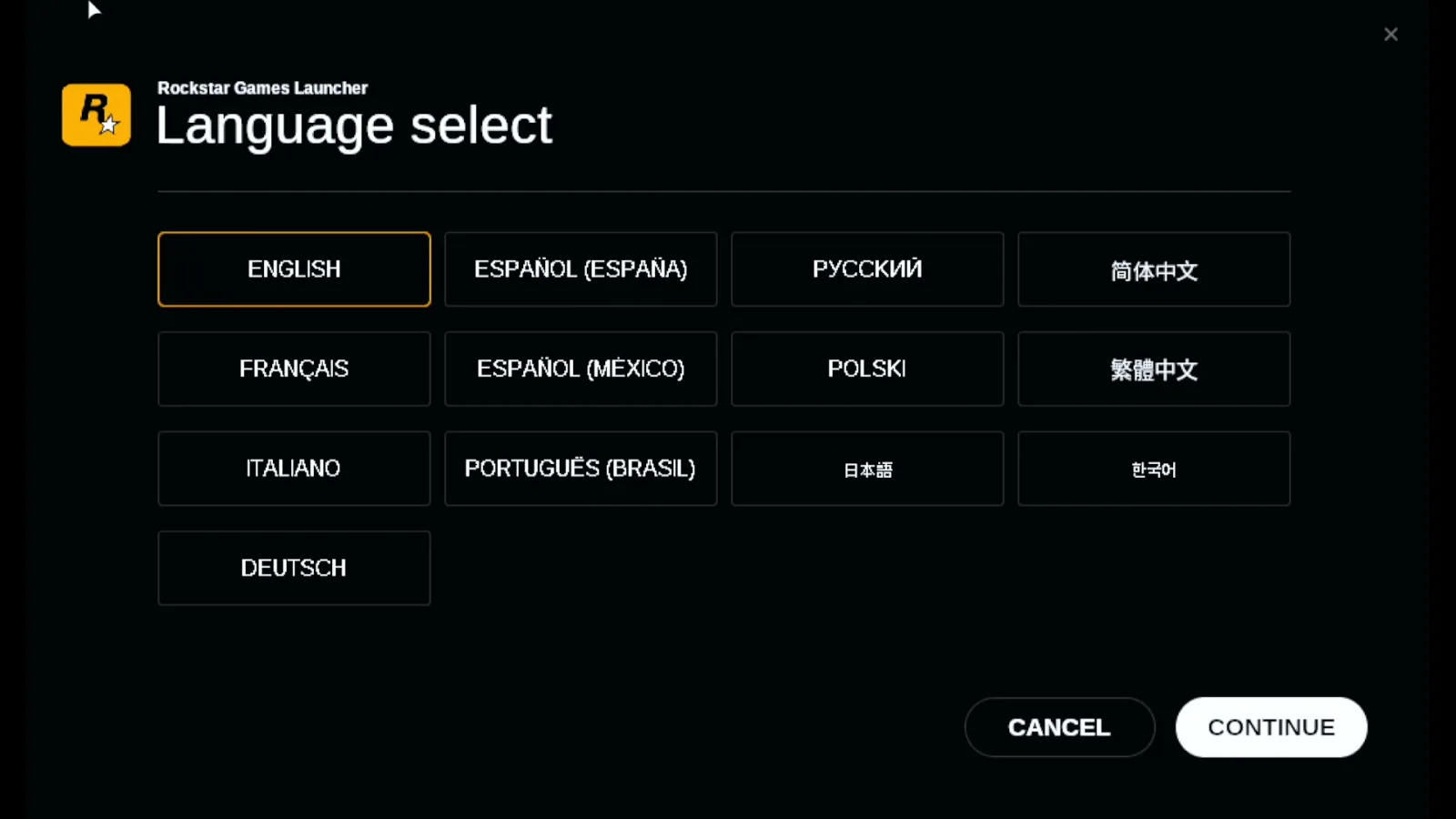
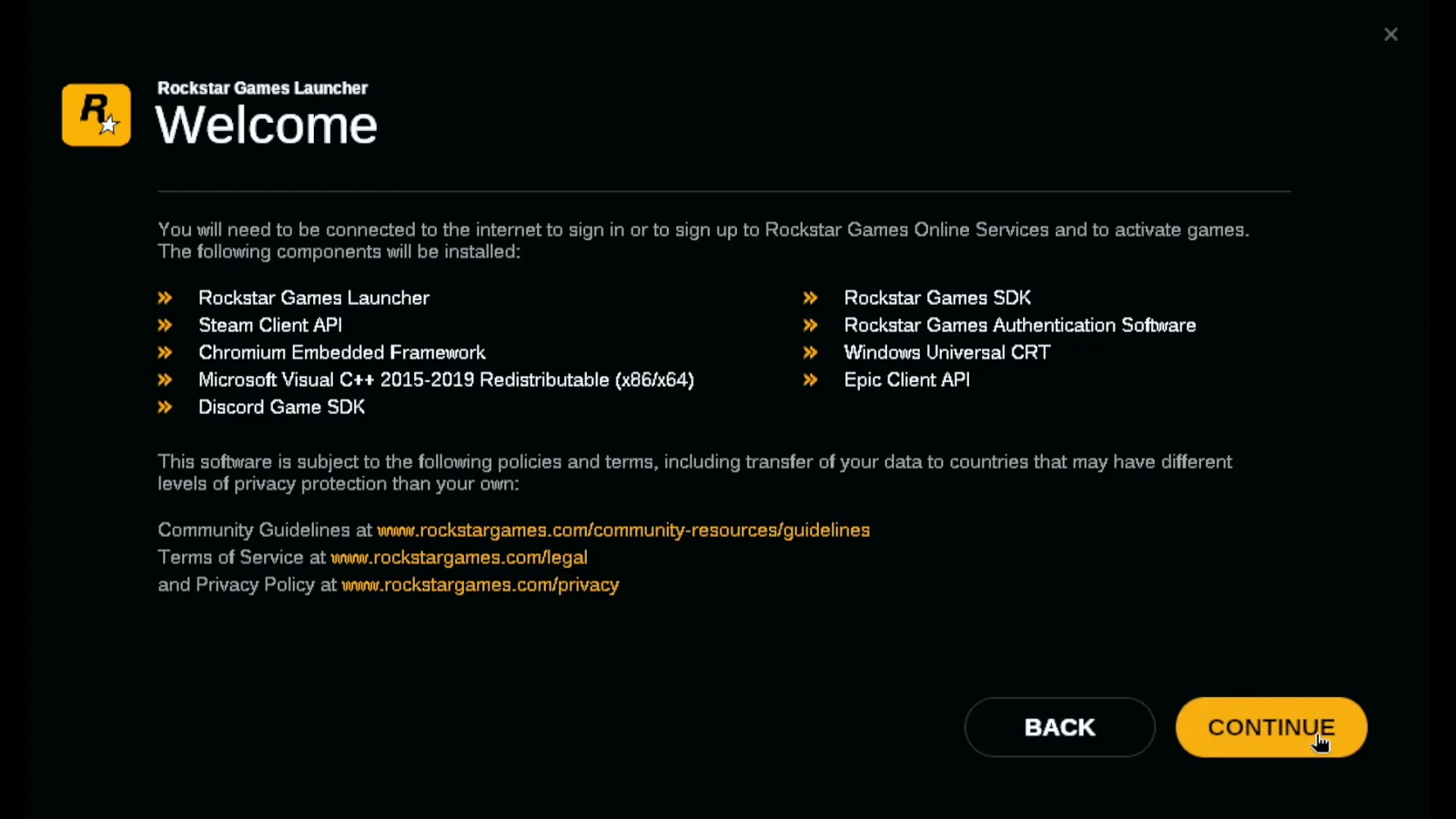
The Rockstar Games Launcher installer opens. Choose your language, press Continue, read or skip the Welcome list, and press Continue again. Move the pointer with the trackpad and tap to click.
Scroll the Terms of Service and accept
Scroll the terms with the scroll rail on the right of Deck Pointer's trackpad, tick I accept Rockstar's Terms of Service, and press Continue.
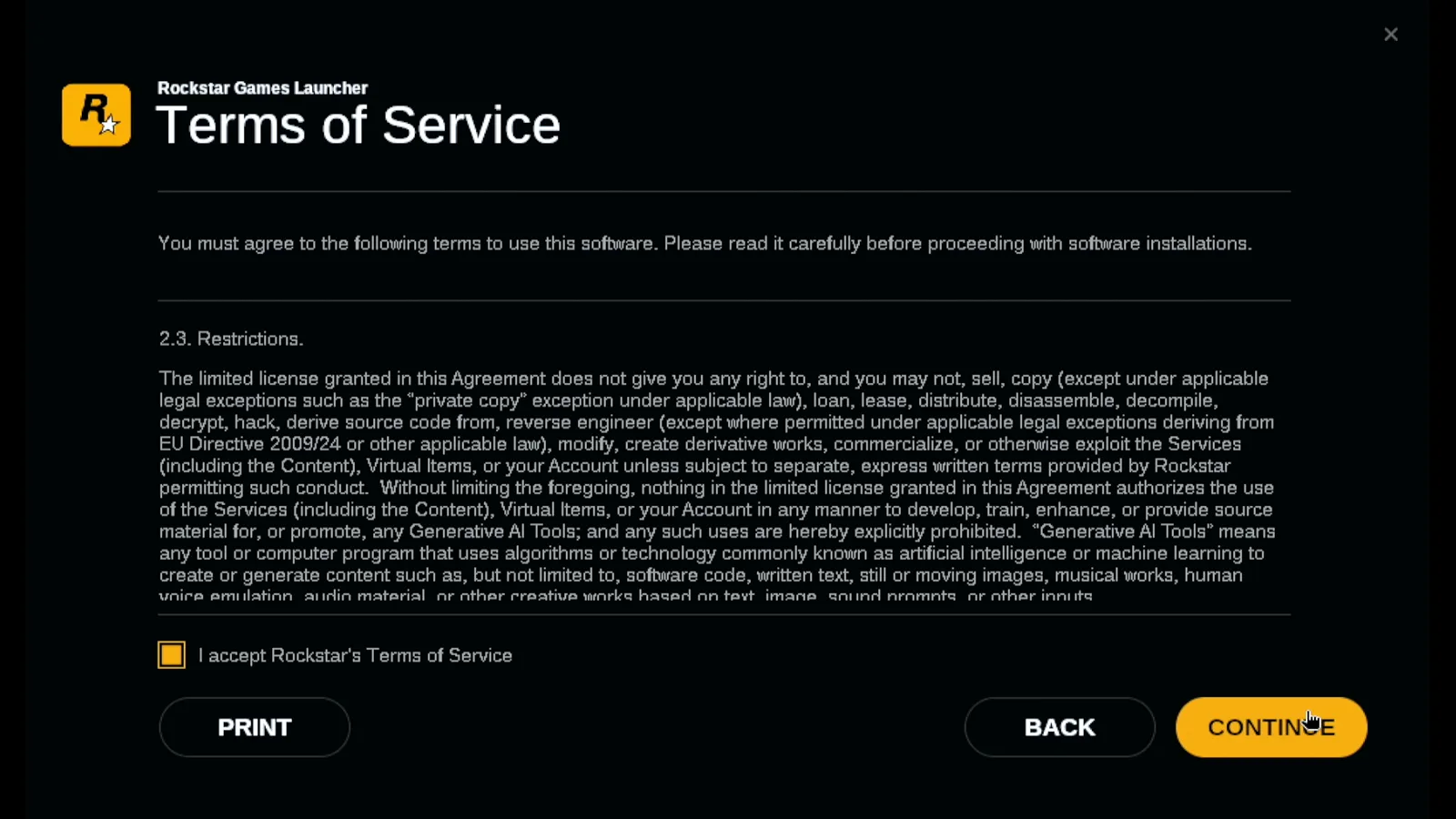
Keep the install location and install
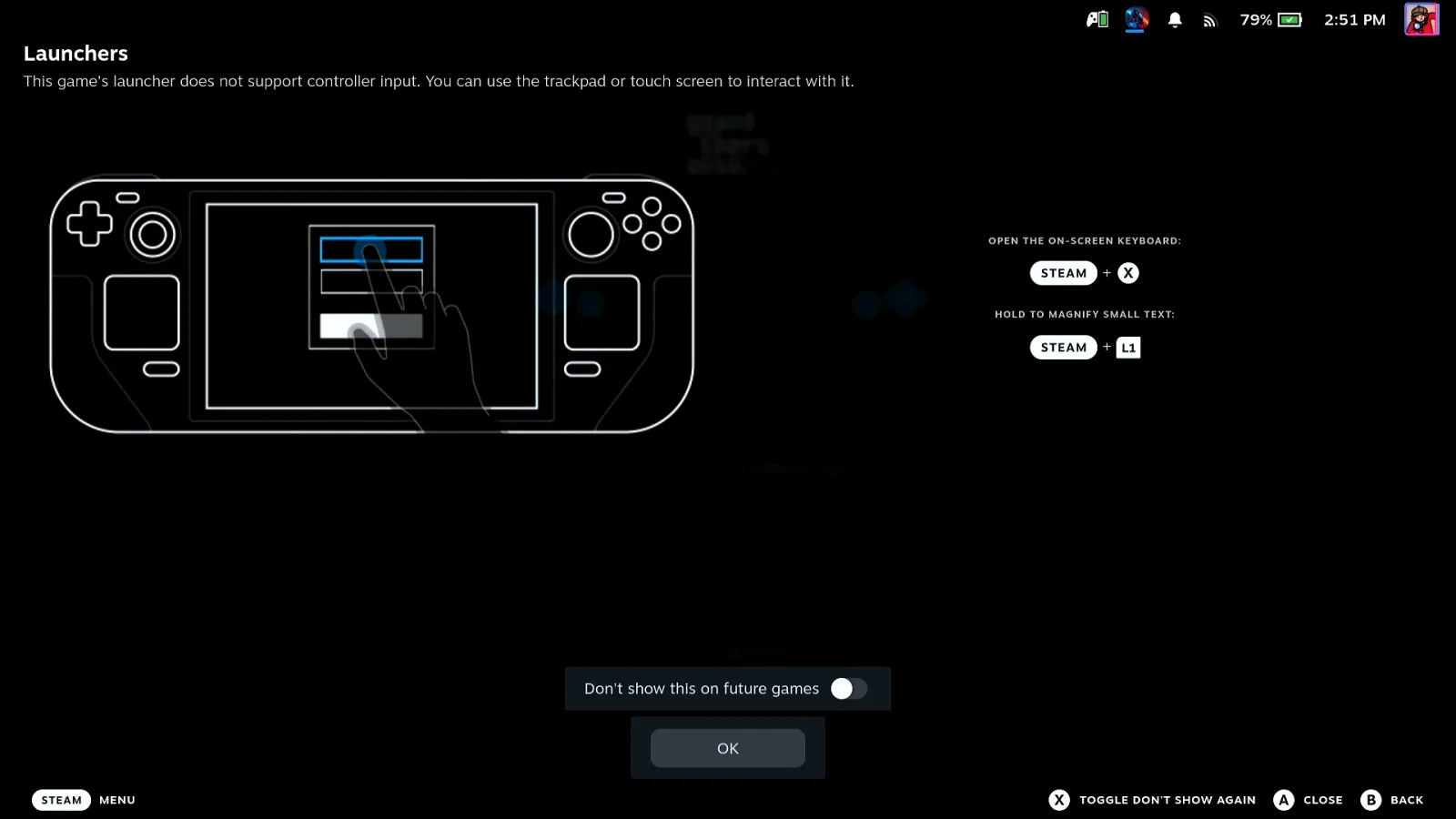
Leave the default location and press Continue, then Install. The installer sets up its Visual C++ components and finishes by itself. When Installer Finished appears, press Close. Steam then shows a Launchers notice saying this launcher doesn't support controller input; tap OK, the phone is your mouse.
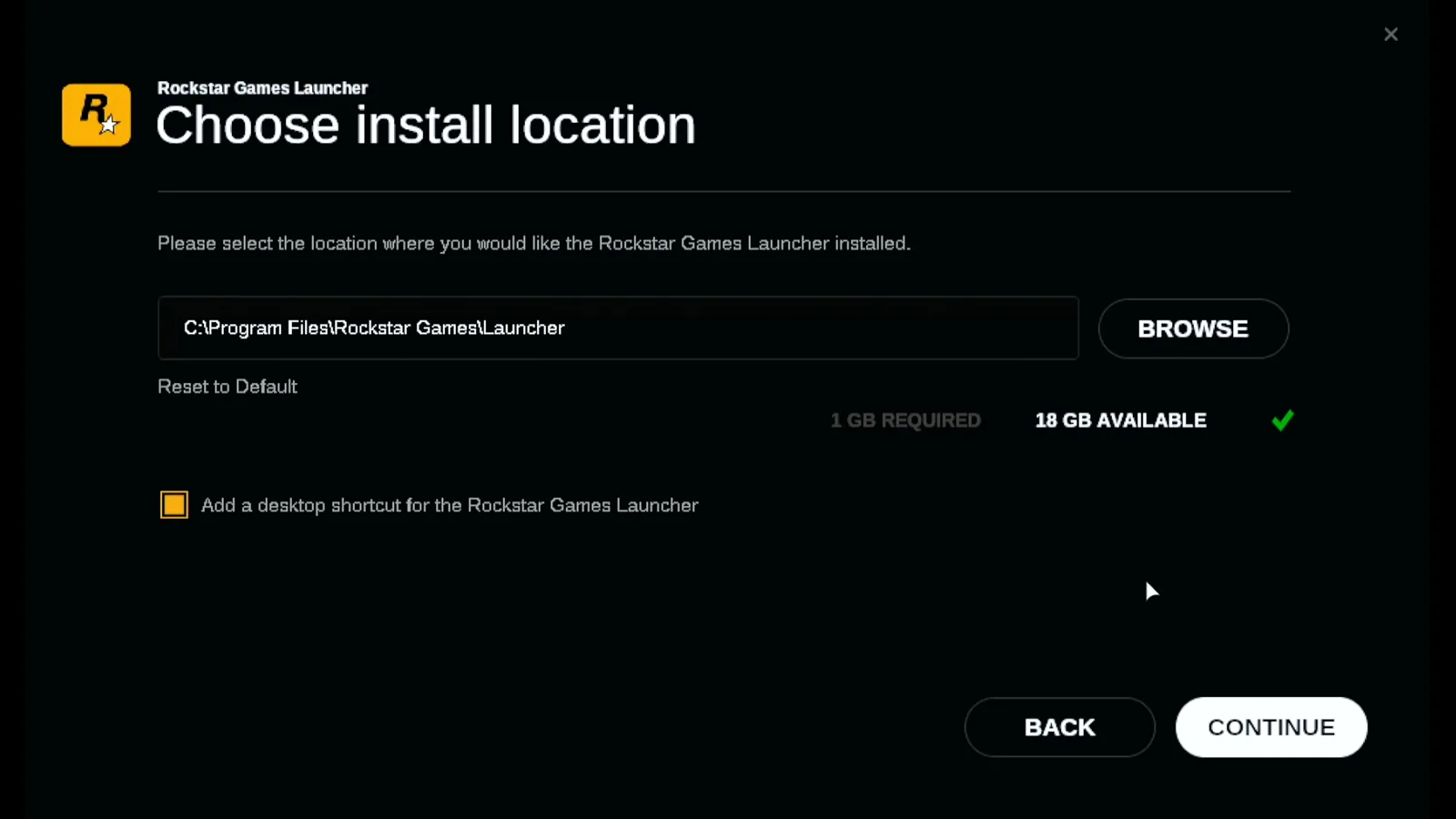
Sign in and copy the code from your e-mail on the phone
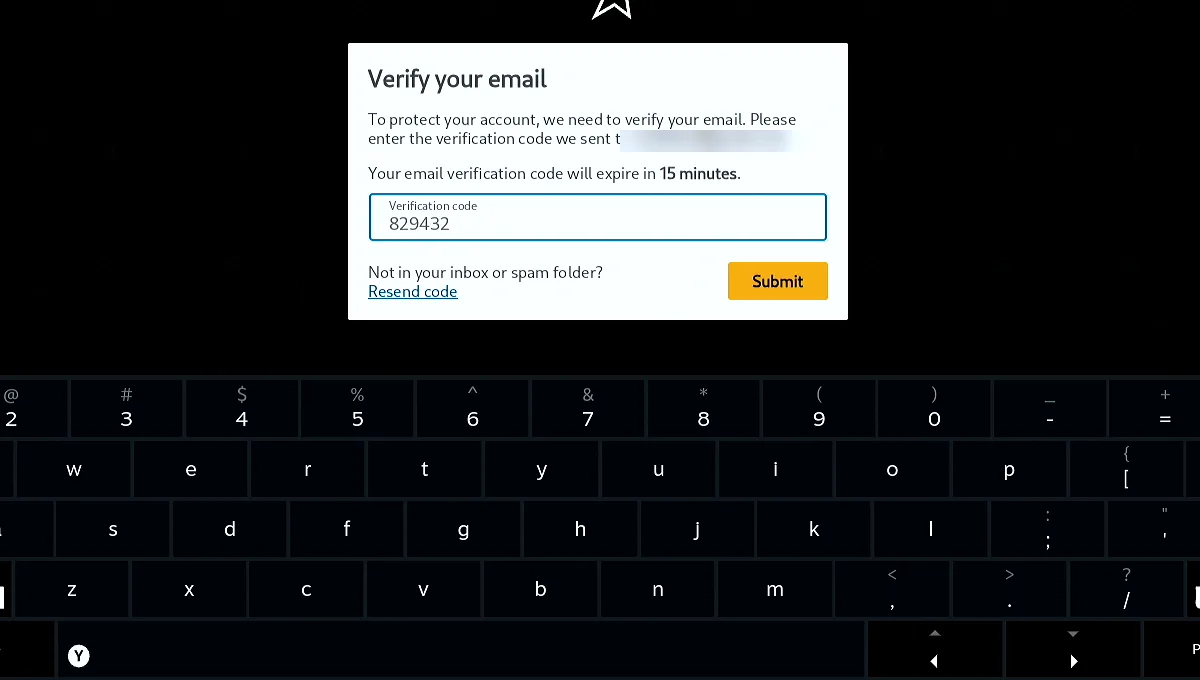
The launcher asks you to sign in with your Rockstar Games account, and Verify your email follows: Rockstar sends a verification code to your inbox. Open the e-mail on your phone and copy the code.
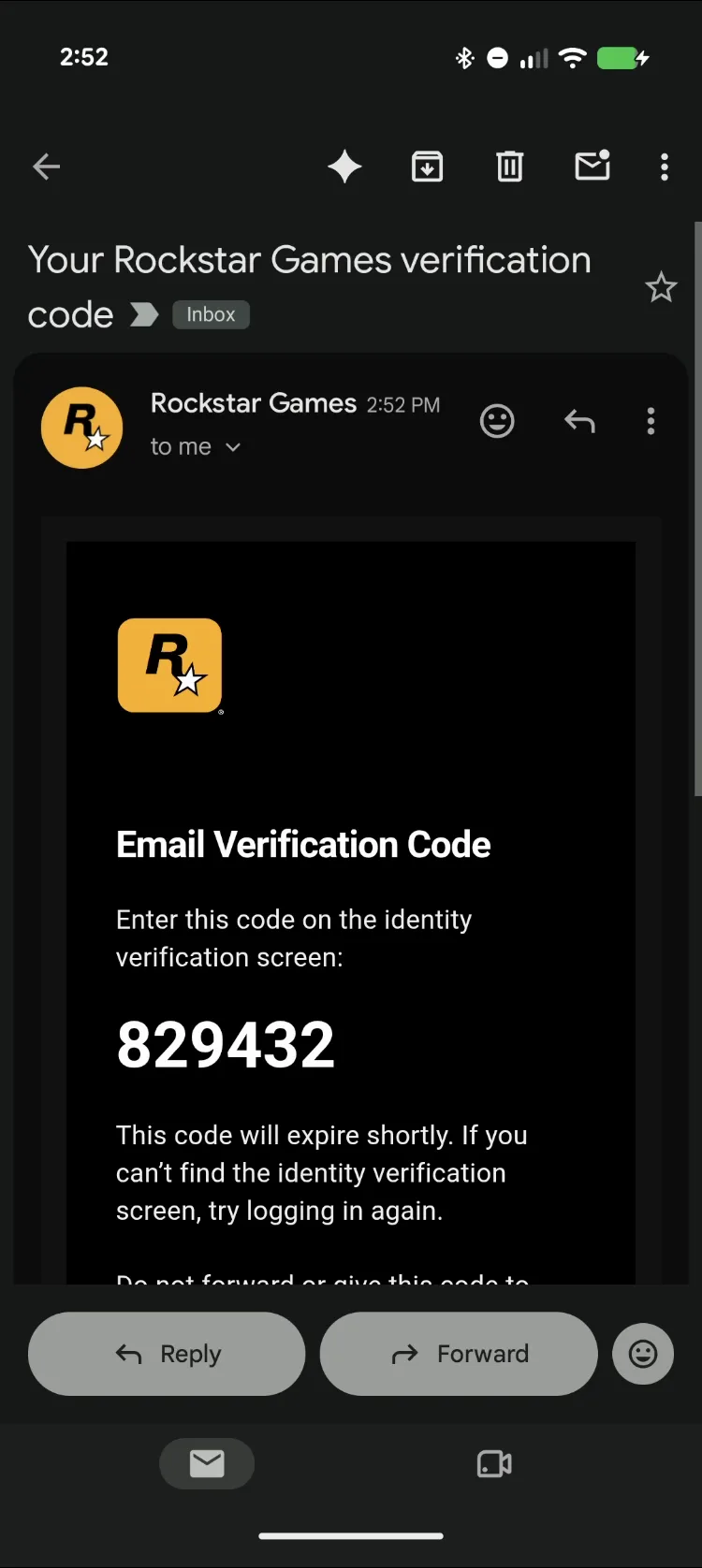
Paste the code into the Deck and press Enter
On the Deck, click the Verification code field with the trackpad. In Deck Pointer tap Paste in the text field, then Send: the code arrives as ordinary keystrokes, with no hunting on the Deck's on-screen keyboard. Press Enter, or click Submit.
Enable cloud saves
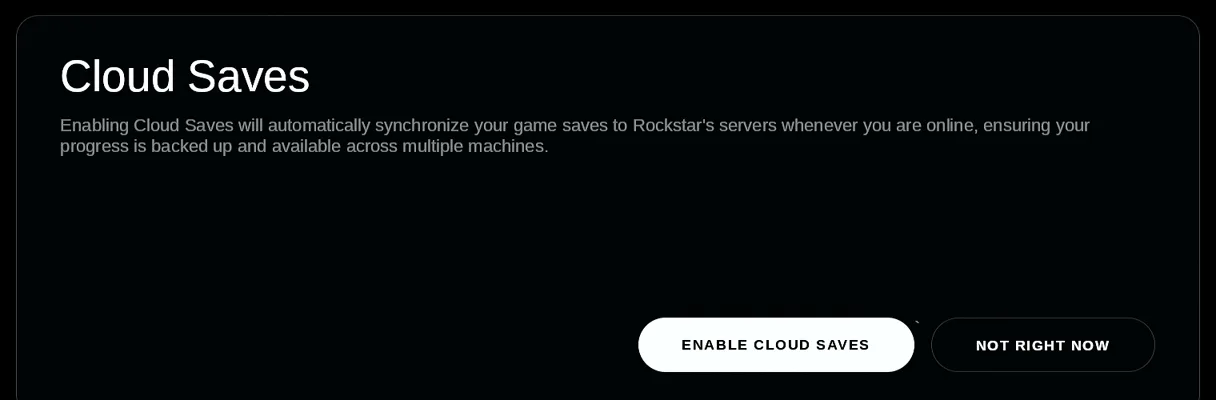
Rockstar then offers Cloud Saves, which keep your game progress on its servers. Press Enable cloud saves, or Not right now if you'd rather not.
Start GTA V from its main menu
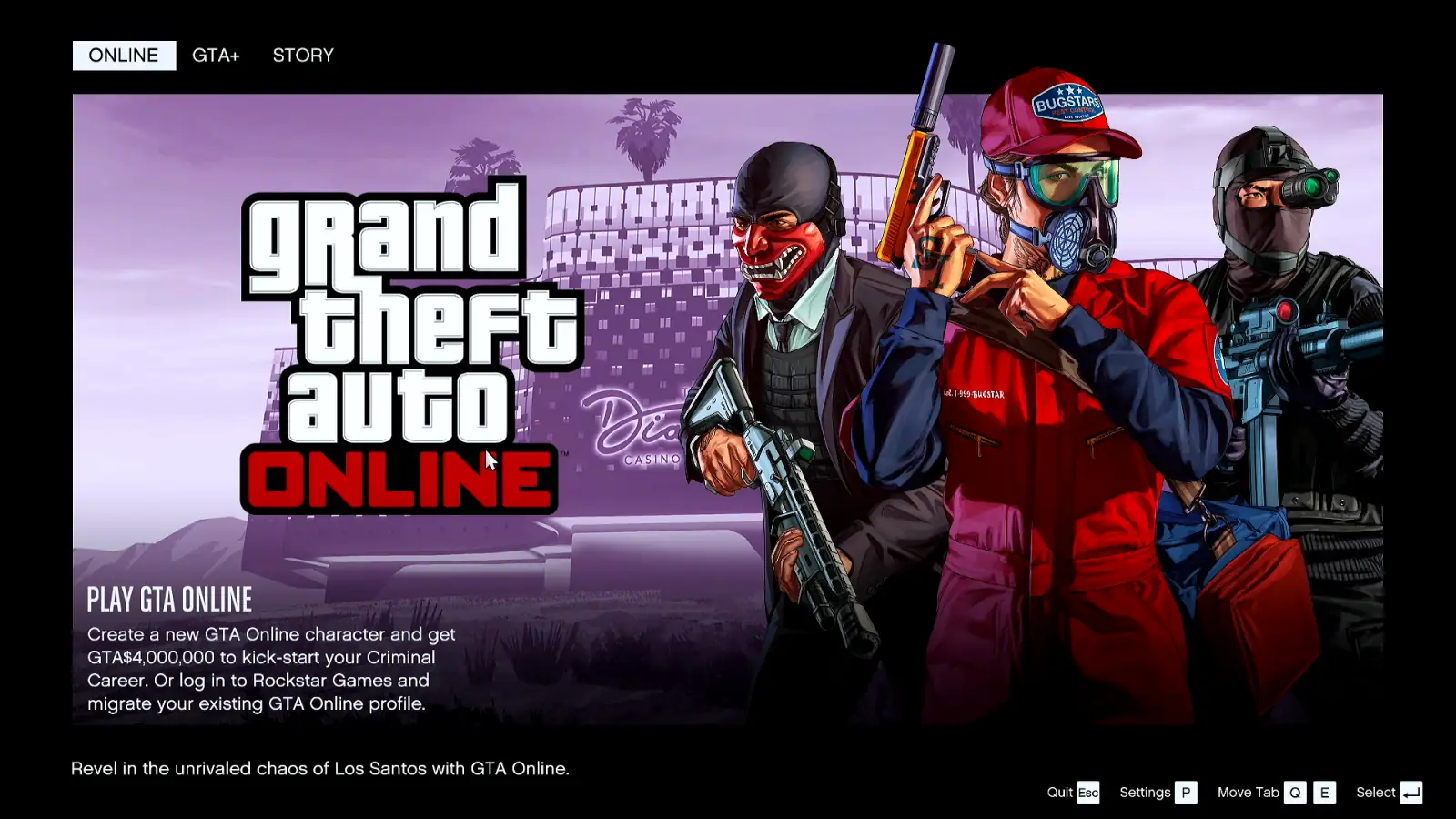
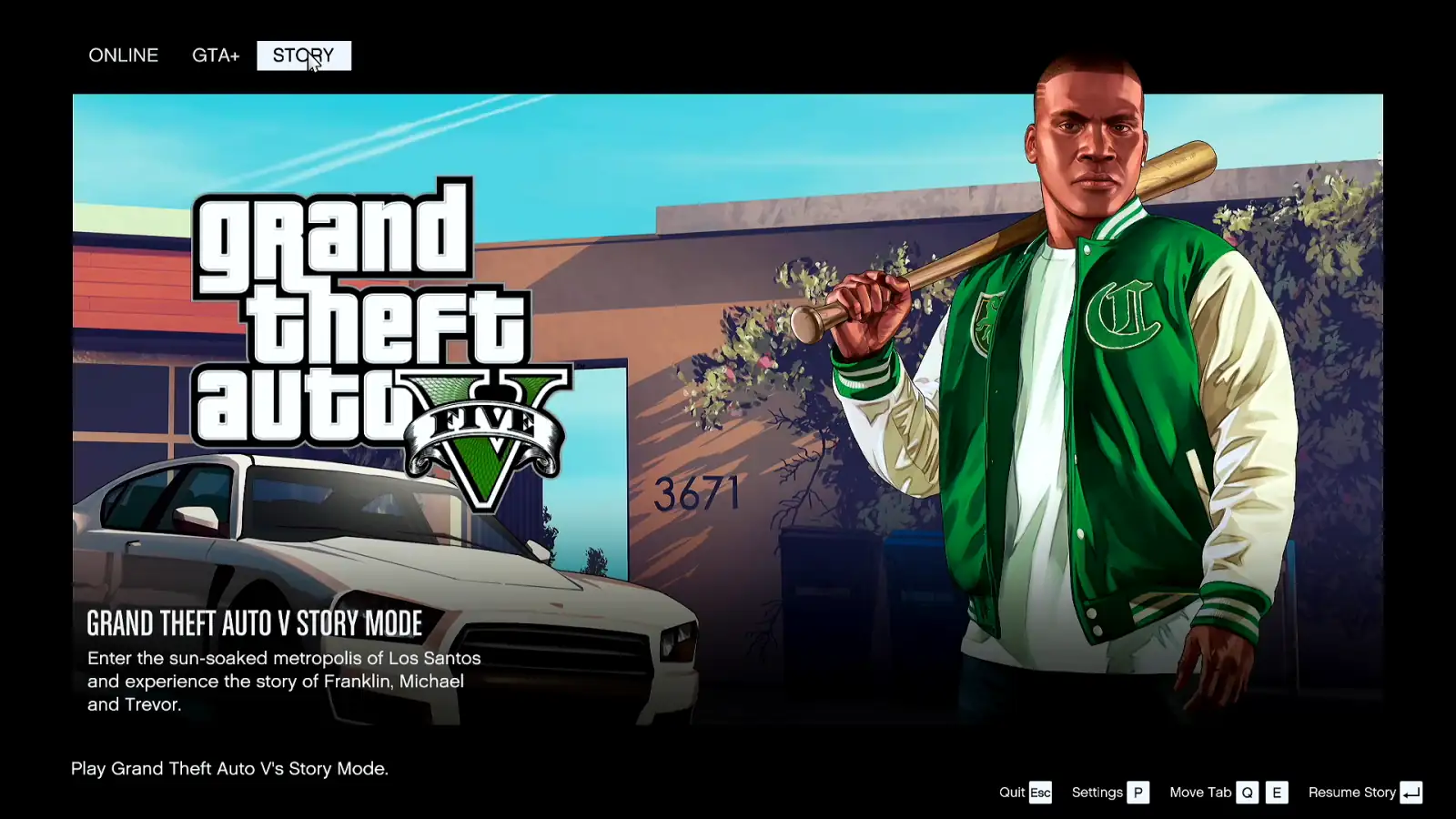
The game opens on its main menu with Online, GTA+ and Story tabs. Move between them with the trackpad; pages inside, such as the GTA+ browser, scroll with the same rail, and Escape on Deck Pointer takes you back. Pick Story and start it.
You're in the game
That's the whole first run: the installer, the terms, the sign-in code and the menus, all from the phone, without a mouse or a keyboard plugged into the Deck. From here GTA V plays with the Deck's own controls.

What people are saying
“This game's launcher does not support controller input. You can use the trackpad or touch screen to interact with it.”
Steam's "Launchers" notice, shown on the Steam Deck once the Rockstar Games Launcher is installed
“I had to use a Bluetooth keyboard”
Issues with Rockstar Launcher on Steam Deck (r/SteamDeck) · 2025-06
“I can't use the virtual keyboard”
Can't login via Rockstar launcher — GTA 4 Complete (r/SteamDeck) · 2023-11
Questions, answered
Why does GTA V open a launcher at all?
GTA V is a Rockstar game, so Steam starts it through the Rockstar Games Launcher. On the first run that launcher has to be installed and signed in to before the game itself opens.
Do I need to install anything on the Steam Deck?
Not for Bluetooth: the Deck sees your phone as a Bluetooth keyboard and mouse, so Deck Pointer needs no software on it. Only the optional Wi-Fi connection (Android) uses a small app on the Deck, from deckpointer.com/deck.
Where do I get the e-mailed code if it doesn't arrive?
Check your inbox and spam folder on the phone. The Verify your email dialog also has a Resend code link, and the code expires in 15 minutes.
Does this work with an iPhone?
Yes. Deck Pointer runs on iPhone and Android and connects to the Deck the same way over Bluetooth. Copy the code in your mail app and paste it in the same text field.
Is Deck Pointer free?
Yes, it's free on Android and iPhone.
Does this cover GTA Online?
The video shows the launcher, the sign-in, the main menu and Story mode. GTA Online isn't tested here, and Valve rates the game Unsupported on Steam Deck because of its anti-cheat configuration.