Steam Deck fixes
EA app on Steam Deck: how to start Mass Effect Legendary Edition with your phone
Pressing Play on Mass Effect Legendary Edition opens the EA app, a launcher built for a mouse, and Steam warns that it does not support controller input. In Game Mode you need the touchscreen or the Deck's trackpad to click anything in it.
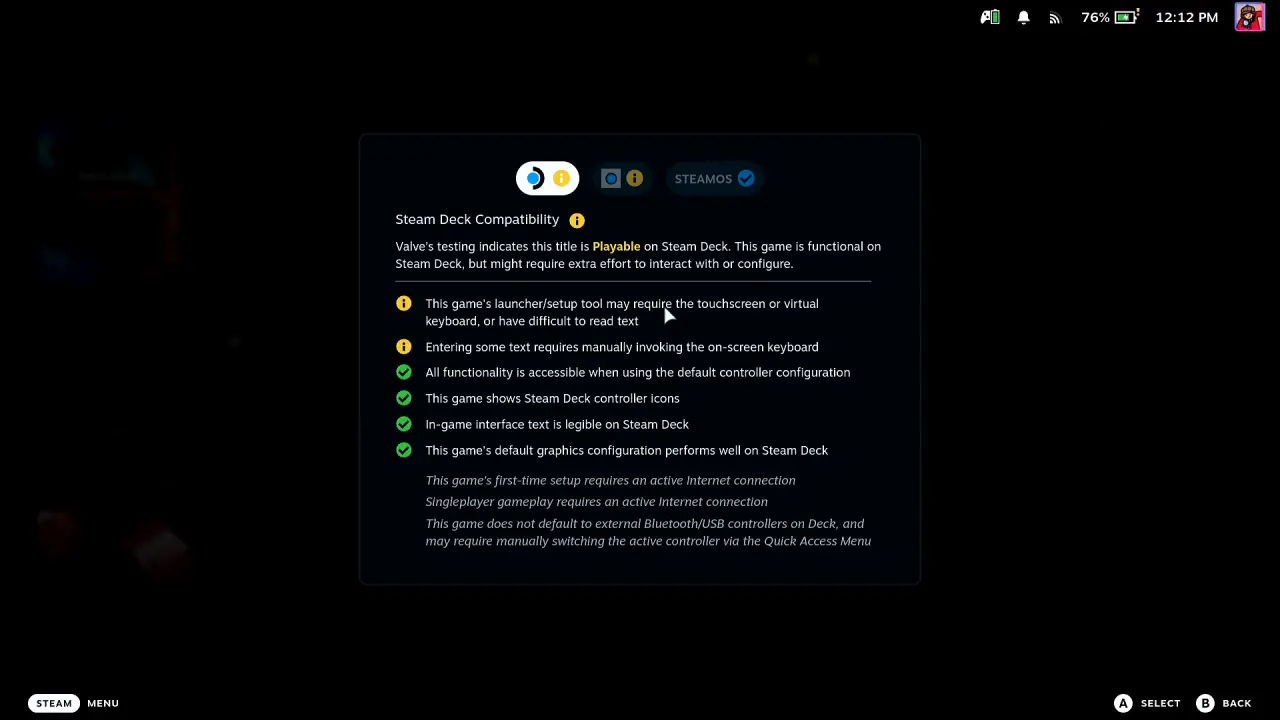
Valve rates Mass Effect Legendary Edition Playable on Steam Deck (checked on its Steam store page on 3 October 2026). Valve's panel warns that the game's launcher or setup tool may require the touchscreen or virtual keyboard, or have text that is hard to read, and that entering some text requires manually invoking the on-screen keyboard. It also says first-time setup and singleplayer gameplay need an internet connection. The launcher complaints below come from players.
Mass Effect Legendary Edition starts the EA app the moment you press Play on the Steam Deck, and Steam warns that its launcher needs the trackpad or touch screen. With Deck Pointer on your phone as the trackpad you click through the EA app and Steam’s notice, and the game starts in Game Mode.
Video tutorial
Step by step
Connect Deck Pointer and open the game
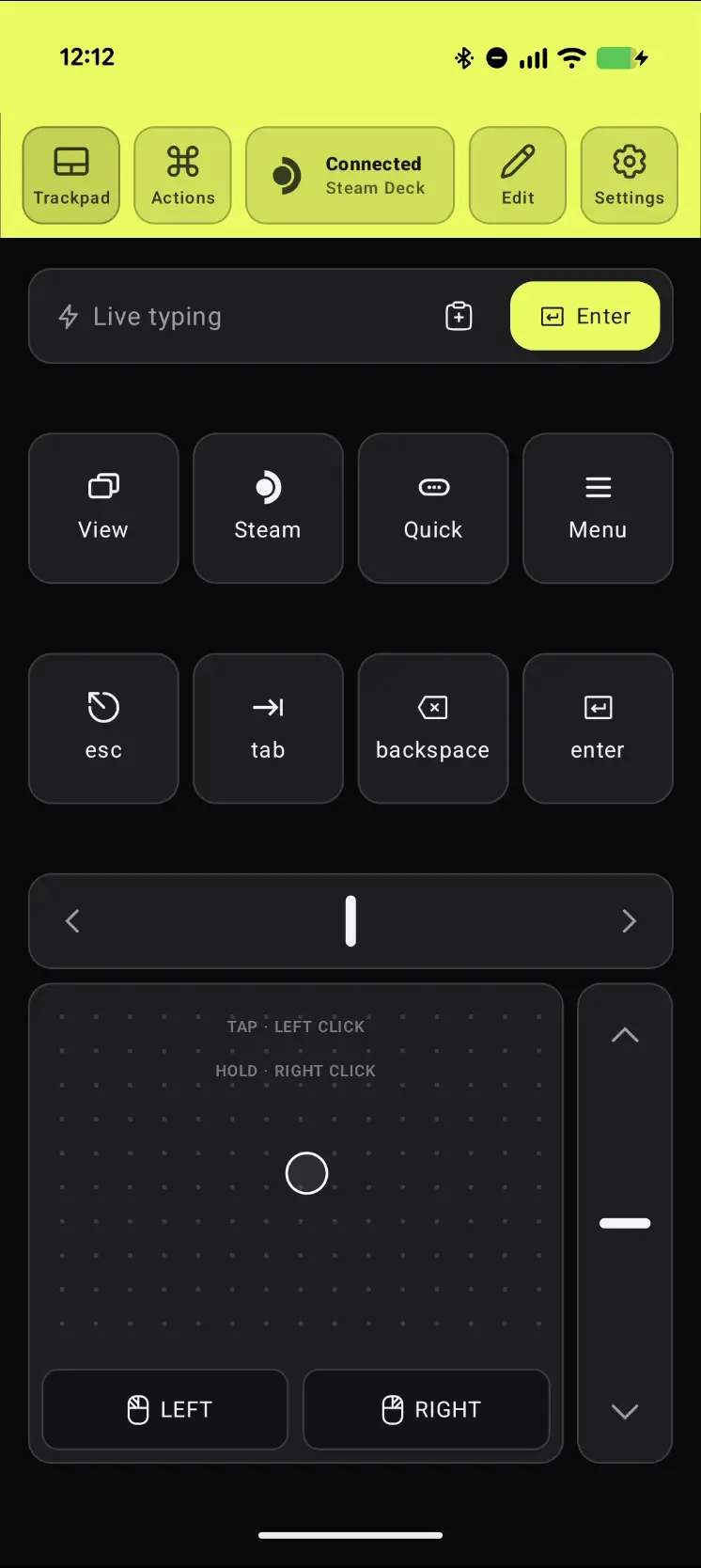
Open Deck Pointer on your phone and check that the chip at the top reads Connected. Then, in Game Mode on the Deck, open Mass Effect Legendary Edition in your Steam library. Nothing needs installing on the Deck.
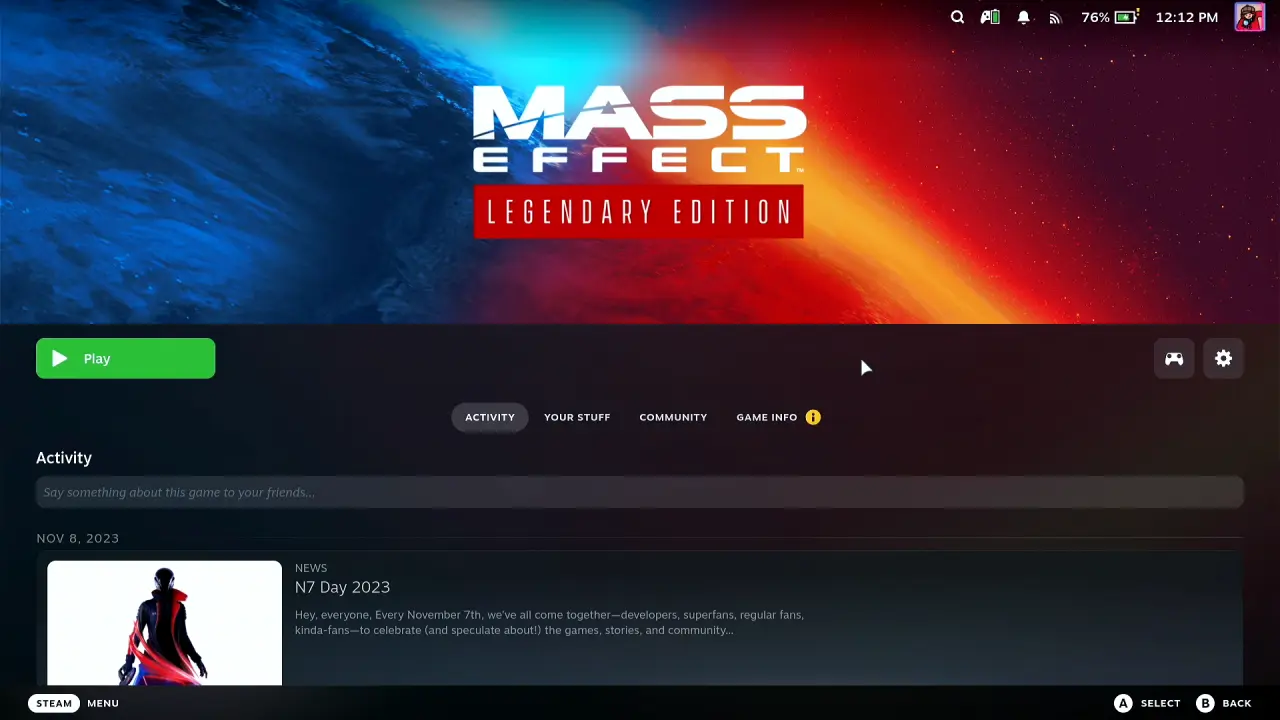
Check what Valve says about it
Open Game info. Valve's Steam Deck Compatibility says Playable, and warns that the launcher or setup tool may need the touchscreen or virtual keyboard and that entering some text requires invoking the on-screen keyboard. That is exactly what Deck Pointer is for.
Press Play
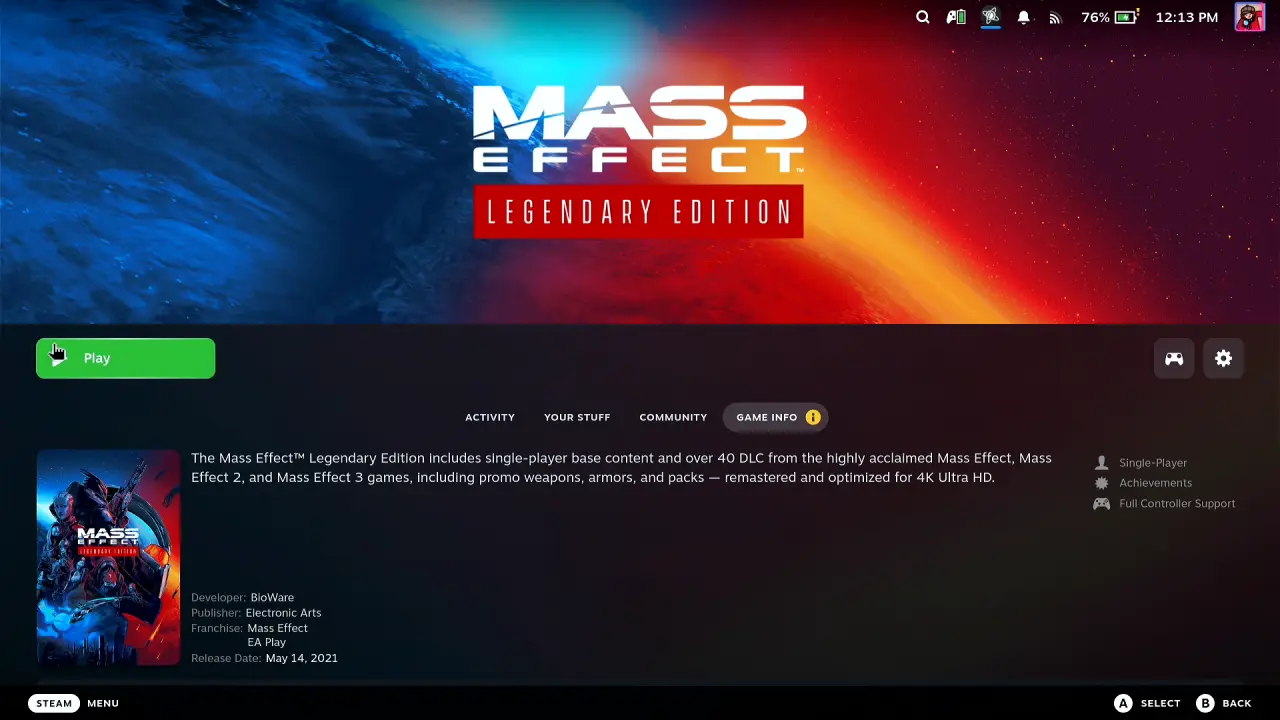
Go back to the game page and press Play. Steam shows Starting launch and gets the EA app ready.
The EA app opens: click Let's go
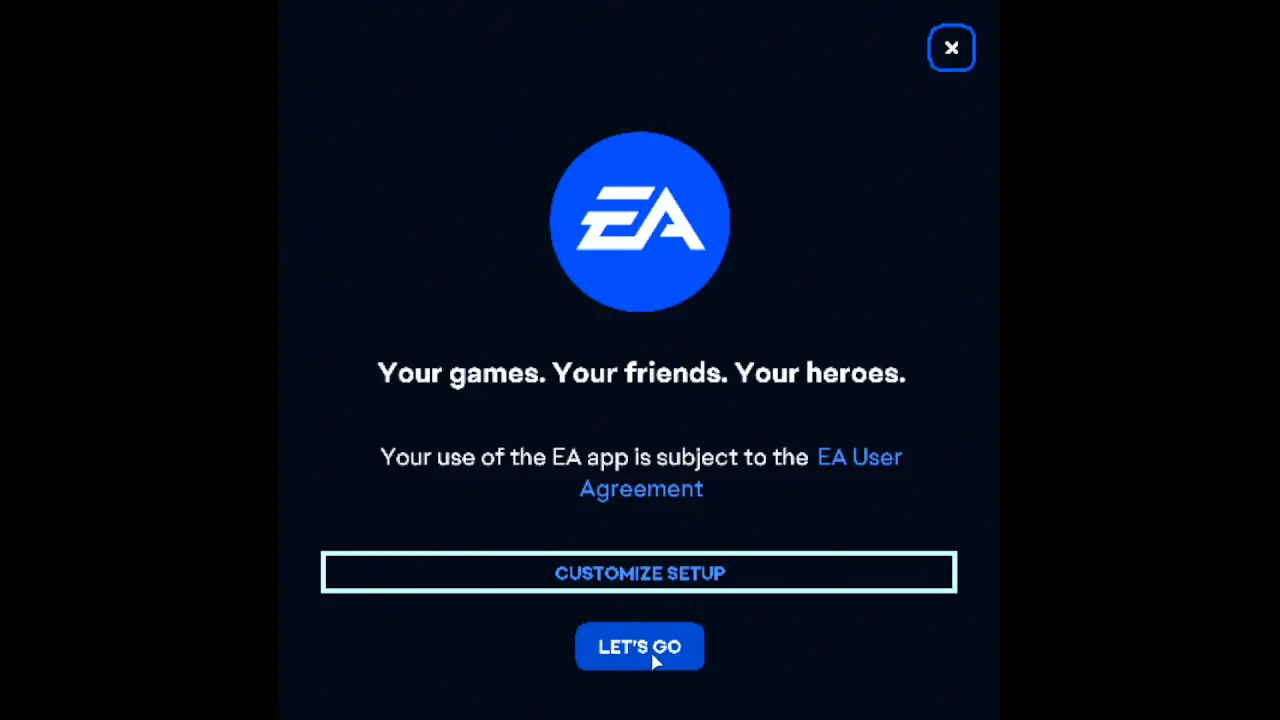
The EA app's first window says Your games. Your friends. Your heroes. with Customize setup and Let's go. Move the pointer with Deck Pointer's trackpad on the phone and tap to click Let's go. The EA app didn't ask me to sign in here.
Let the EA app install
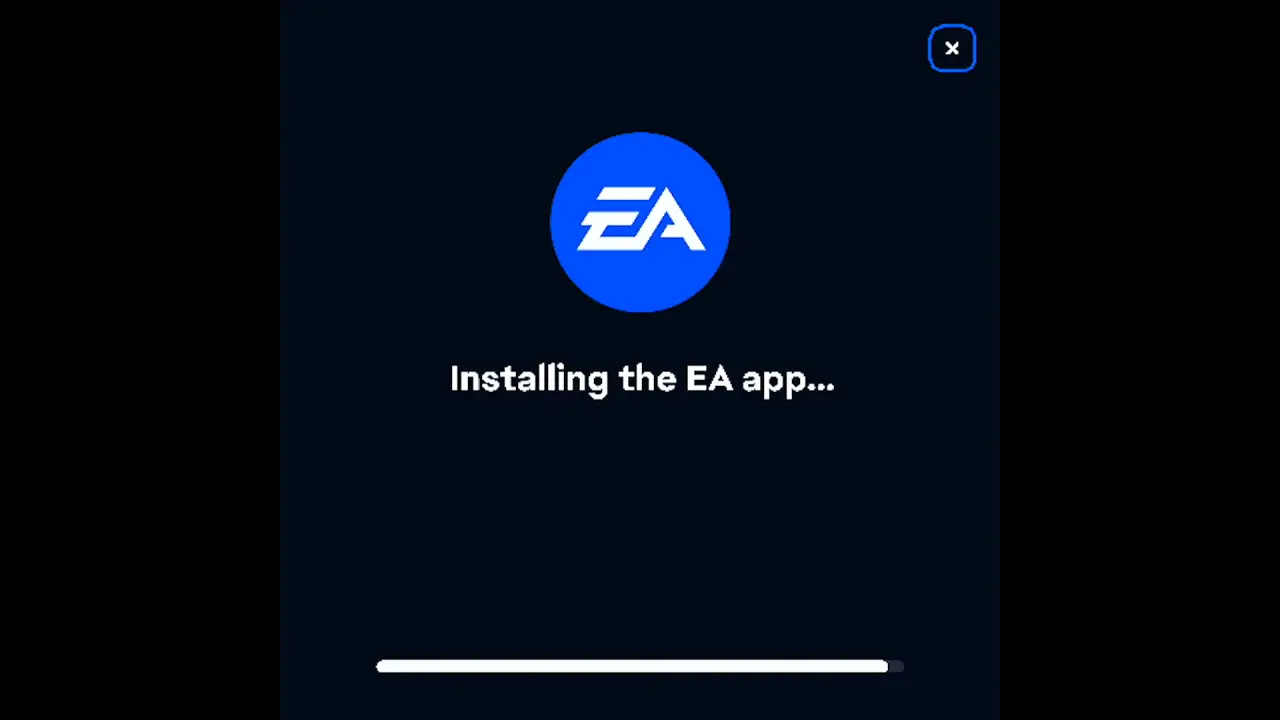
The EA app shows Installing the EA app and a progress bar. Wait for it; there is nothing to click.
Wait for Steam's install scripts
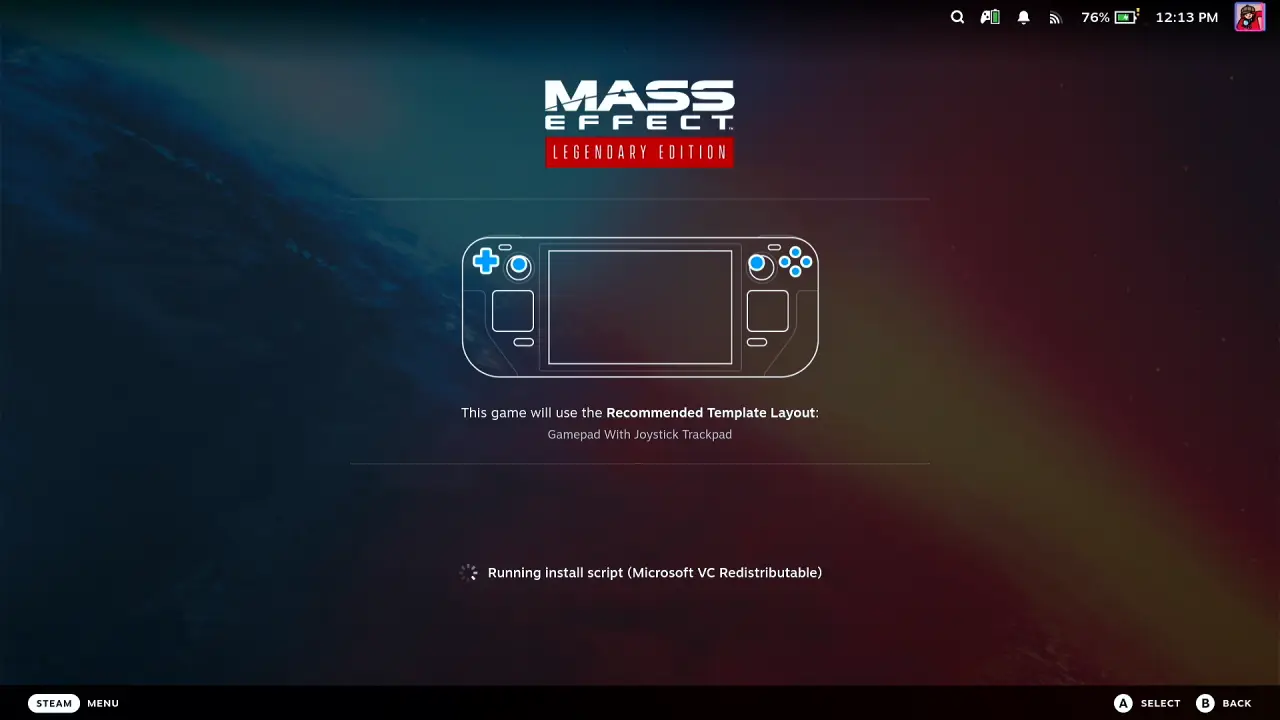
Steam then runs the game's install scripts, Microsoft VC Redistributable and Microsoft DirectX, one after the other. These also need no input.
Click OK on the Launchers notice
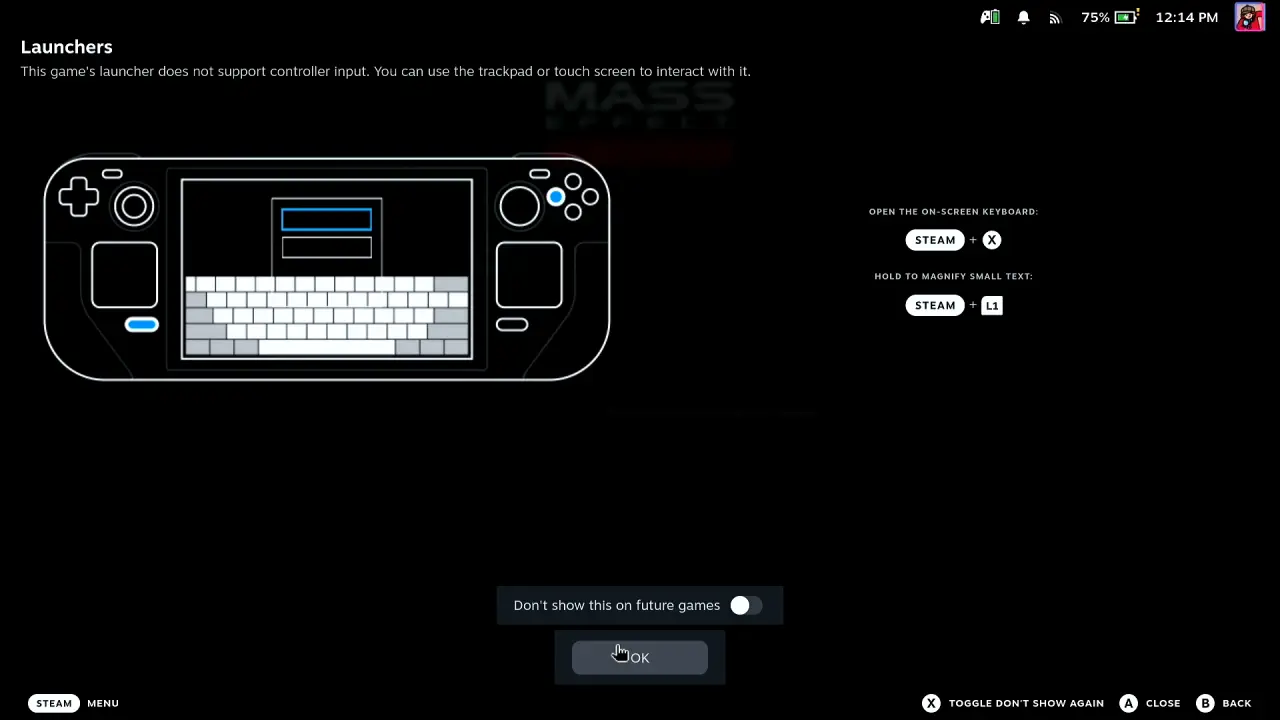
Steam warns that this game's launcher does not support controller input and that you can use the trackpad or touch screen. With Deck Pointer that's no problem: point at OK with its trackpad and tap.
It worked: Mass Effect starts
The screen stays black with Steam's spinner while the game loads, then Mass Effect Legendary Edition starts with its intro cinematic. You got through the EA app from your phone alone, with no touchscreen and no keyboard.

What people are saying
“This game's launcher does not support controller input. You can use the trackpad or touch screen to interact with it.”
Steam's "Launchers" notice, shown on the Steam Deck while launching Mass Effect Legendary Edition · 2026-10
“This edition is more often than not unusable on steam deck purely because of the EA launcher.”
Negative Steam review of Mass Effect Legendary Edition, from a Steam Deck player · 2026-06
Questions, answered
Why does Mass Effect Legendary Edition open the EA app?
The game is published by Electronic Arts, so Steam starts it through the EA app. On the first run the app is installed first, then the game opens.
Do I have to sign in to the EA app?
In the video the EA app went straight through without a sign-in form. If yours shows one, click its fields with the trackpad and type or paste from Deck Pointer's text field on the phone.
Do I need to install anything on the Steam Deck?
Not for Bluetooth: the Deck sees your phone as a Bluetooth keyboard and mouse, so Deck Pointer needs no software on it. Only the optional Wi-Fi connection (Android) uses a small app on the Deck, from deckpointer.com/deck. Pair it once, the way you pair any Bluetooth keyboard.
Does this work with an iPhone?
Yes. Deck Pointer runs on iPhone and Android and connects to the Deck the same way over Bluetooth.
Is Deck Pointer free?
Yes, it's free on Android and iPhone.