Steam Deck fixes
Ubisoft Connect on Steam Deck: how to log in and start Assassin's Creed Origins with your phone
Every time you launch Assassin's Creed Origins, Ubisoft Connect asks for your e-mail and password again, and on the Steam Deck you have to type them on the on-screen keyboard.
Valve rates Assassin's Creed Origins Playable on Steam Deck (checked on its Steam store page on 2 October 2026). Valve's panel flags the default controller configuration as not fully functional and some interface text as hard to read, and says first-time setup and singleplayer need an internet connection. The Ubisoft Connect login form isn't part of Valve's rating; the repeated-login complaint comes from players.
Assassin’s Creed Origins opens Ubisoft Connect’s Log in form on the Steam Deck. With Deck Pointer on your phone you type the e-mail, paste the password and get into the game in Game Mode, and the next launch signs in by itself.
Video tutorial
Step by step
Connect Deck Pointer and press Play
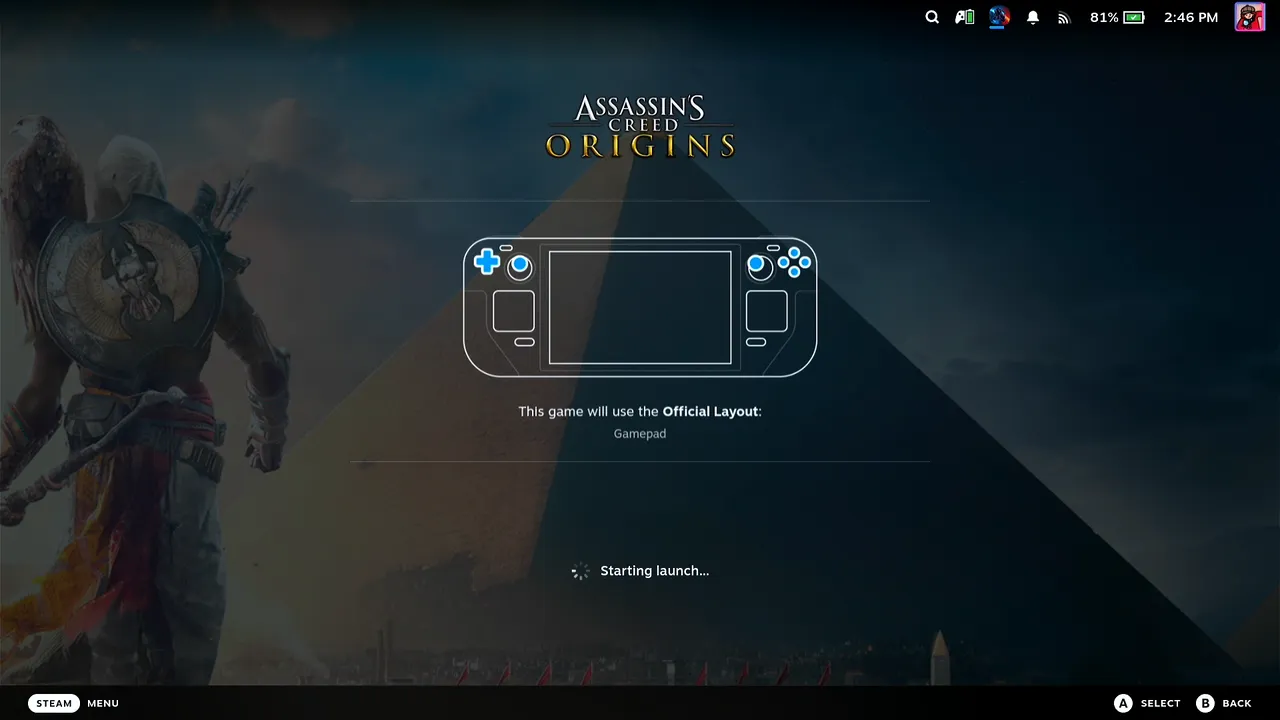
Open Deck Pointer on your phone and check that the chip at the top reads Connected. Then, in Game Mode on the Deck, open Assassin's Creed Origins and press Play. Nothing needs installing on the Deck.
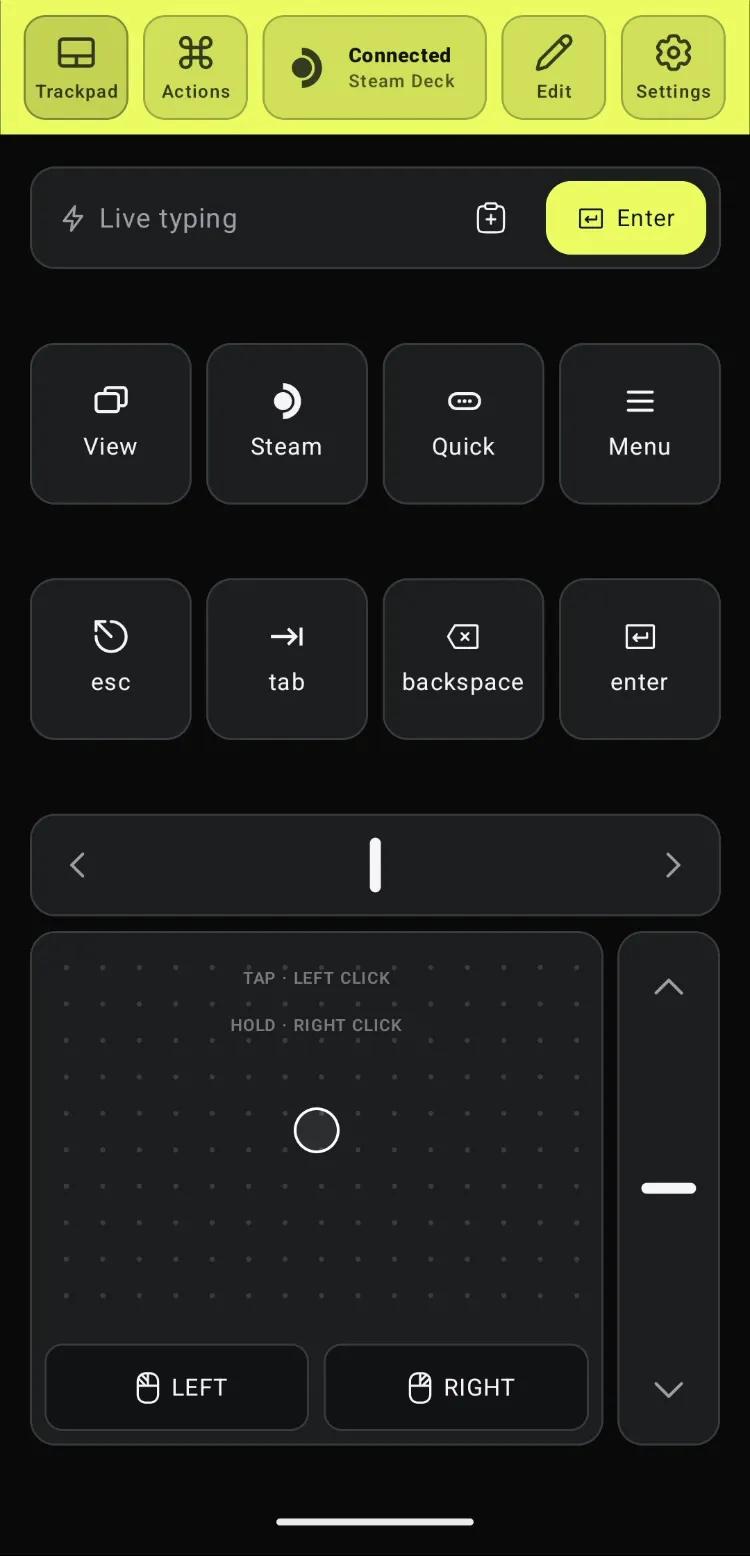
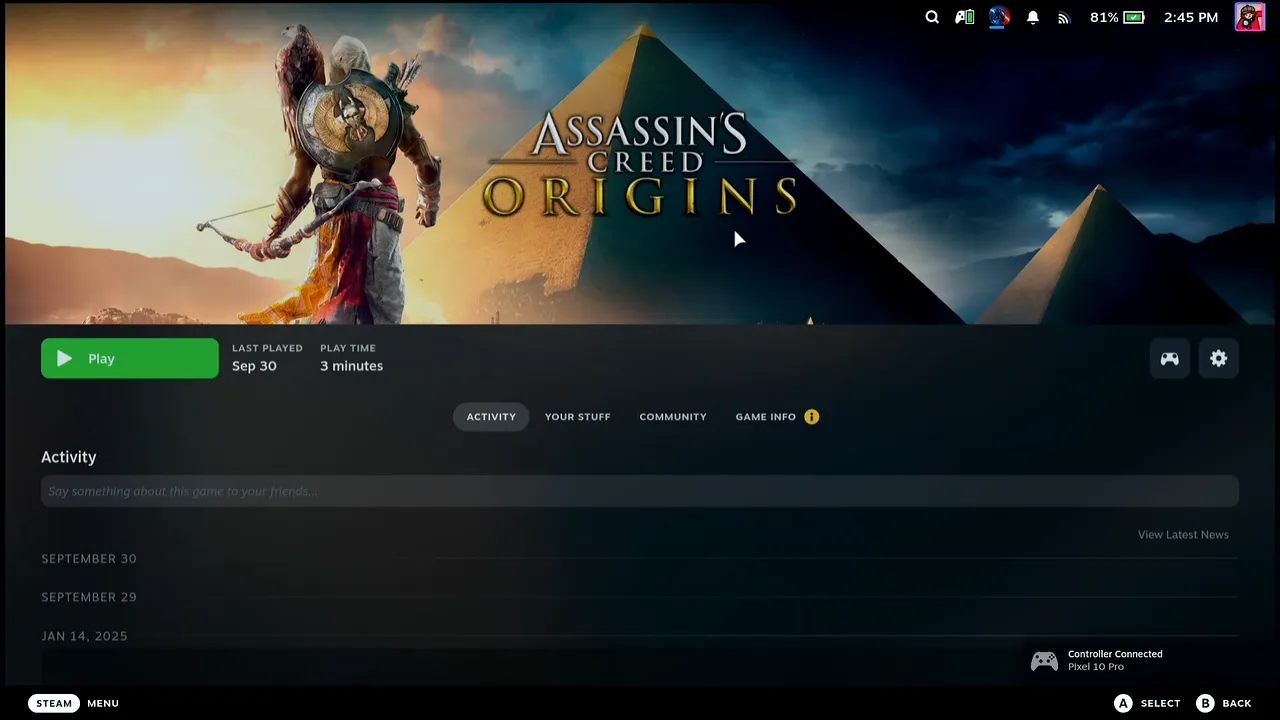
Ubisoft Connect asks you to log in
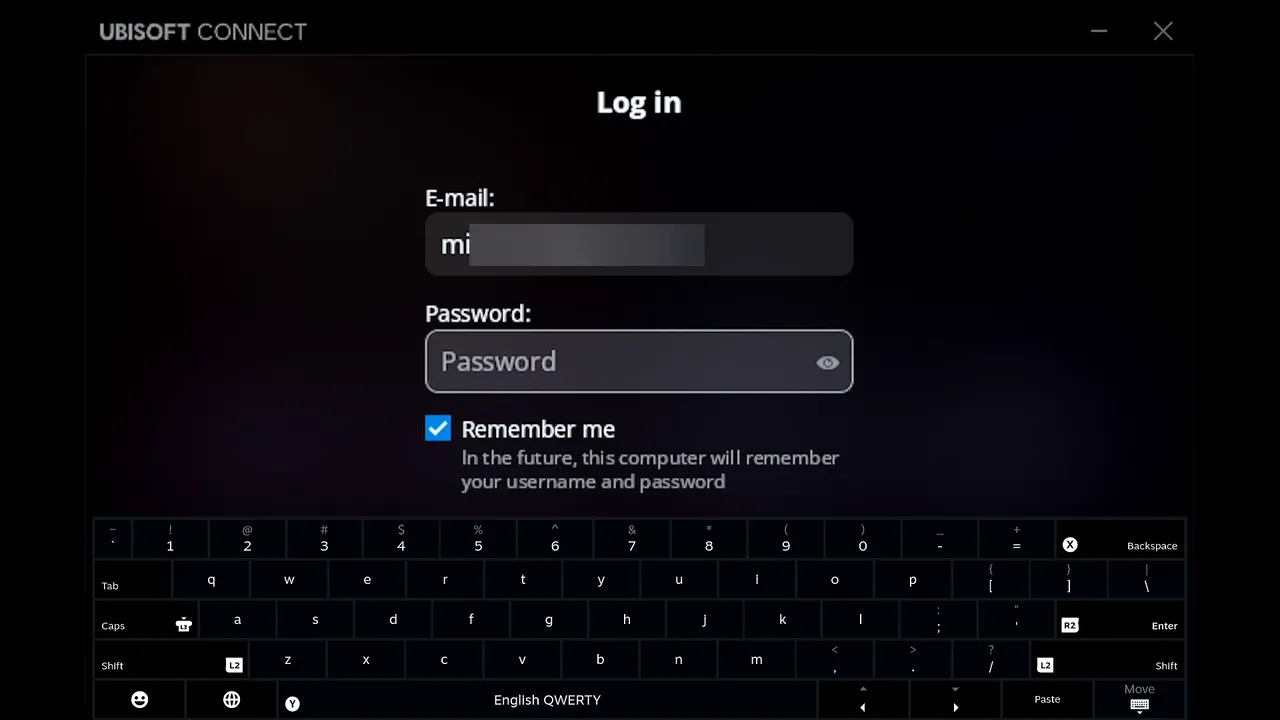
The Ubisoft Connect launcher opens with its Log in form and the cursor already in the E-mail field. Make sure Remember me is ticked: it was on in the video, and it is what lets the next launch skip this form.
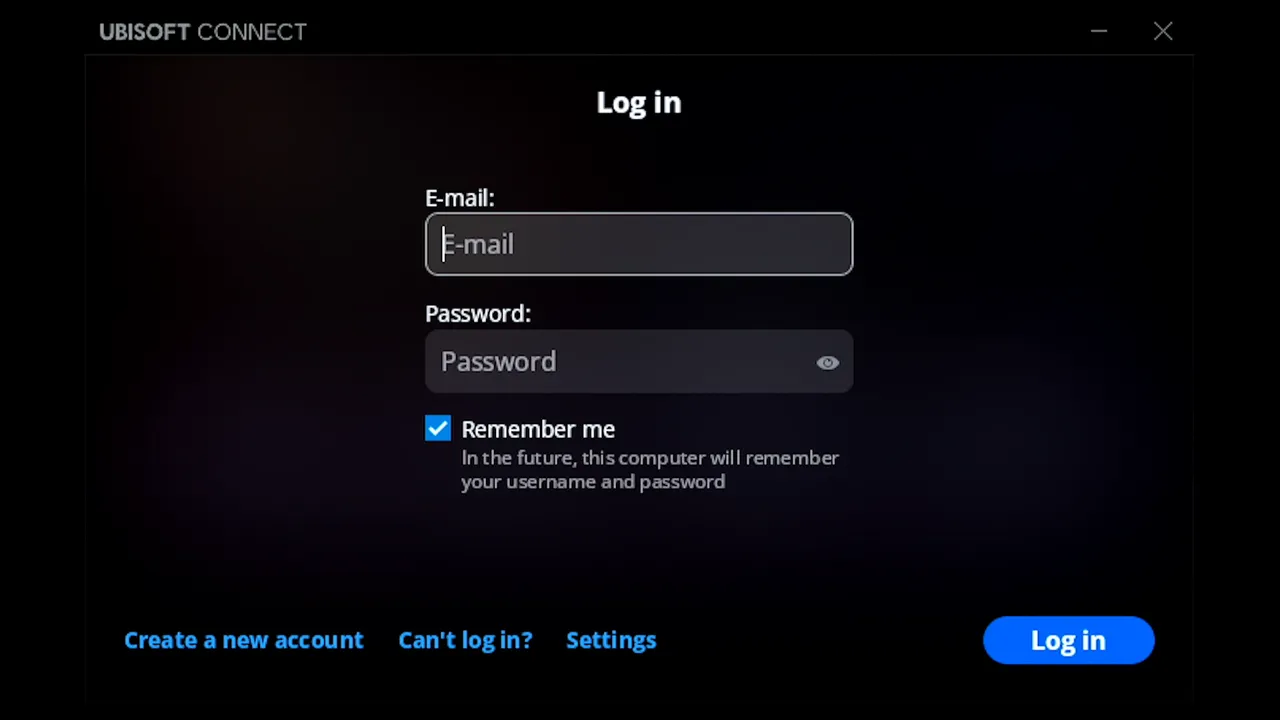
Type the e-mail from your phone
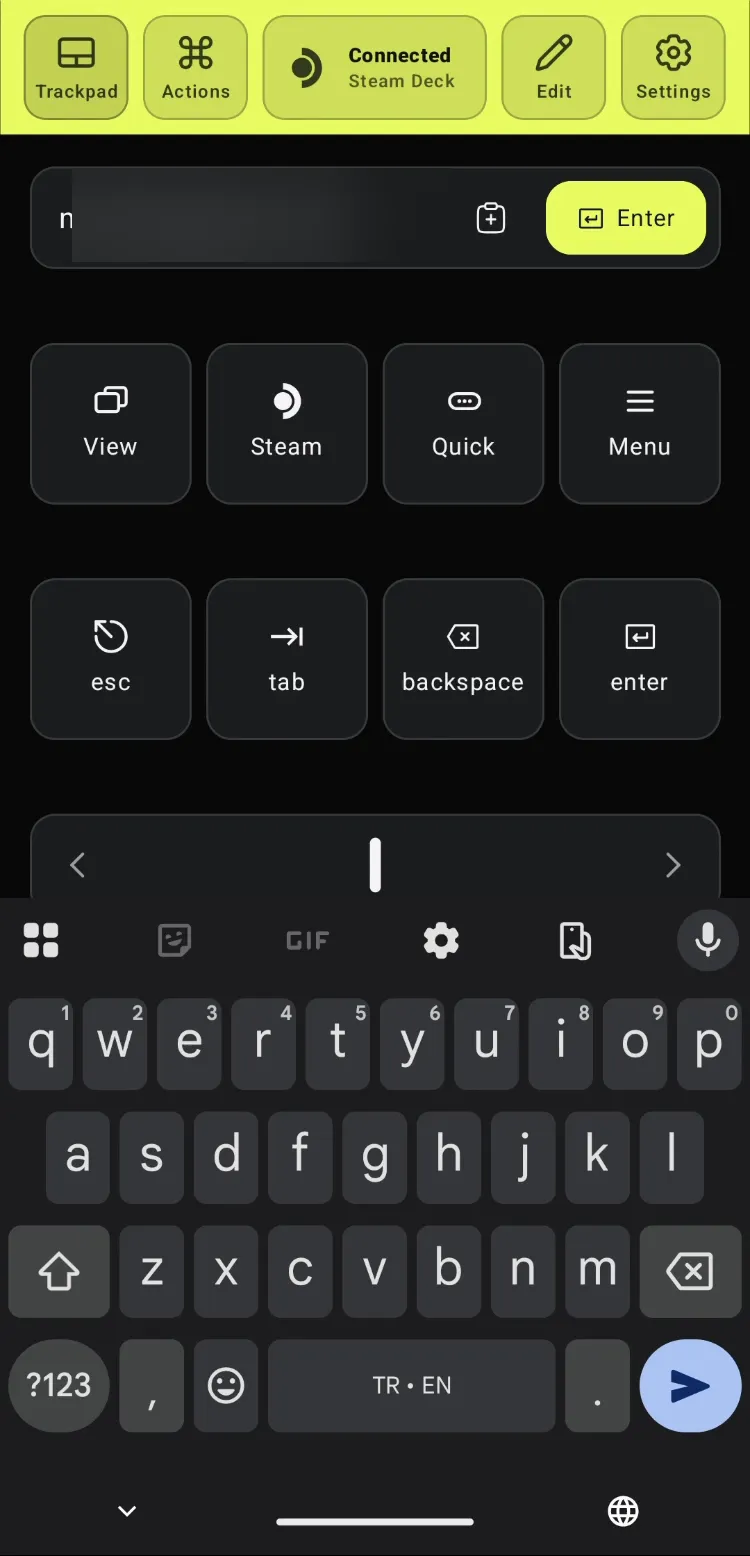
Tap Deck Pointer's Live typing field and type your Ubisoft e-mail on the phone's keyboard. It appears in the E-mail field on the Deck as you type, so the Deck's on-screen keyboard stays out of the way.
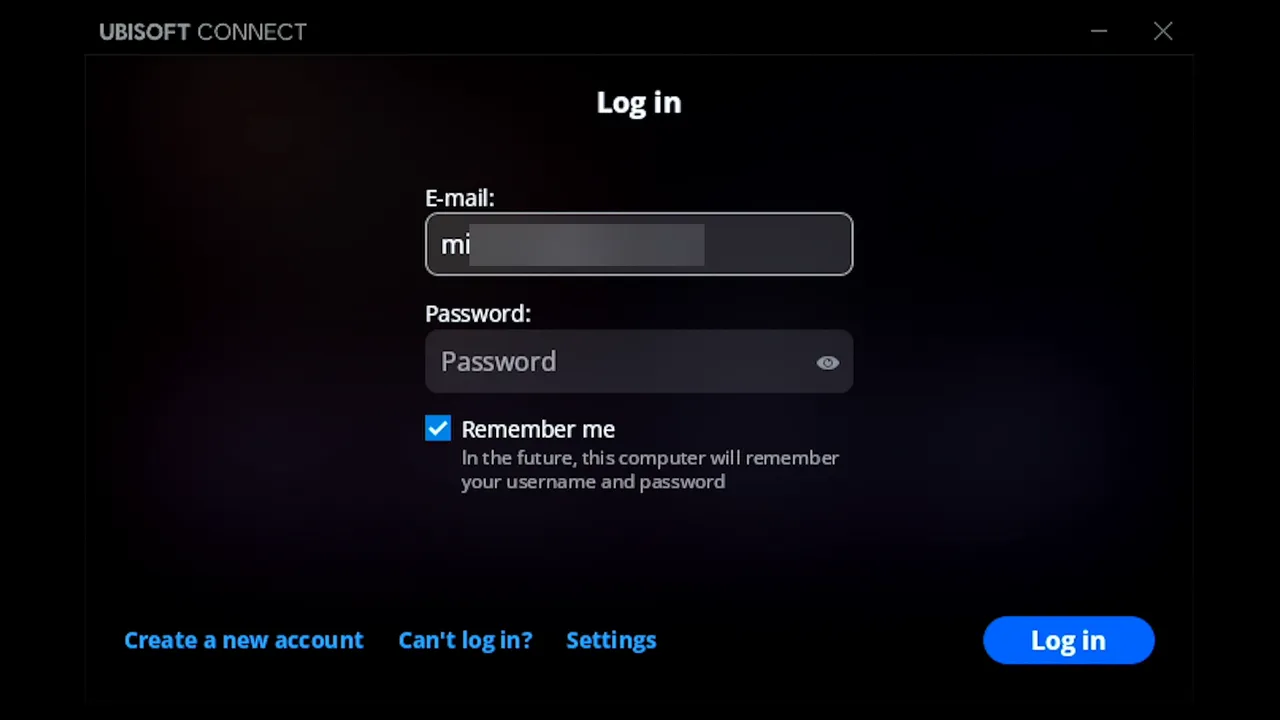
Press Tab to reach the password field
Tap the tab key in Deck Pointer. The focus moves from E-mail to Password. Steam's on-screen keyboard pops up on the Deck; you can ignore it.
Paste the password from your phone
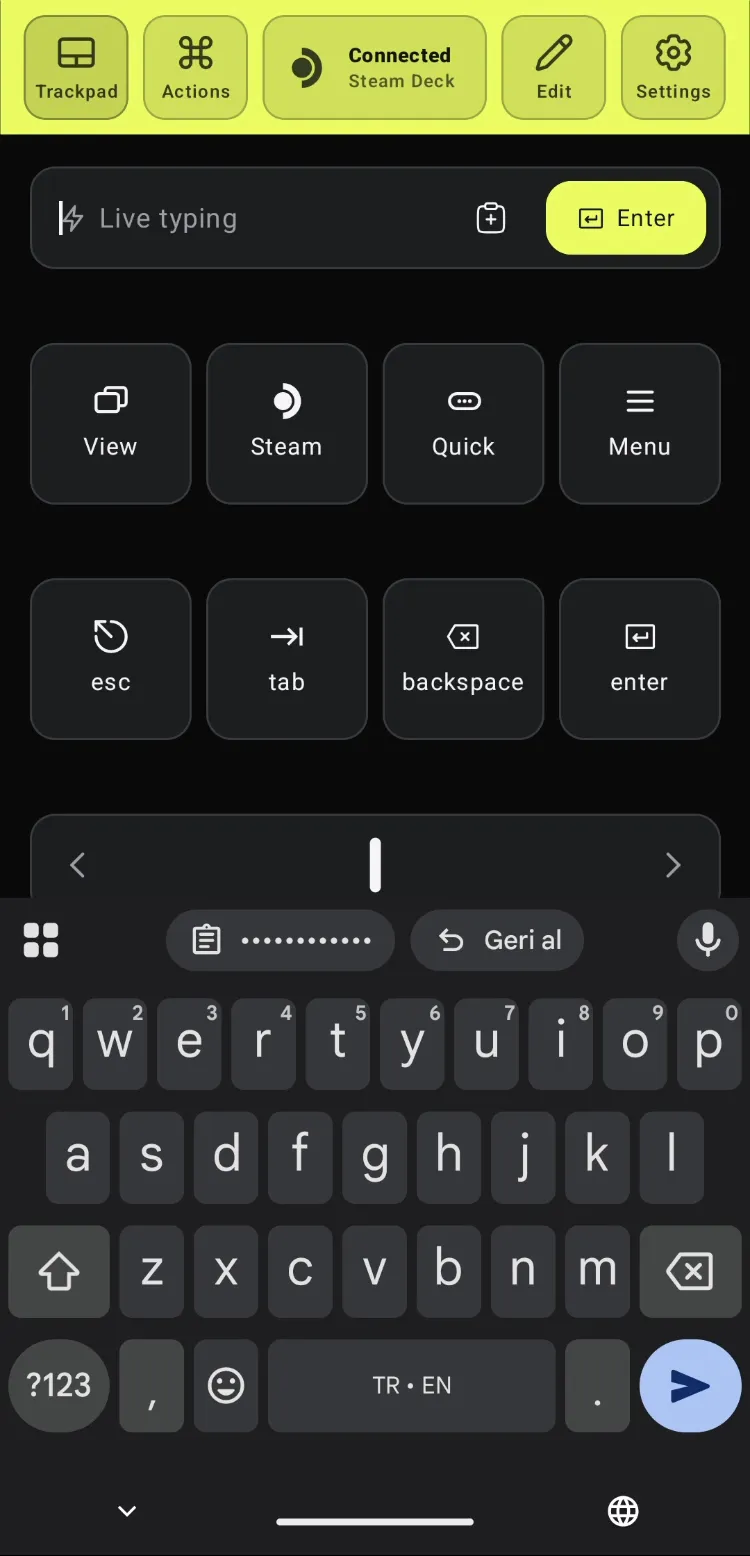
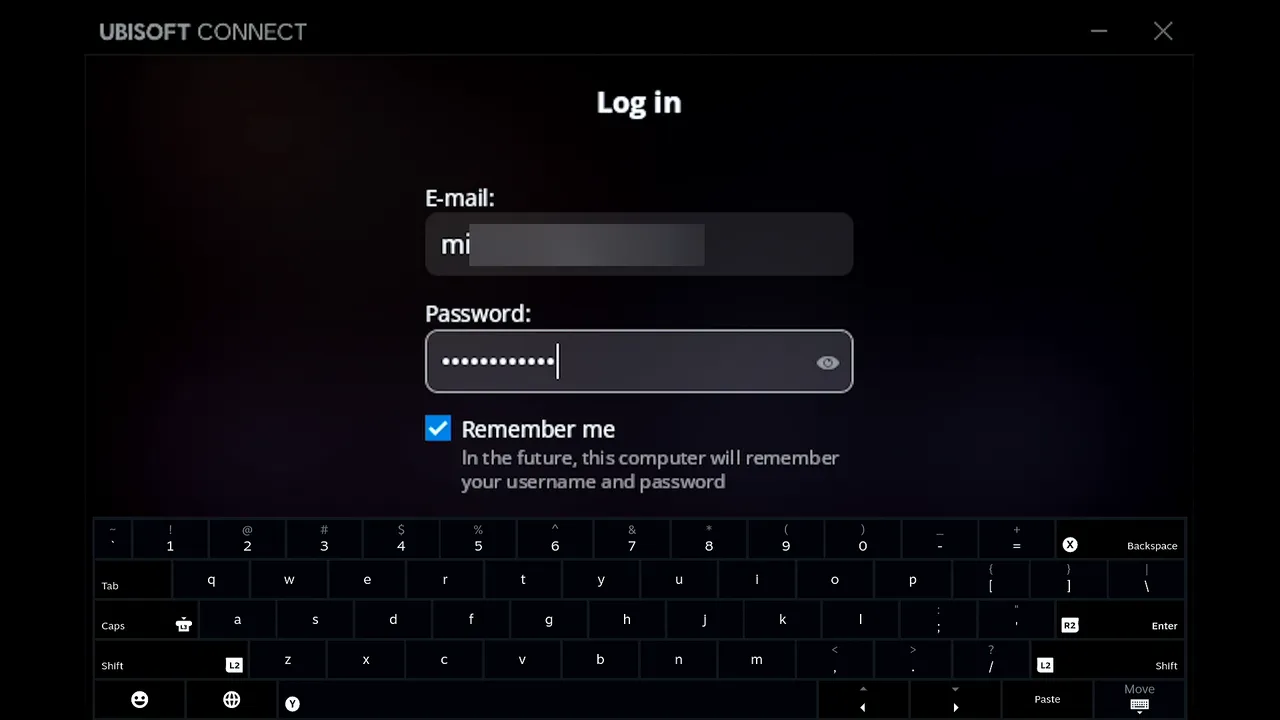
Copy the password from your phone's password manager and paste it into Deck Pointer's text field. The keyboard's clipboard chip shows it as dots. Press Enter in Deck Pointer to send it, and the password lands in the Deck's Password field as dots.
Ubisoft logs you in
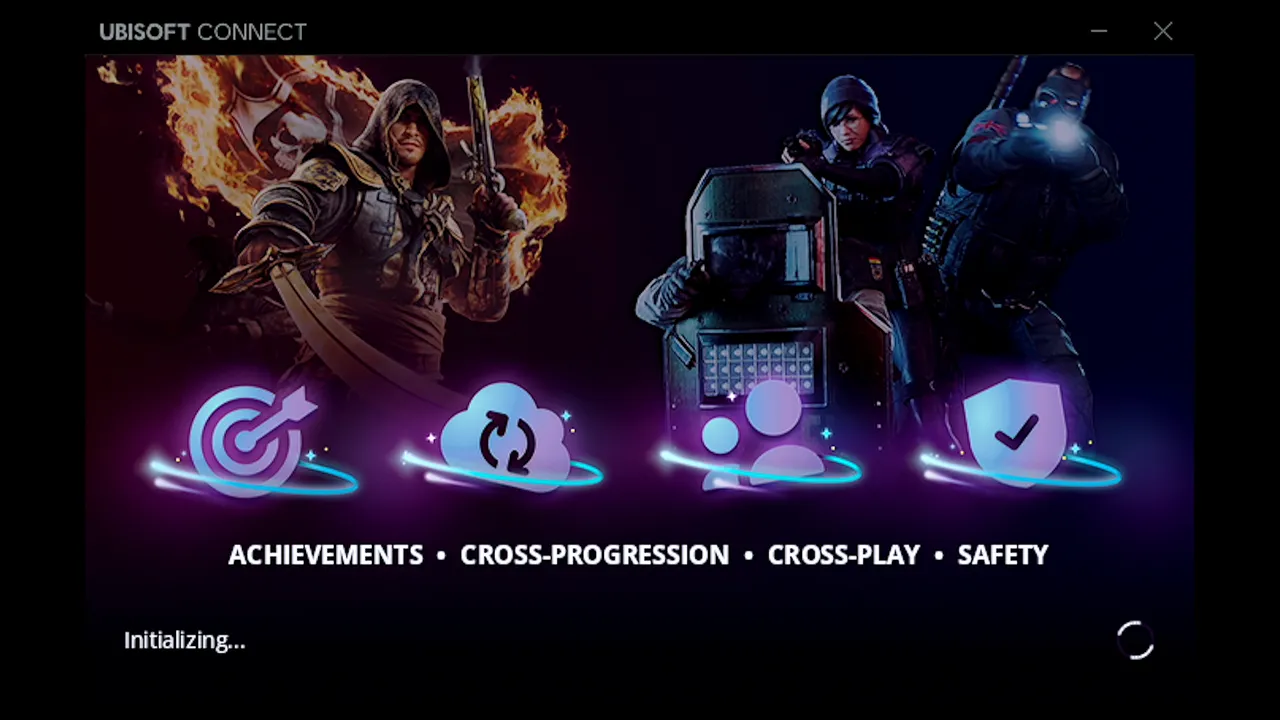
With both fields filled, Ubisoft Connect shows Logging in, then Initializing, and moves on to launching the game.
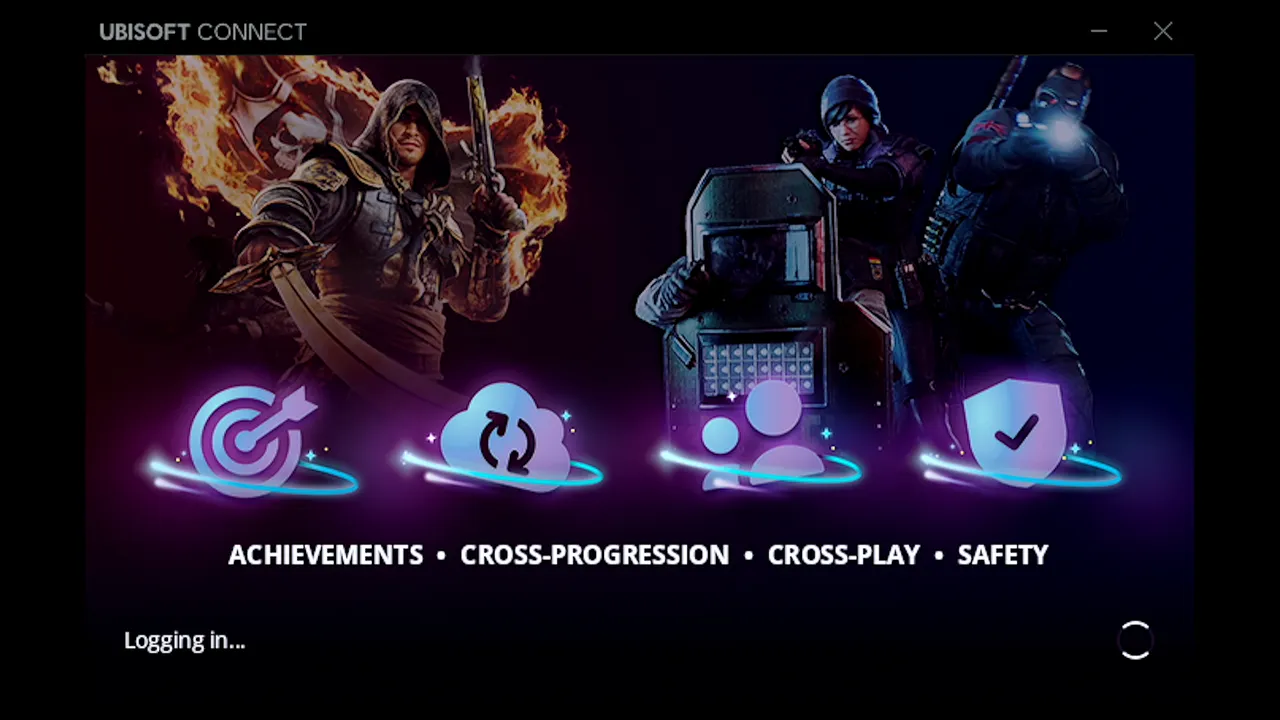
Quit the game to test it
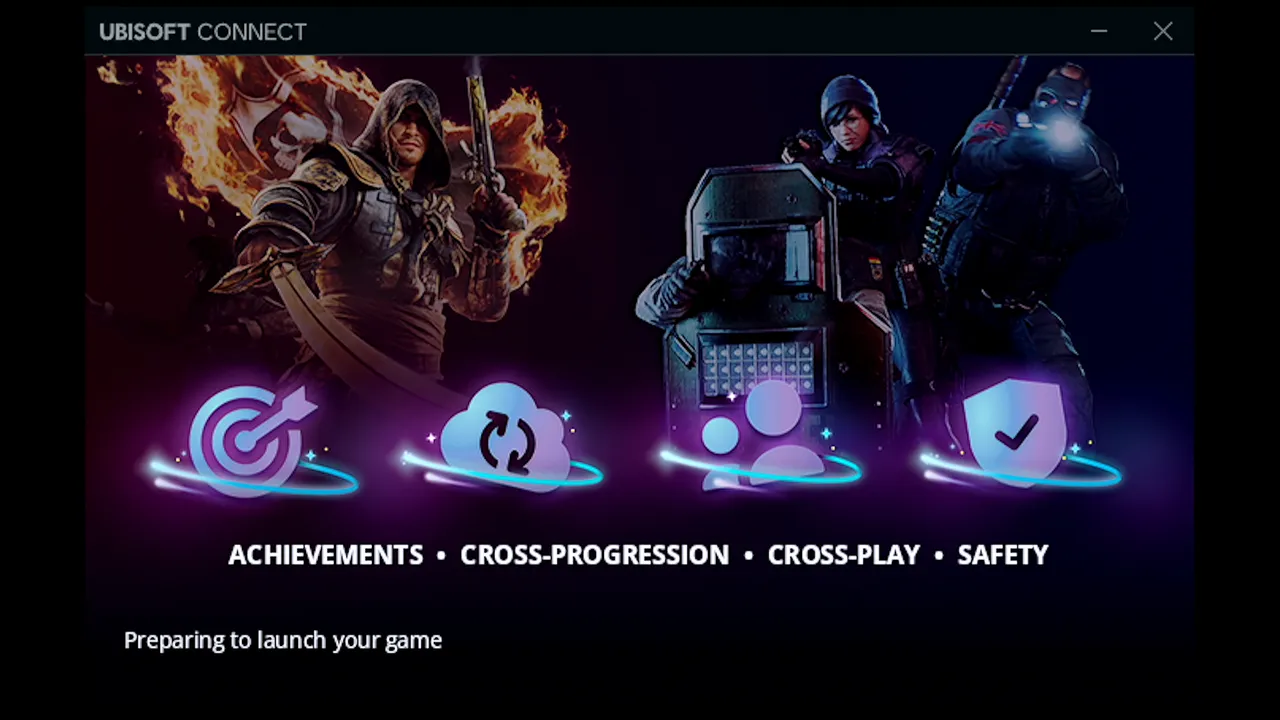
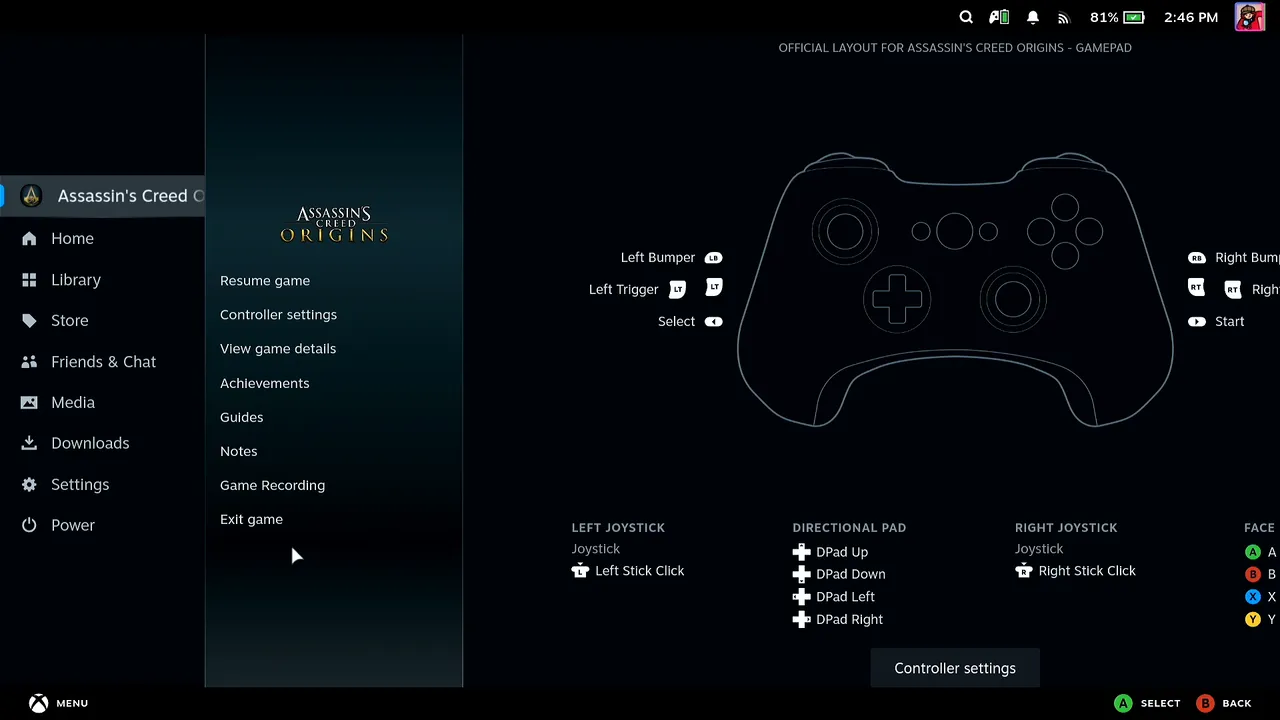
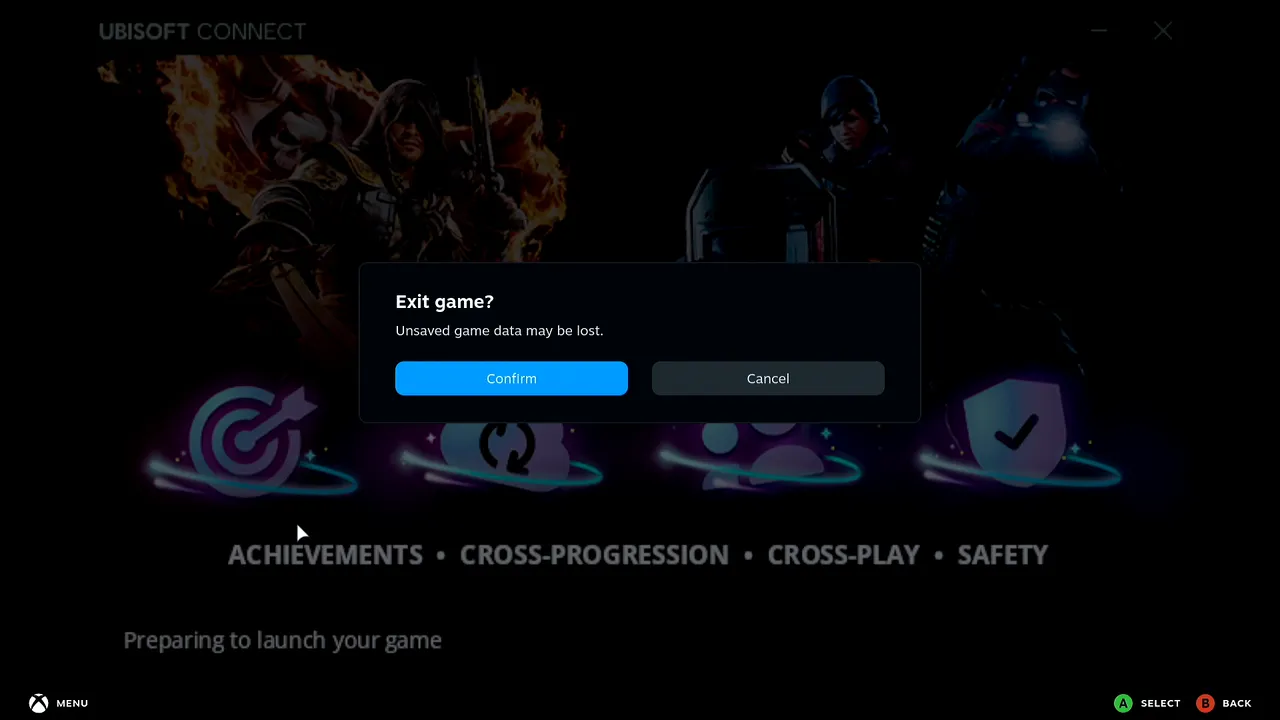
To check that the login sticks, close the game. Ubisoft says it is preparing to launch your game. Press the Steam button, choose Exit game and Confirm.
Press Play again
Back on the game's Steam page, press Play once more.
Ubisoft signs in by itself
This time Ubisoft Connect opens straight on Logging in, then Initializing. There is no Log in form and nothing to type.
It worked: the game is running
Assassin's Creed Origins starts. You typed the e-mail and pasted the password from your phone once, with Remember me ticked, and the next launch signed in without asking.

What people are saying
“Every time I launch, whether I hit Remember Me or not, I have to put my email and password into Ubisoft Connect. Then when I close the game, it forgets me.”
Steam Community discussion, 73 comments · 2023
“This is particularly aggravating on the Steam Deck where I have to enter a secure password using the on-screen keyboard at EVERY launch (so no copy/paste from my password manager).”
Steam Community discussion, reply
Questions, answered
Do I have to log in every time I launch the game?
In the video, no. After one login with Remember me ticked, the next launch opened Ubisoft Connect on Logging in and Initializing, with no form. Some players report the session being forgotten even with Remember me on, so if your launcher asks again, repeat the steps above.
Why paste the password instead of typing it?
The Deck's on-screen keyboard is slow for a long password, and you can't copy from a password manager on the Deck. Deck Pointer sends what you type or paste on the phone to the Deck over Bluetooth.
Does this affect other Ubisoft Connect games too?
The same repeated-login problem is reported on Far Cry 3, Assassin's Creed IV: Black Flag, Assassin's Creed Valhalla and Odyssey, Immortals Fenyx Rising, and Rainbow Six Siege. Ubisoft Connect's Log in form works the same way for them.
Do I need to install anything on the Steam Deck?
No. Pair Deck Pointer with the Deck once over Bluetooth, the same way you pair any Bluetooth keyboard. Only the optional Wi-Fi connection (Android) uses a small app on the Deck, from deckpointer.com/deck.