Steam Deck fixes
Ubisoft Connect on Steam Deck: fix the password prompt in Far Cry 3
Launch Far Cry 3 and Ubisoft Connect asks for your password before the game even starts — every single time, on the Deck's slow on-screen keyboard, with no copy/paste from a password manager.
Valve's own Steam Deck Compatibility panel for Far Cry 3 flags the launcher/setup tool as needing the touchscreen or virtual keyboard — that's Valve's warning. The repeated login itself is a Ubisoft Connect session bug reported directly by players, not something Valve calls out by name.
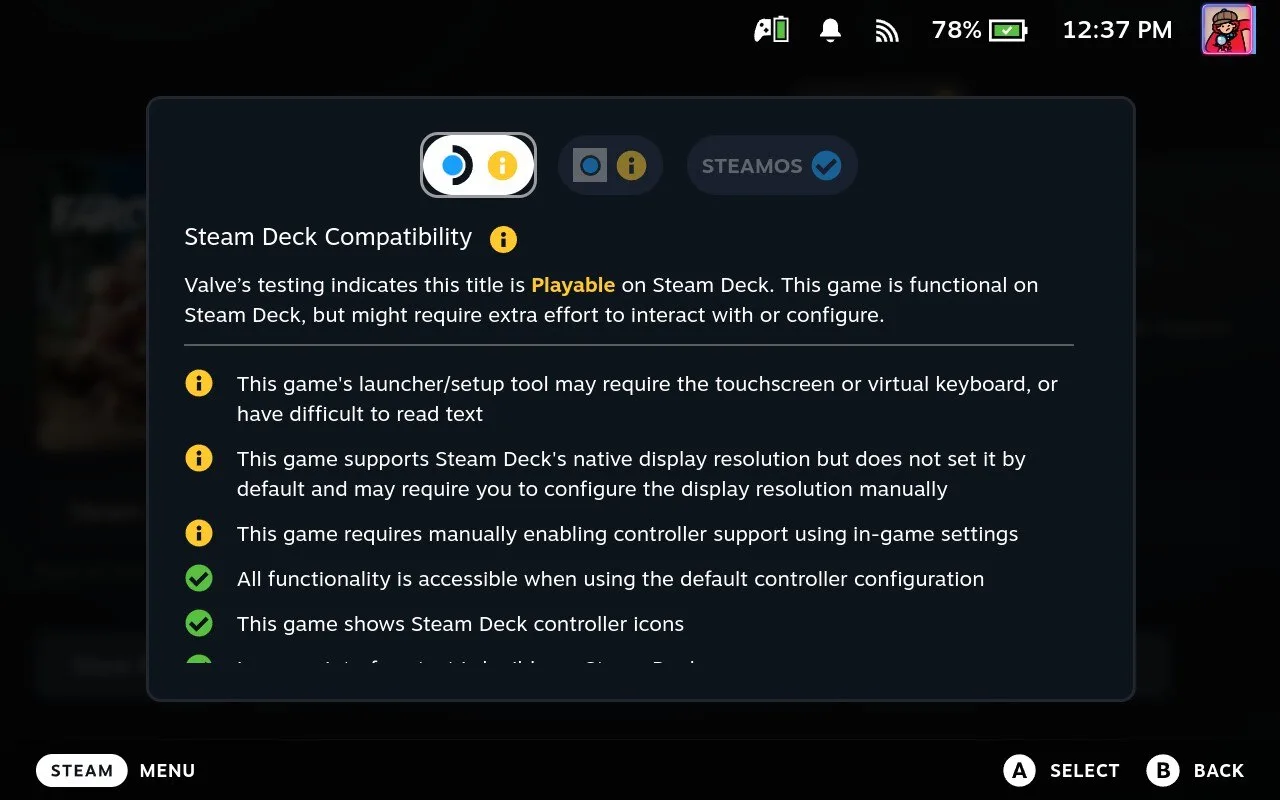
Far Cry 3 carries Valve’s Playable rating on Steam Deck, and the game itself runs fine — the warning Valve does show is about the launcher/setup tool needing the touchscreen or virtual keyboard. What players report separately, launch after launch, is that Ubisoft Connect drops the session the moment the game closes and forces a full email-and-password login back through that same slow on-screen keyboard, with no copy-paste allowed.
Video tutorial
Step by step
Ubisoft Connect asks for your password again
Launch Far Cry 3, or any other Ubisoft game, and the old Ubisoft Connect launcher stops you with its own dialog: "Re-enter your password." It only asks for the password — your e-mail is already filled in and greyed out.
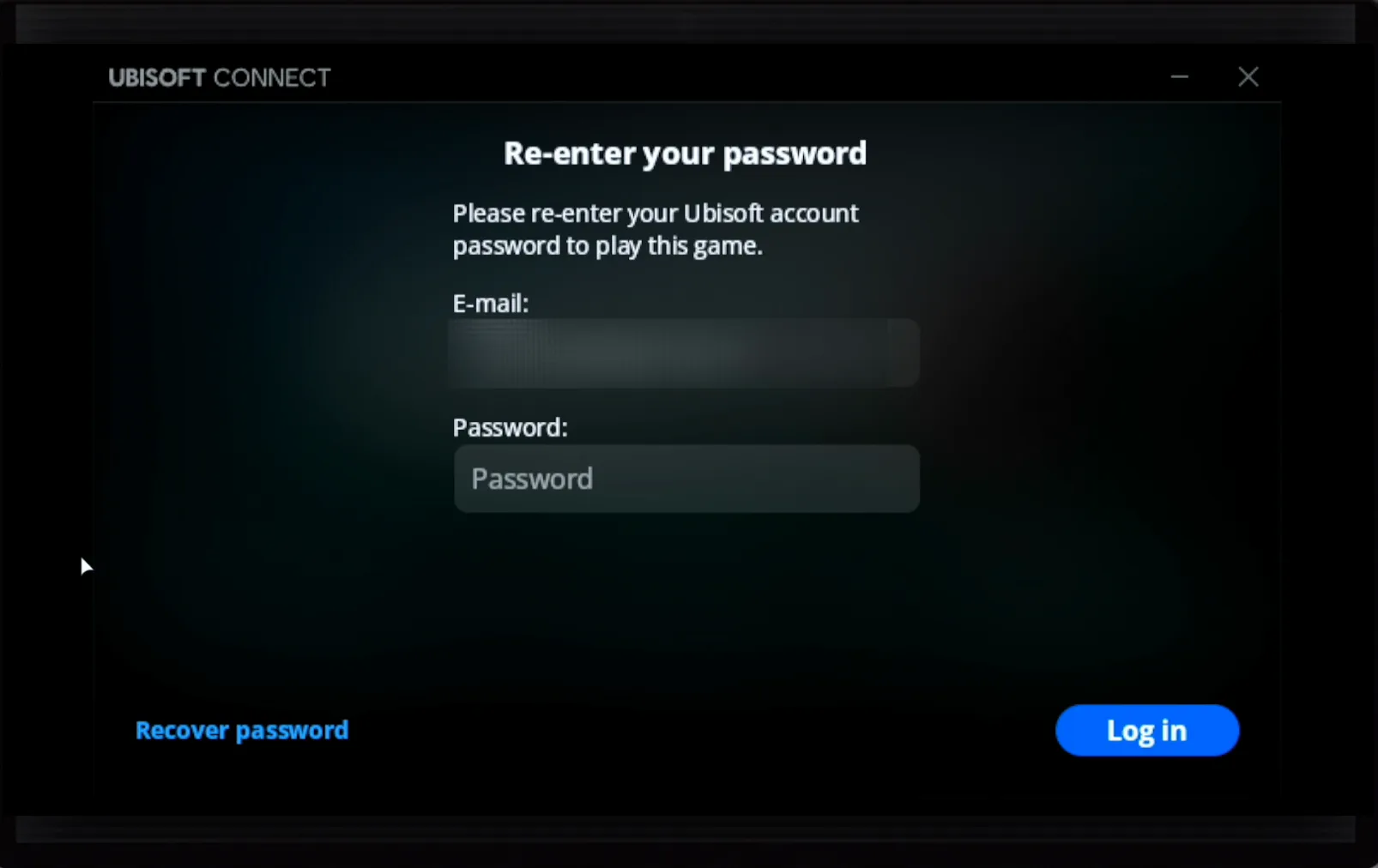
Paste the password from your phone instead of typing it
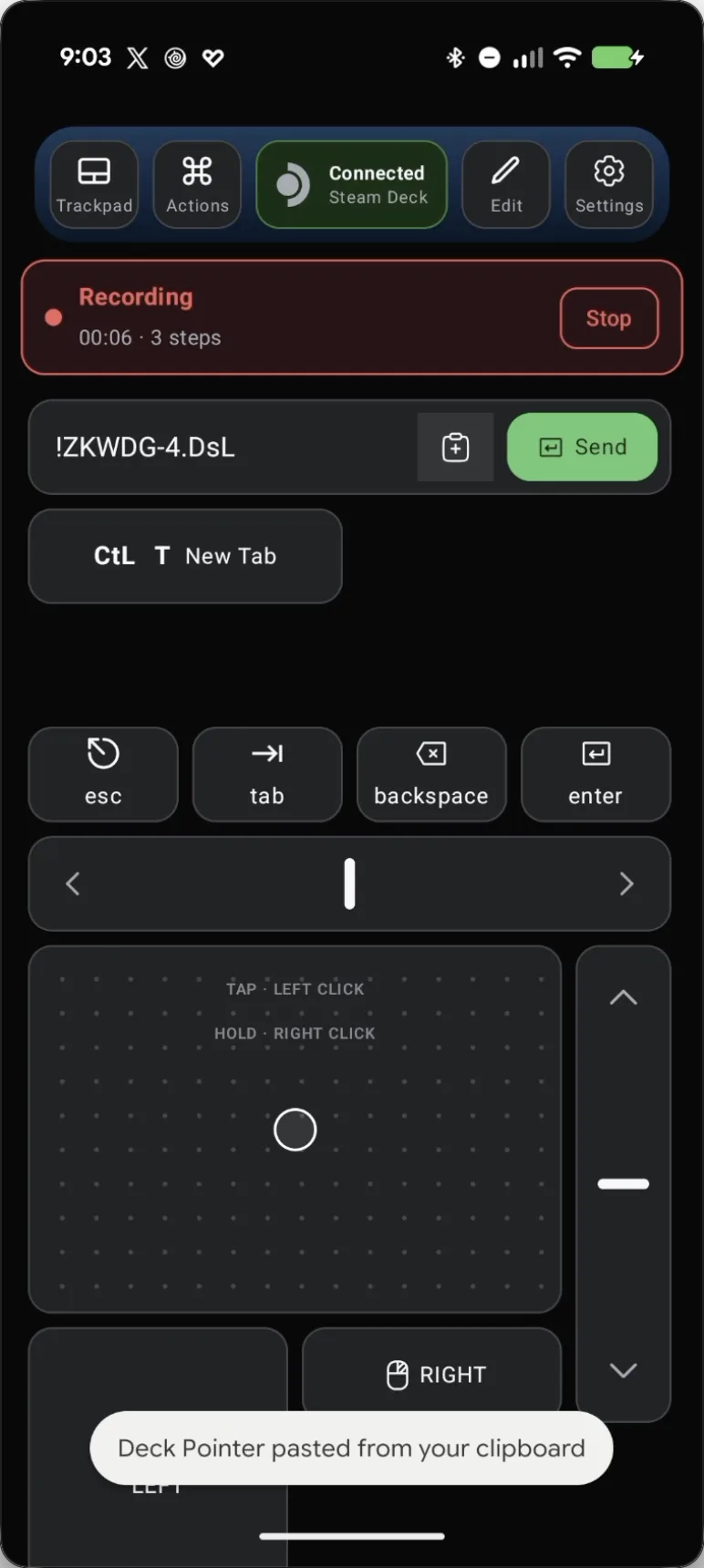
Click the password field on the Deck, then send the password from Deck Pointer's text field — Deck Pointer pastes it from your phone's own clipboard instead of typing it out on the Deck's on-screen keyboard.
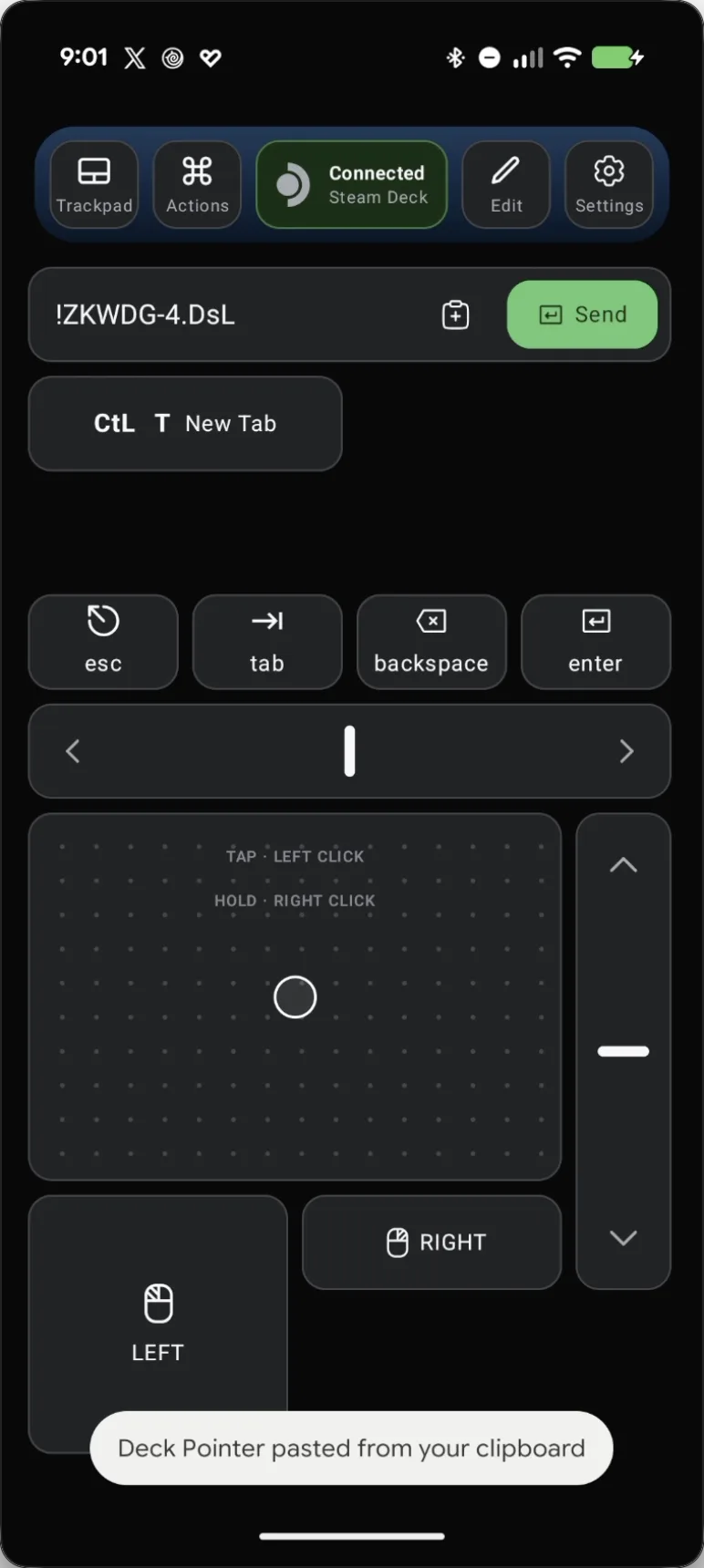
Record that whole login once as an Action
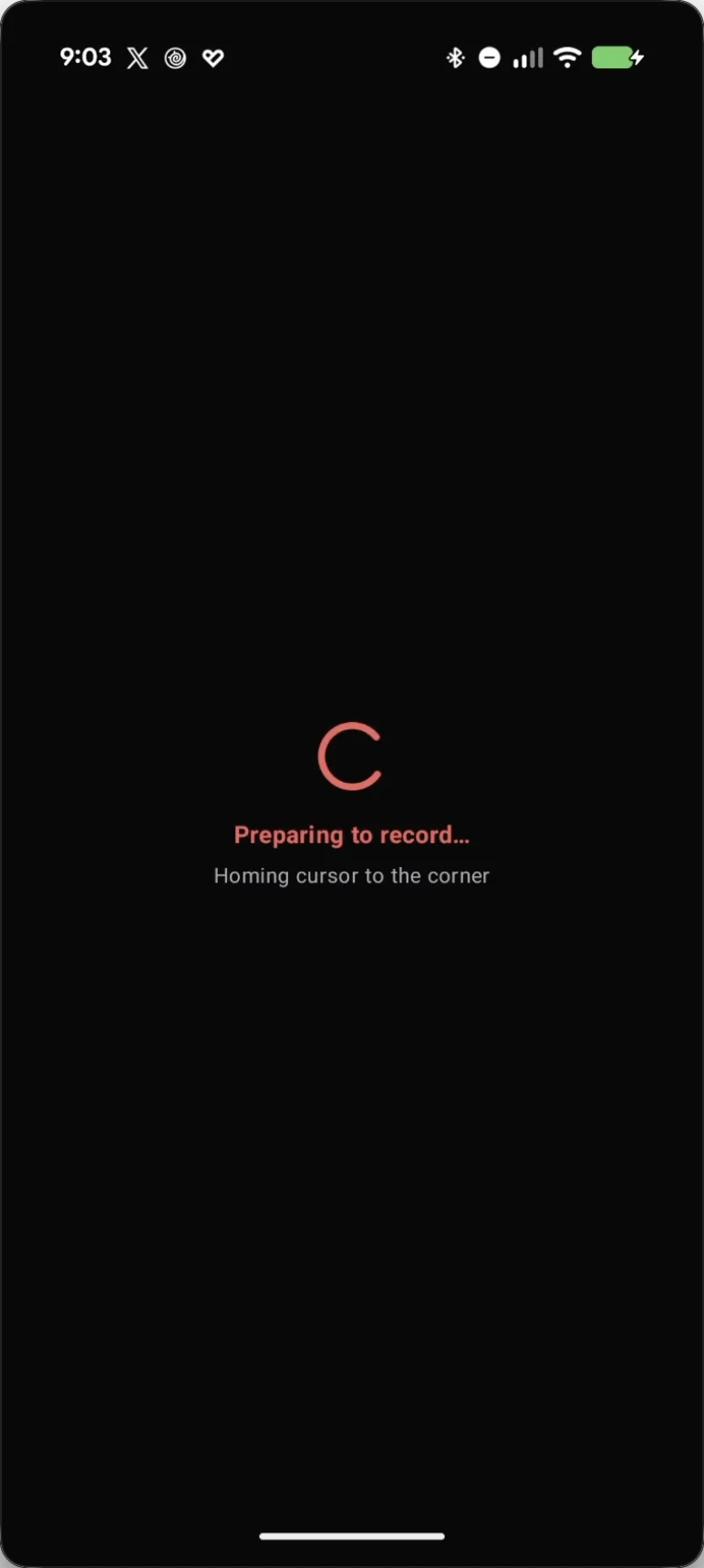
Open Actions and tap Record. Deck Pointer homes the cursor to the corner, then repeat the exact same login: click the password field, paste or type the password, and press Enter.
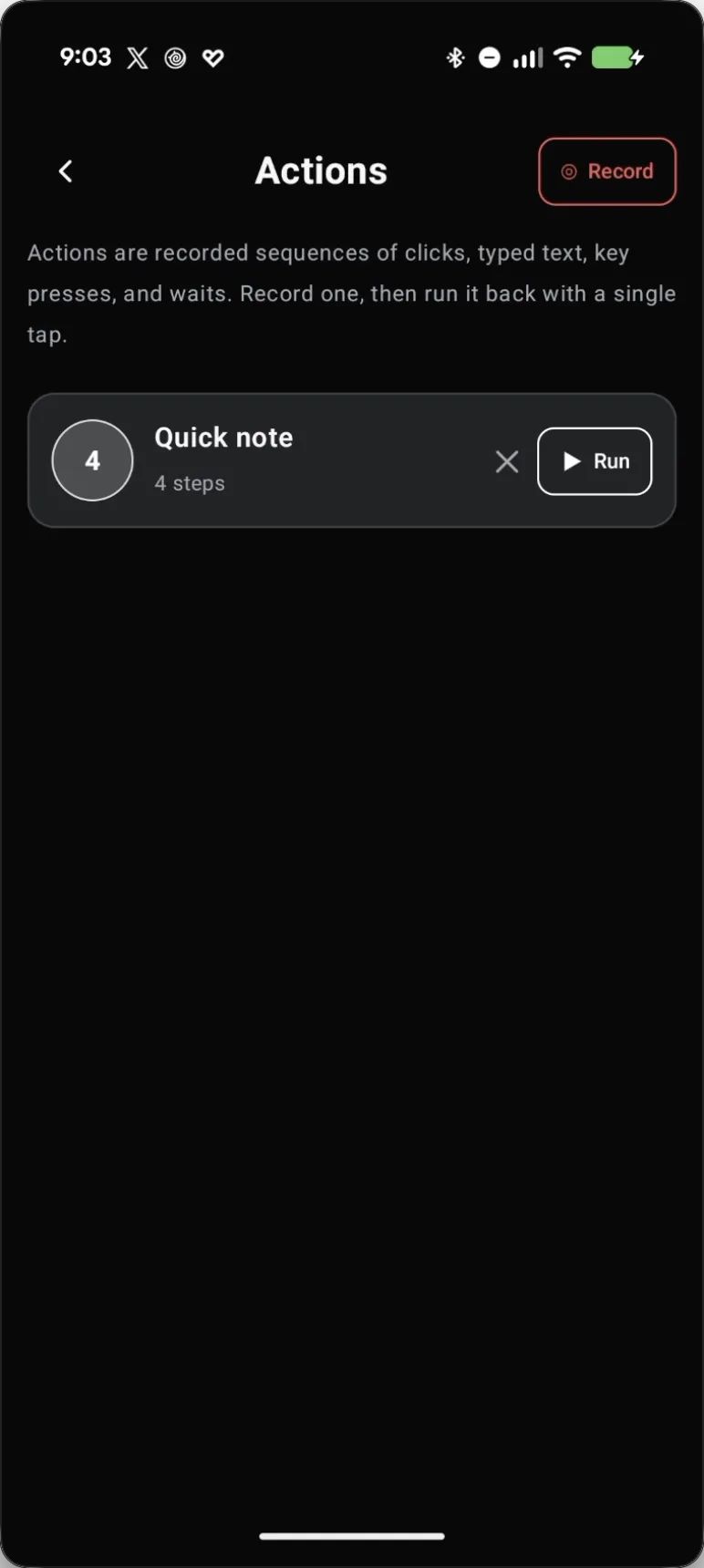
Repeat the login while it records
Every click, move, and keystroke is captured as one Action while you repeat the login — including the paste from your phone's clipboard.
Check the recorded steps
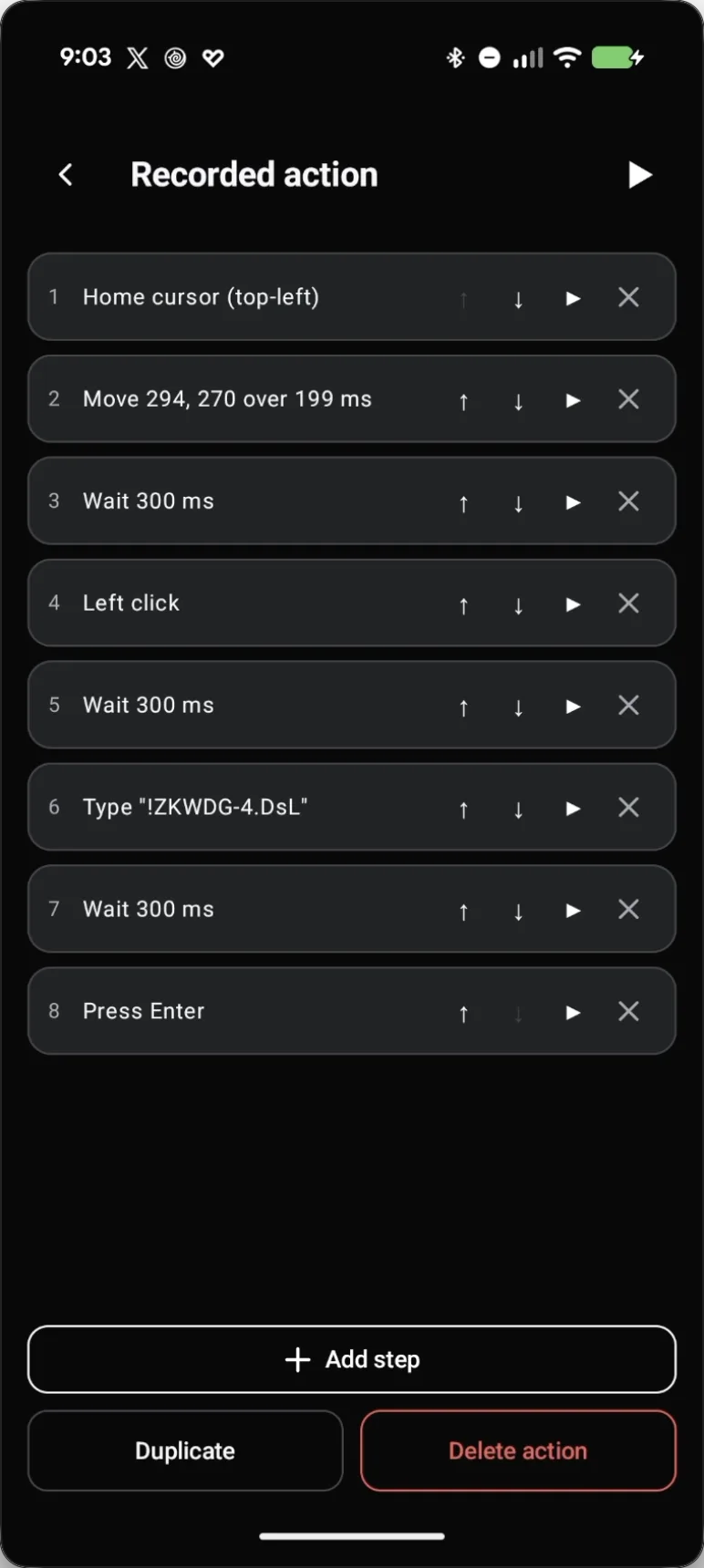
Stop recording and Deck Pointer lists every step it captured — homing the cursor, moving to the field, the click, the typed password, and Enter.
Rename it so you recognize it later
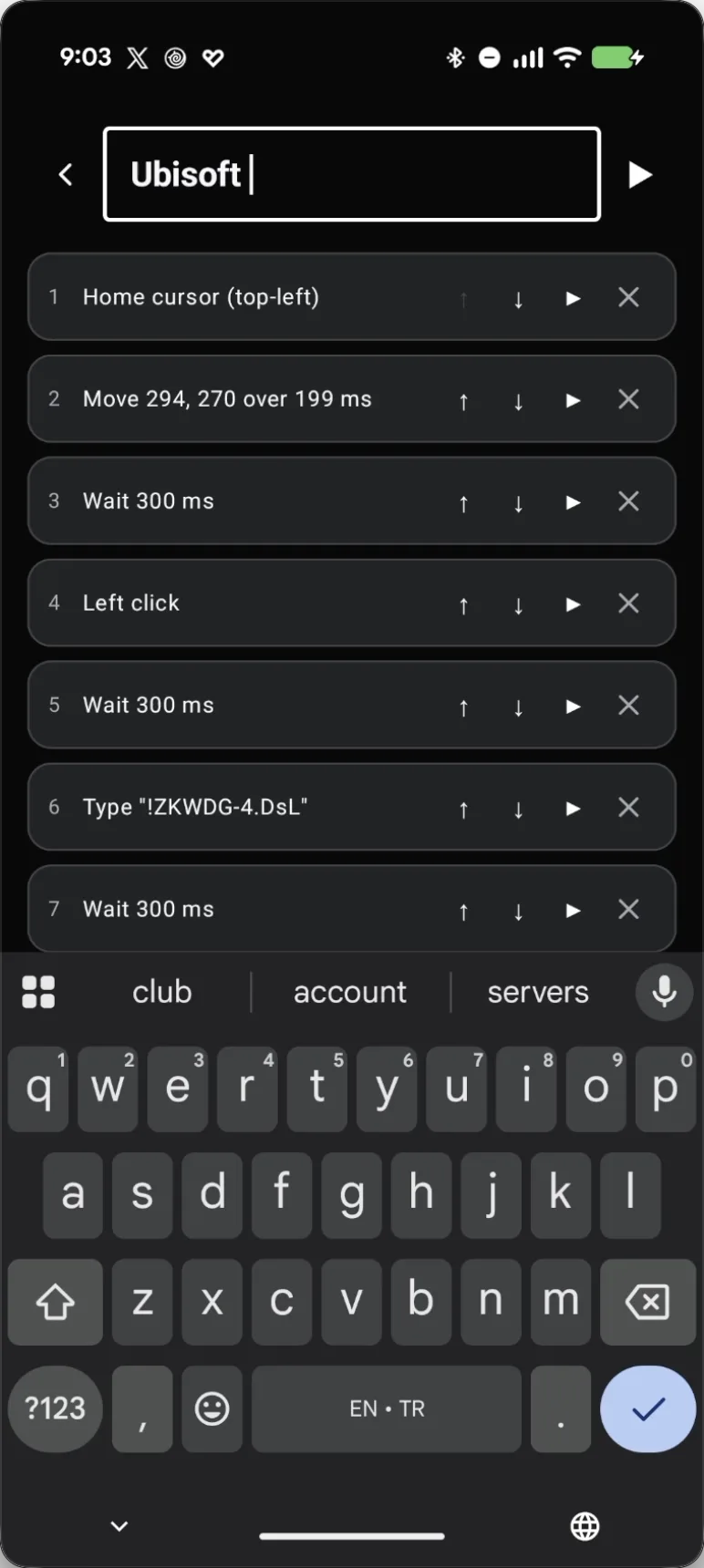
Tap the name field at the top and type something you'll recognize, like "Ubisoft" — the same Action works for any Ubisoft Connect game that shares this login.
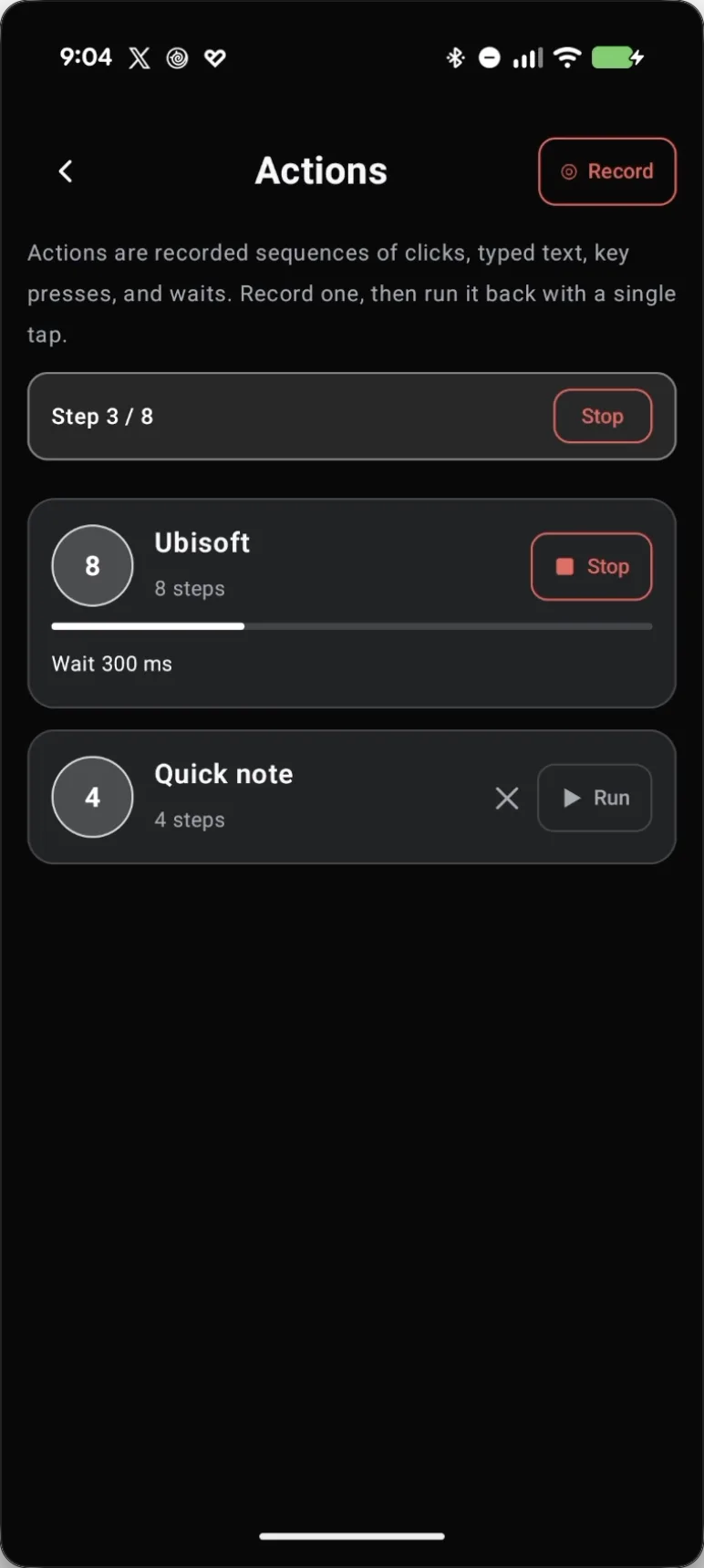
Next time, just tap Run
Next time Far Cry 3 (or any other Ubisoft game) stops on this password dialog, open Actions and tap Run next to your saved Action. It replays the whole login — click, paste, Enter — without touching the Deck's on-screen keyboard.
What people are saying
“This game's launcher/setup tool may require the touchscreen or virtual keyboard, or have difficult to read text”
Steam Deck Compatibility panel, Far Cry 3, in-game
“so everytime i want to play, i have to type my password?”
Steam Community discussion
“This is particularly aggravating on the Steam Deck where I have to enter a secure password using the on-screen keyboard at EVERY launch (so no copy/paste from my password manager).”
Steam Community discussion, on Assassin's Creed Origins — same Ubisoft Connect session bug
Questions, answered
Does this fix cover other Ubisoft Connect games too?
Yes — the same Ubisoft Connect session bug is reported on Assassin's Creed Origins, Assassin's Creed IV: Black Flag, Rainbow Six Siege, and the rest of the Ubisoft catalog on Deck. One recorded Action covers all of them if they share a login.
Does Deck Pointer store my password?
Actions live only on your phone — no cloud, no account, no sync. The recorded keystrokes never leave the device.