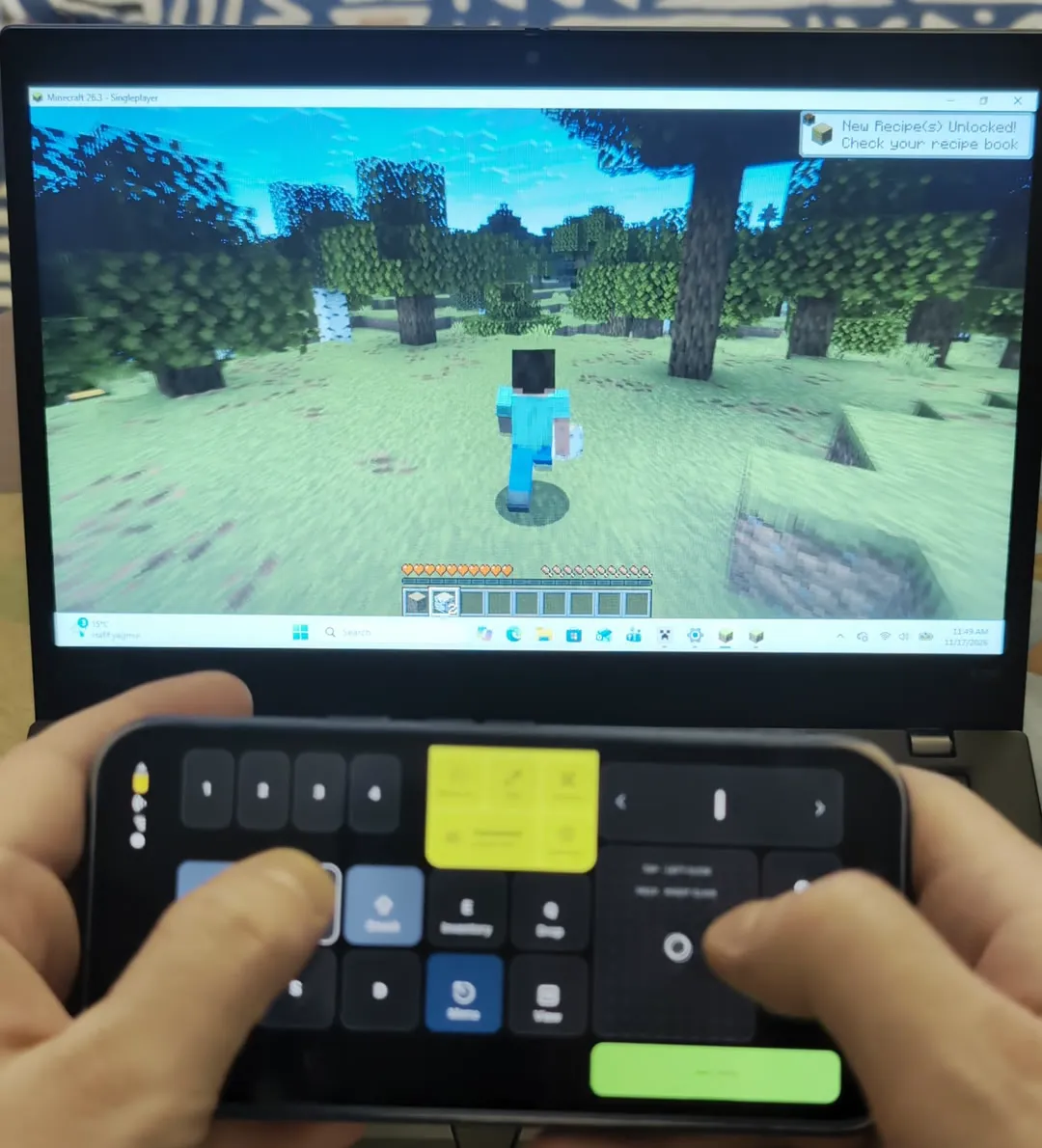
Video tutorial
Minecraft Java Edition has no controller support. Plug a gamepad in and the game ignores it, because Java only listens to a keyboard and a mouse.
Your phone can be both. Over Bluetooth it types the keys and moves the mouse, so Minecraft plays as it always did. Below: how to set it up, what each key does, and how to move the keys to fit your thumbs.
Why a controller does not work in Java
Java reads a keyboard and a mouse, nothing else
Bedrock Edition reads game controllers itself. Java Edition has no controller support of its own: the usual fix is a mod. Without one, the game only listens to keys and the mouse.
So the phone becomes the keyboard and the mouse
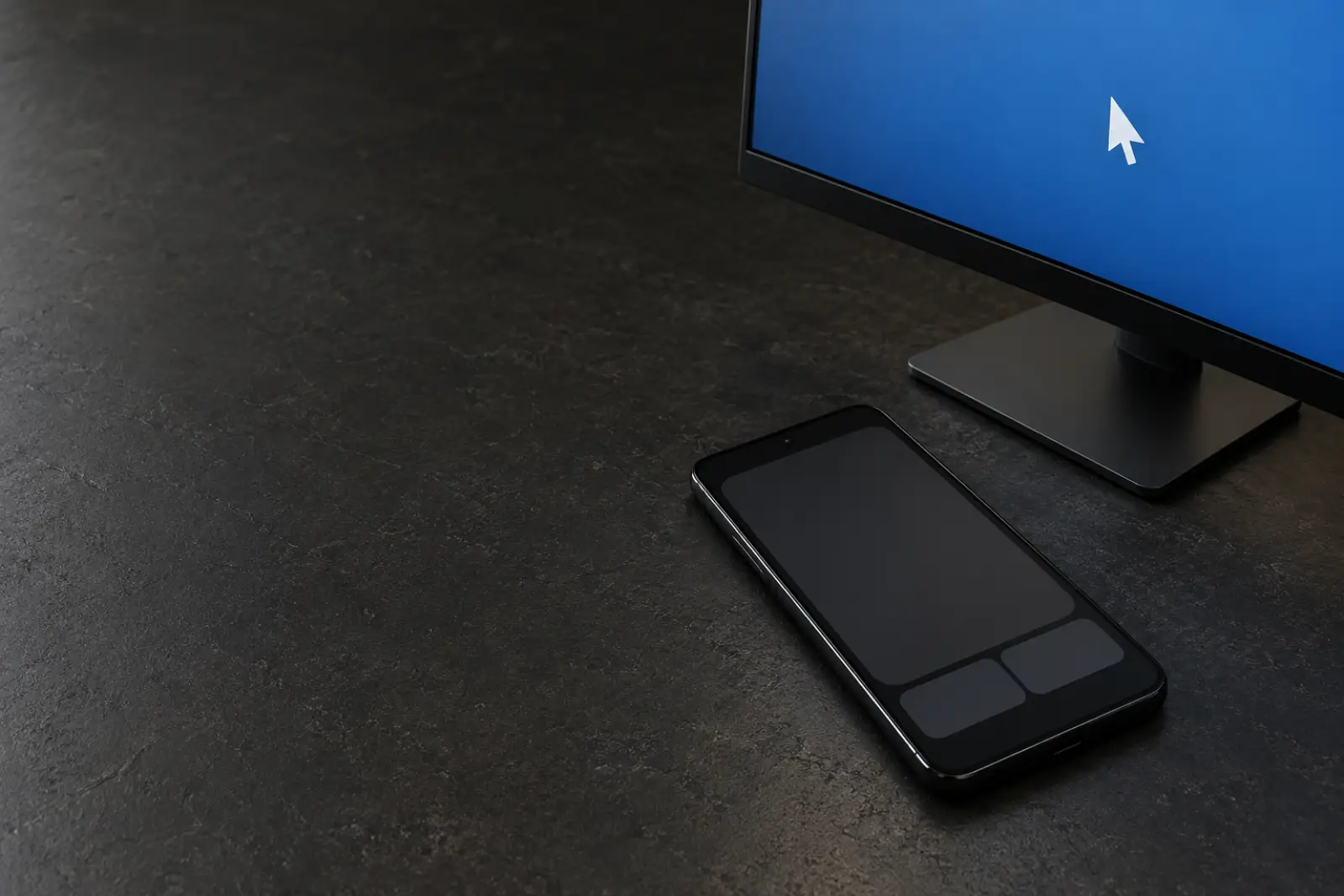
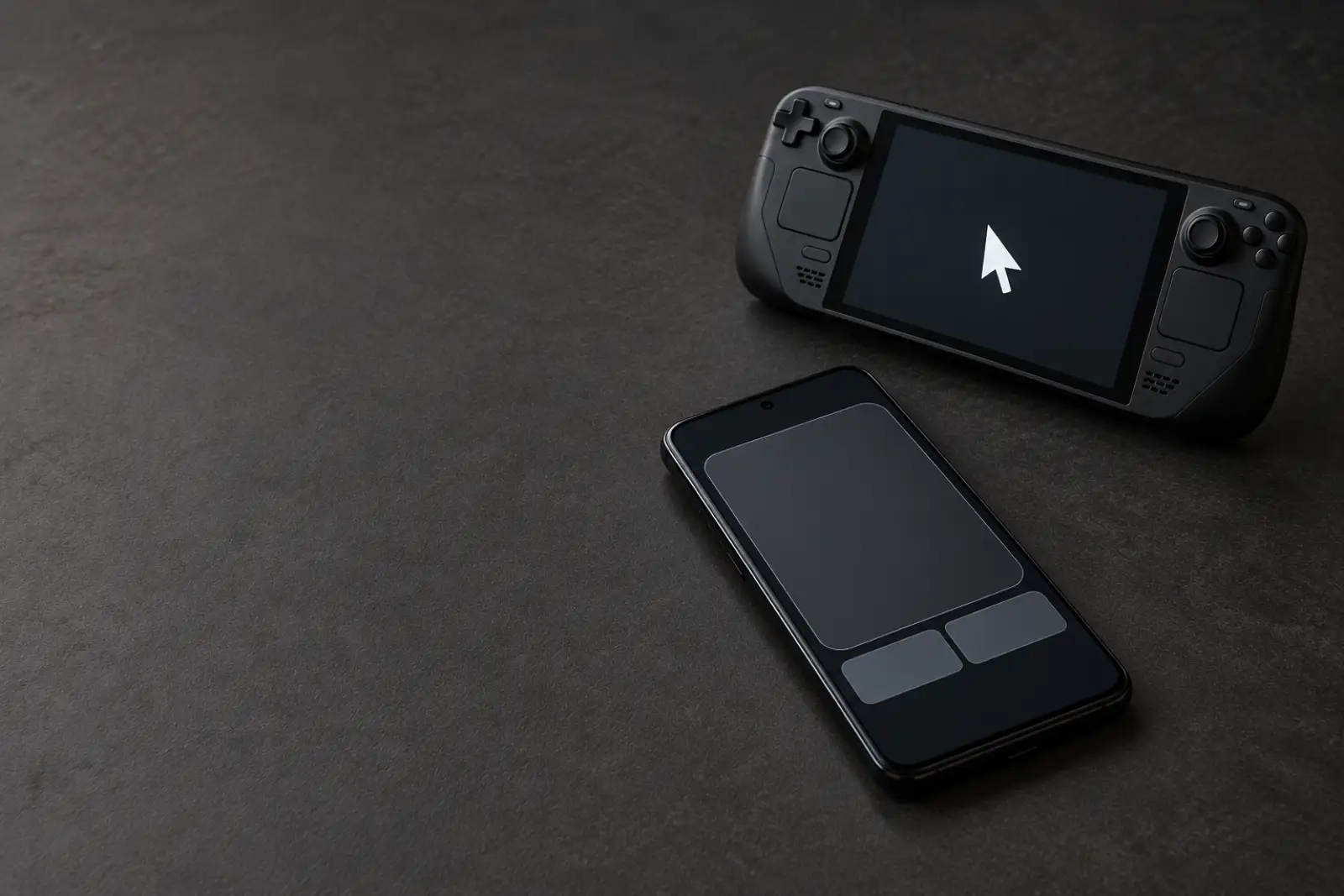
Over Bluetooth, your phone shows up as a keyboard and a mouse. The game cannot tell it from the real ones, so nothing is installed on the PC and nothing is modded in Minecraft.
Play Minecraft on your phone
Connect and add the preset
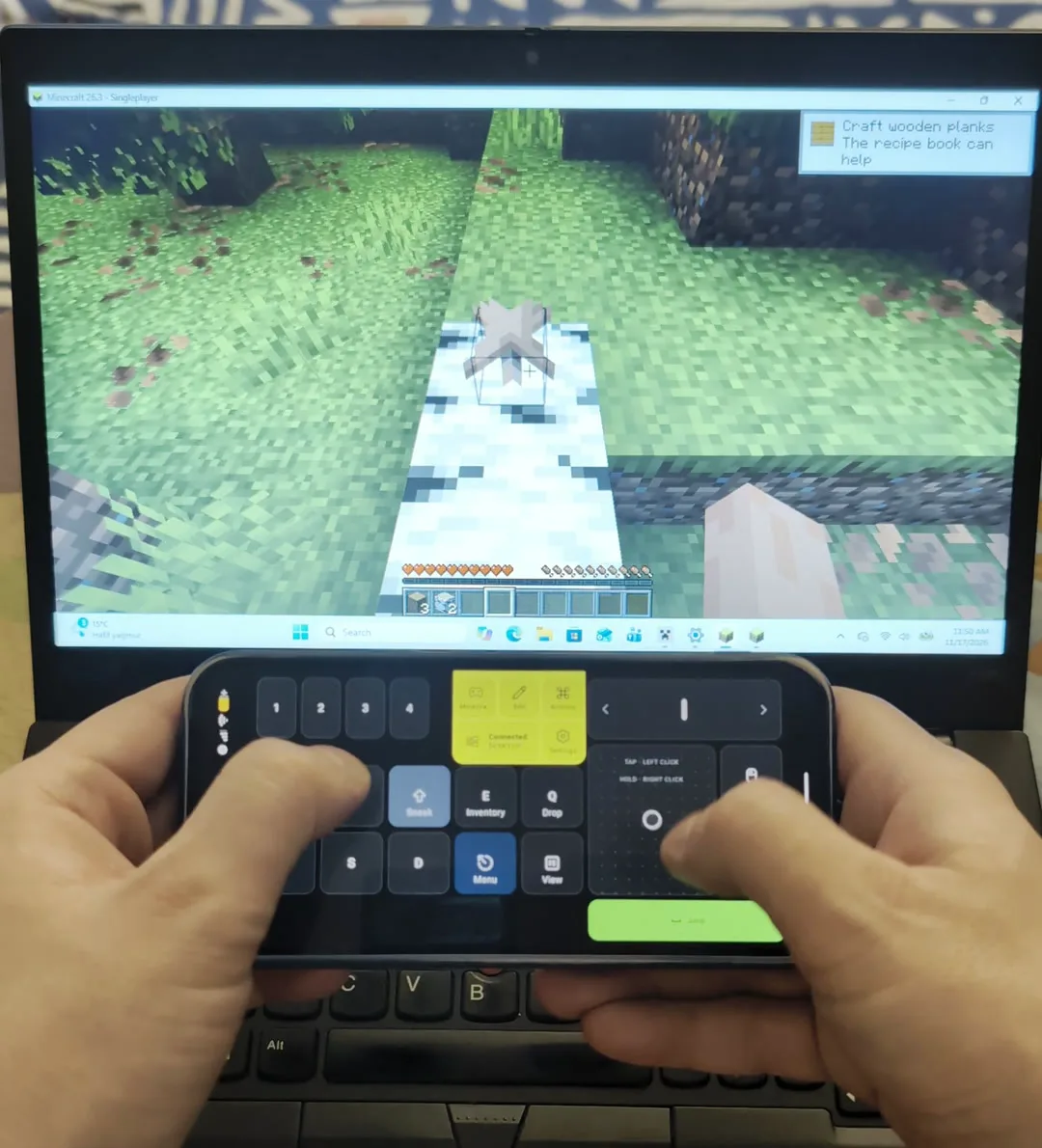
Pair your phone with the PC over Bluetooth. In Deck Pointer tap the preset name, Browse more presets, and add Minecraft. Turn the phone sideways: it is a landscape layout.
Left thumb walks, right thumb looks
W, A, S and D are on the left. The big pad on the right is the trackpad: slide on it to look around, the way you would move a mouse. Attack and Use are the mouse buttons at its right edge.
What each key does
Sprint and Sneak stay on while you hold them
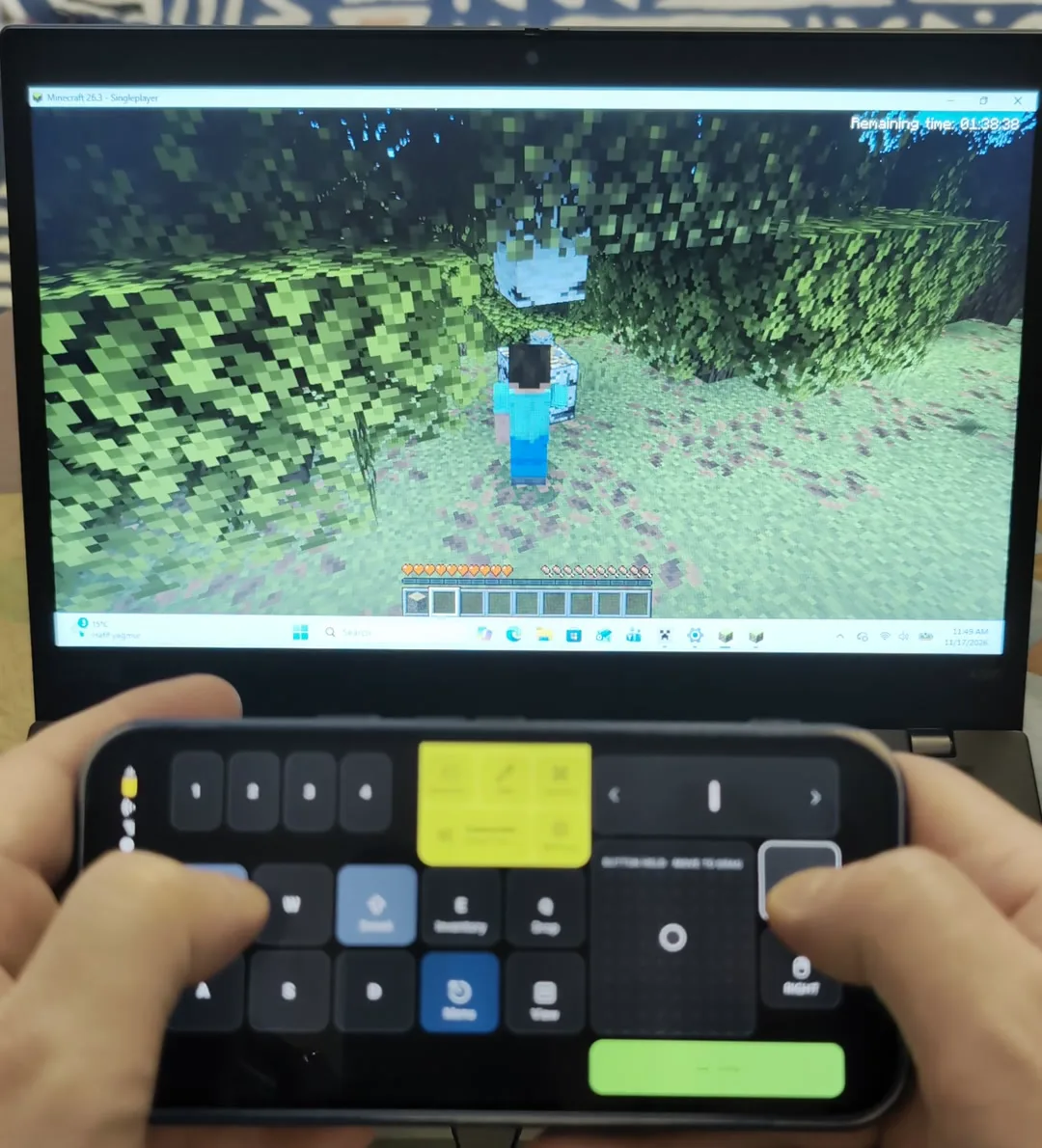
Sprint is Ctrl and Sneak is Shift, and they are on the corners above the movement keys. Keep a thumb on one while you walk, the way you would on a keyboard.
Jump is a bar under the look pad
Space is a wide bar under the trackpad, so your right thumb can jump while your left walks.
Mine, place and fight
Attack is the left mouse button: hold it to break a block. Use is the right one: place a block, open a chest, eat.
The hotbar
Keys 1 to 4 are on the top left, and the strip on the top right scrolls through the rest of the hotbar, like the mouse wheel.
Inventory, Drop, View and Menu
Inventory is E, Drop is Q and View is F5, which switches between first and third person. Menu is Esc.
Make it yours
Move the keys you use
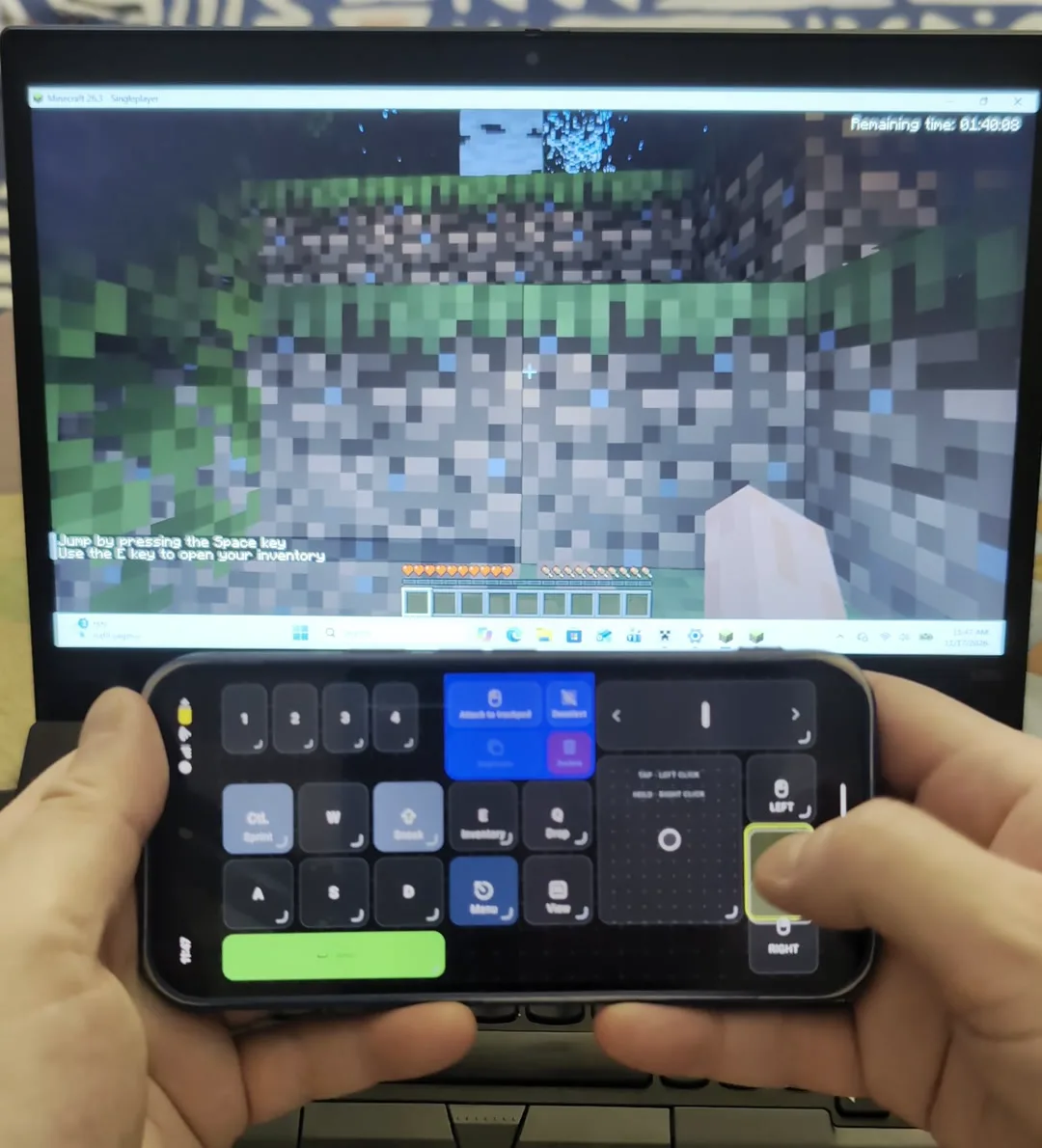
Tap Edit, then drag a key to where your thumb wants it, or resize it. Put Jump, Sprint or the hotbar anywhere on the grid.
If you changed Minecraft's controls
The preset sends the game's default keys: E, Q, F5, Esc, Ctrl, Shift and Space. If you rebound any of them in Options, Controls, Key Binds, change the same key in the preset.
Questions, answered
Does Minecraft Java Edition support controllers?
Not by itself. Bedrock Edition reads controllers, and Java needs a mod to do the same. This guide skips the mod: the phone plays the keyboard and the mouse, which Java already understands.
How do I play Minecraft Java with my phone as a controller?
Pair the phone with the PC over Bluetooth, add the Minecraft preset in Deck Pointer, and turn the phone sideways. W A S D walk, the pad looks, and Attack and Use are the mouse buttons.
Does it work in Bedrock Edition?
We tested it on Java Edition. Bedrock on a PC uses nearly the same default keys, but we have not checked it, so we do not promise it. Bedrock also reads game controllers by itself, which is a different guide.
Do I need a mod or anything installed on the PC?
No. The PC sees a Bluetooth keyboard and mouse. Minecraft is not modified.
Can I use it on a server?
It sends the same key presses and clicks as a keyboard and a mouse. A server cannot tell the difference, but check its rules if you are unsure.
How do I get to hotbar slots 5 to 9?
Slide on the strip on the top right: it scrolls the hotbar like a mouse wheel.
Does it work with a Steam Deck or a Mac?
This guide was tested on a Windows PC. It sends ordinary keyboard and mouse input, but we only claim what we checked.


 Steam Deck